Changing the IP Address of vRLCM after it's deployment

Is there a use-case where one needs to change the IP Address of vRLCM after it's already deployed and running. Let's discuss the procedure
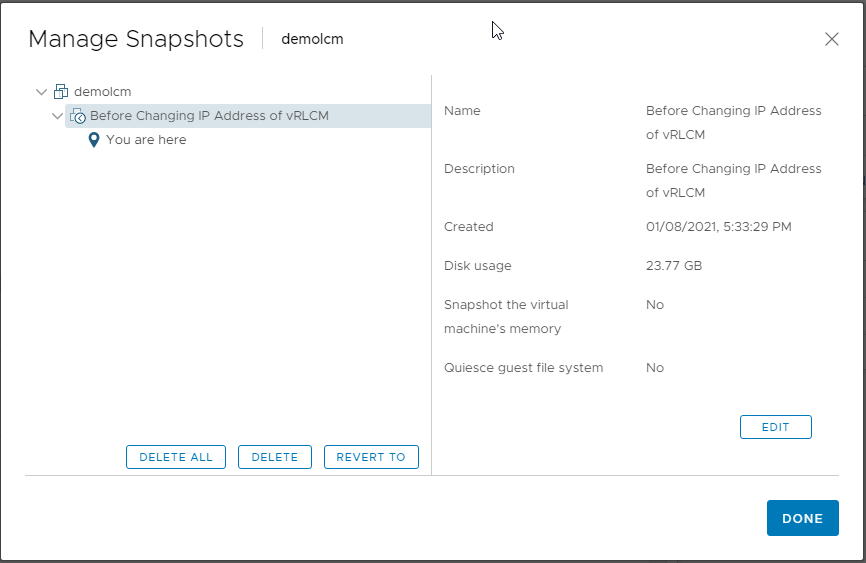
Take Snapshot of vRLCM ( No Memory and No Queiscing )
Modify existing DNS records to accommodate new IP Address
SSH to existing vRLCM appliance and execute below command which would assist in changing network configuration of this appliance
/opt/vmware/share/vami/vami_config_net
Press 0 to show existing configuration
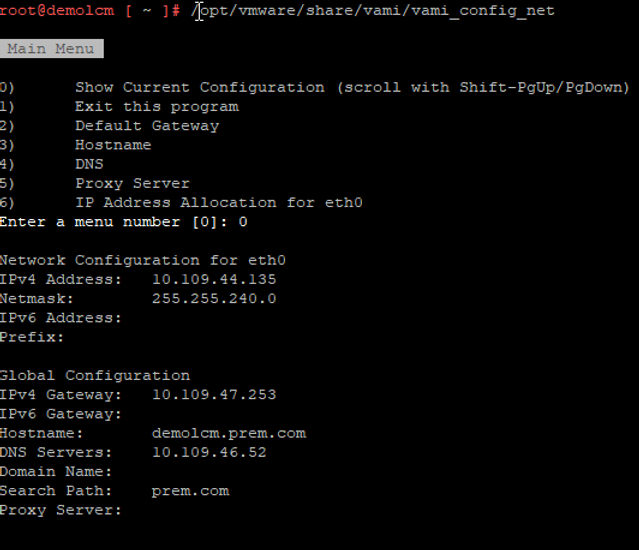
Press 6 to change the IP configuration as needed
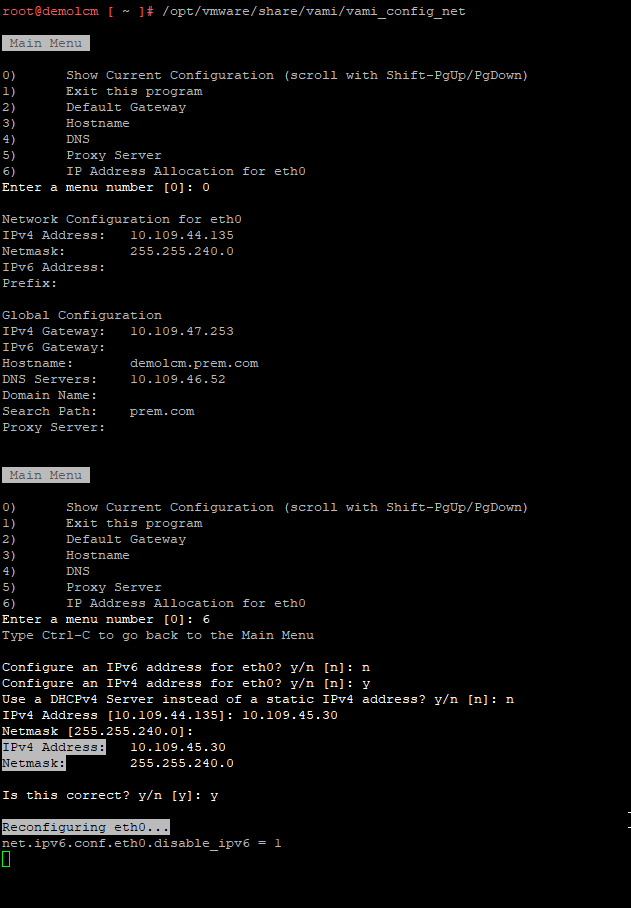
Note: Your session will be disconnected as soon as it says "Reconfiguring eth0" which is expected as the IP Address changed
Open a new session again and execute the same command to display the new network configuration
You may even check by rebooting vRLCM Appliance to see if it comes back properly, which it anyways does.
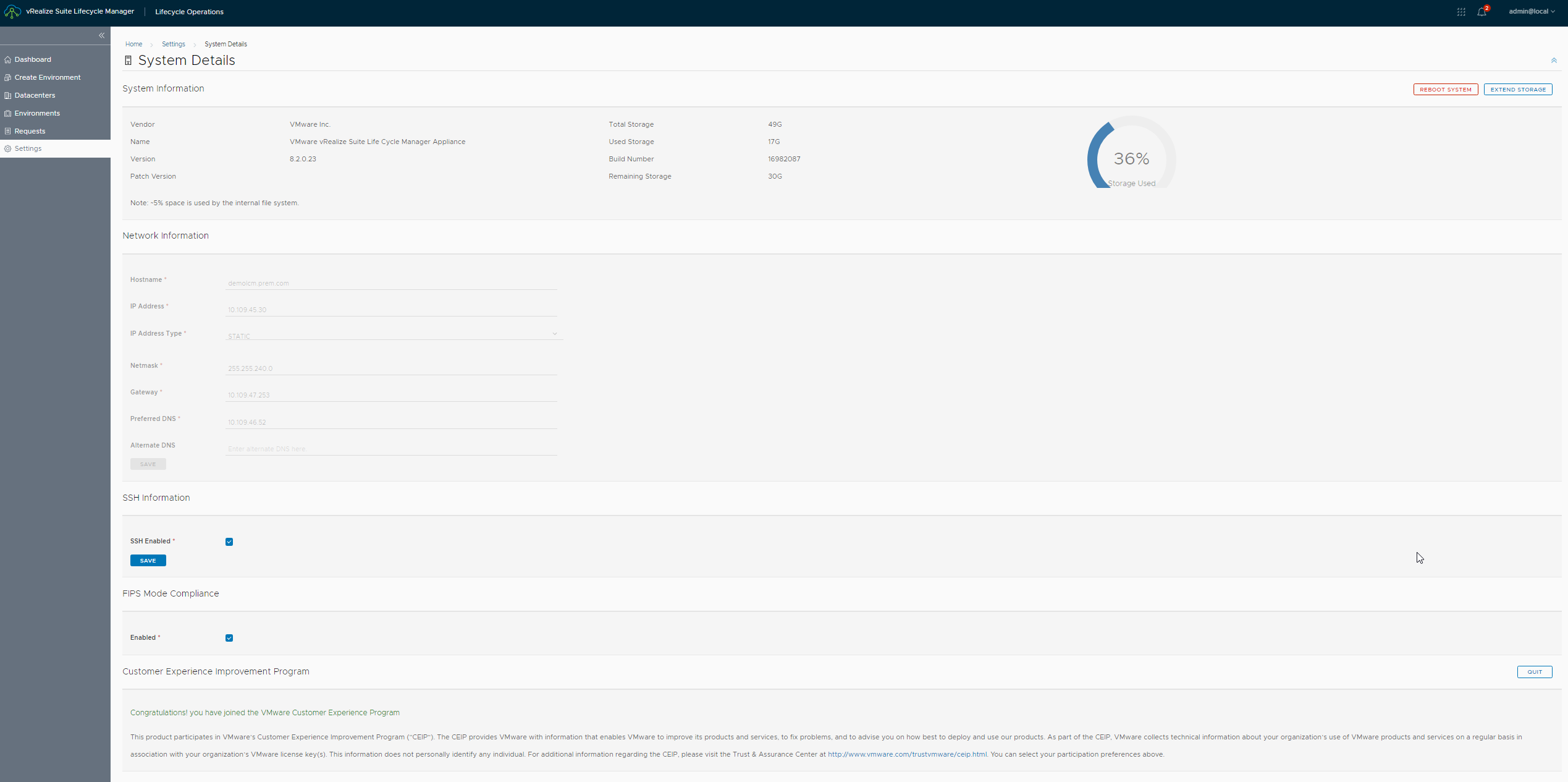
Also, go to system settings and check the new configuration
Never miss a post
New guides on VMware Cloud Foundation, Aria Suite, and infrastructure automation. Follow the blog in your feed reader and new posts show up as soon as they are published.
Using a different reader? Copy the feed URL and add it there.