Check vRA Services status via API

Arun Nukula
1 min read
Login into vRA appliance
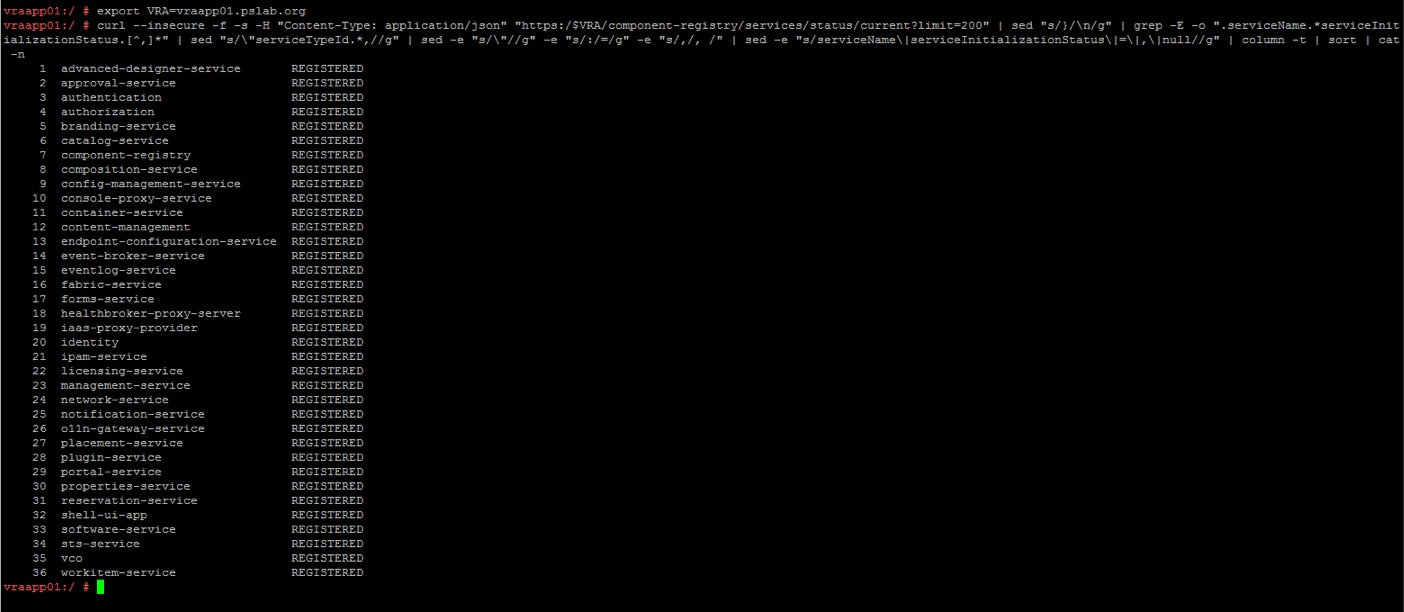
Then execute below command
curl --insecure -f -s -H "Content-Type: application/json" "https:/$HOSTNAME/component-registry/services/status/current?limit=200" | sed "s/}/\n/g" | grep -E -o ".serviceName.*serviceInitializationStatus.[^,]*" | sed "s/\"serviceTypeId.*,//g" | sed -e "s/\"//g" -e "s/:/=/g" -e "s/,/, /" | sed -e "s/serviceName\|serviceInitializationStatus\|=\|,\|null//g" | column -t | sort | cat -n
The output would show the list of services registered on this appliance
Never miss a post
New guides on VMware Cloud Foundation, Aria Suite, and infrastructure automation. Follow the blog in your feed reader and new posts show up as soon as they are published.
Using a different reader? Copy the feed URL and add it there.