How do login into vIDM database

Arun Nukula
1 min read
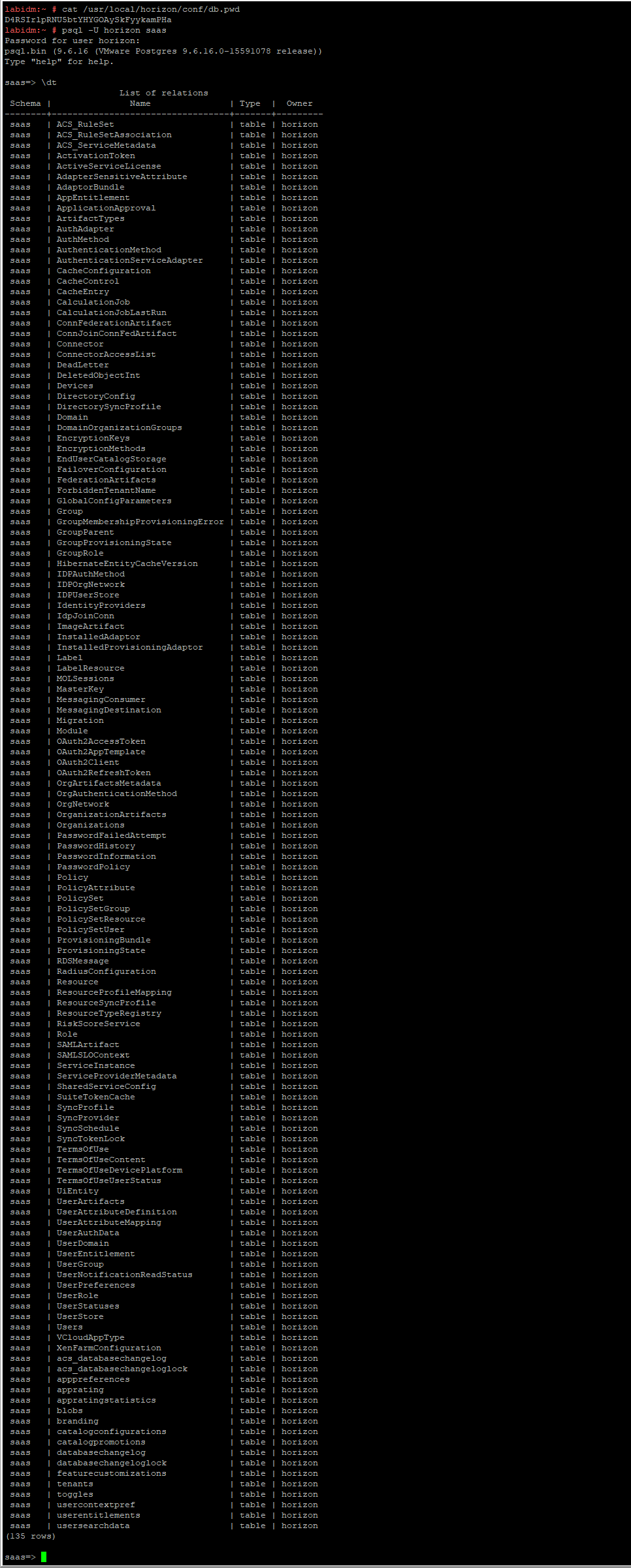
As a first step fetch the password using below command
cat /usr/local/horizon/conf/db.pwd
Example:-

labidm:~ # cat /usr/local/horizon/conf/db.pwd
D4RSIrlpRNU5btYHYGOAySkFyykamPHa
Then execute
psql -U horizon saas
This will prompt you to enter the password, copy the password extracted using the first command and then paste it and hit enter.
You would be logged into vIDM database
labidm:~ # psql -U horizon saas
Password for user horizon:
psql.bin (9.6.16 (VMware Postgres 9.6.16.0-15591078 release))
Type "help" for help.

saas=>
Enter \dt at the saas=> prompt to list all the tables
Never miss a post
New guides on VMware Cloud Foundation, Aria Suite, and infrastructure automation. Follow the blog in your feed reader and new posts show up as soon as they are published.
Using a different reader? Copy the feed URL and add it there.