How do you download product binaries and product support packs after Day-2 changes

Arun Nukula
1 min read
Download VMware Aria Suite Lifecycle
-
Login into Broadcom Support Portal
-
Once you have logged in, select VMware Cloud Foundation
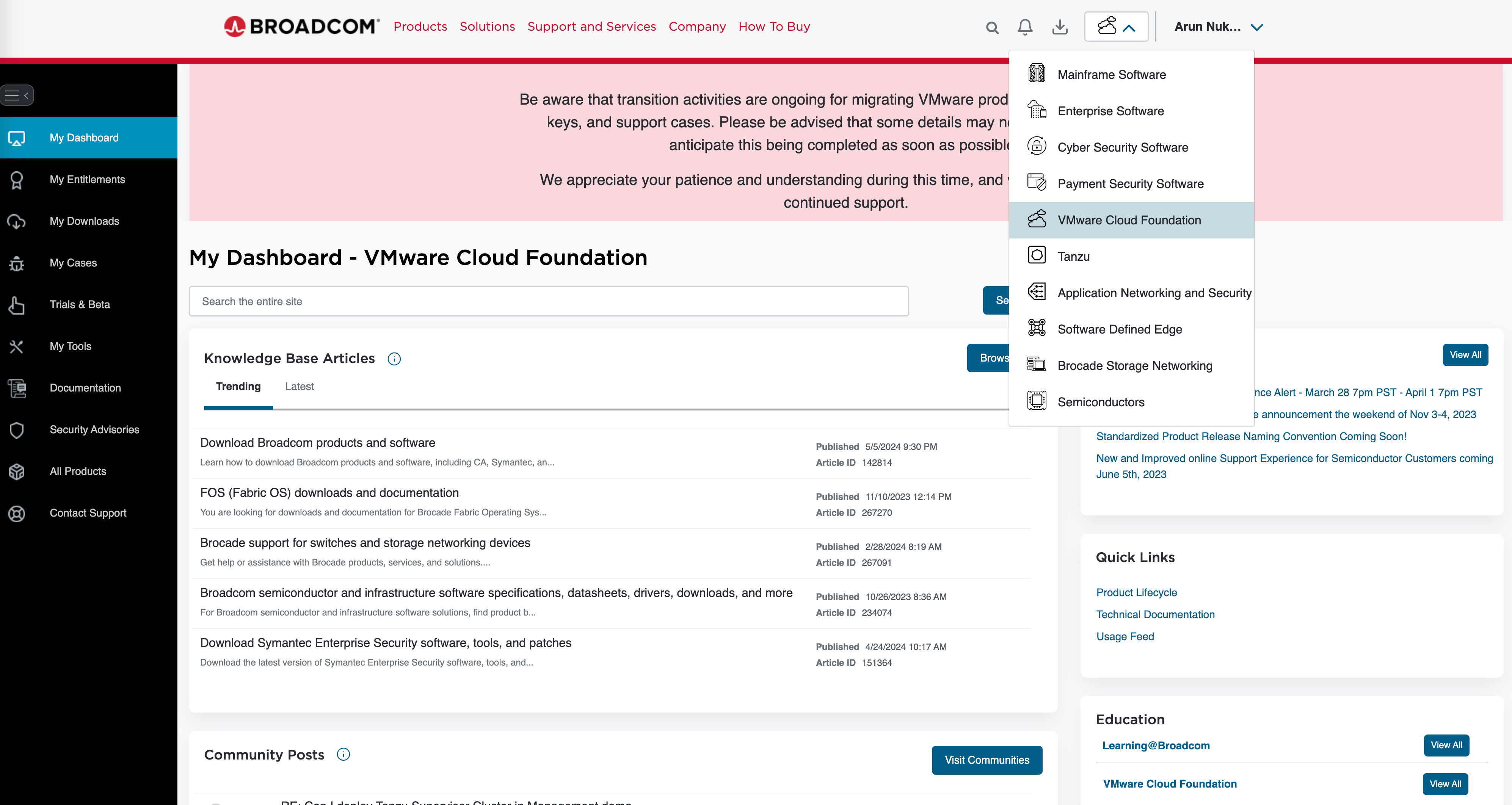
- Go to MY DOWNLOADS, you would need select the product you wish to download. In this example i would like to download VMware Aria Suite Lifecycle and it's product support packs
- Select VMware Aria Universal and then click on VMware Aria Universal Enterprise
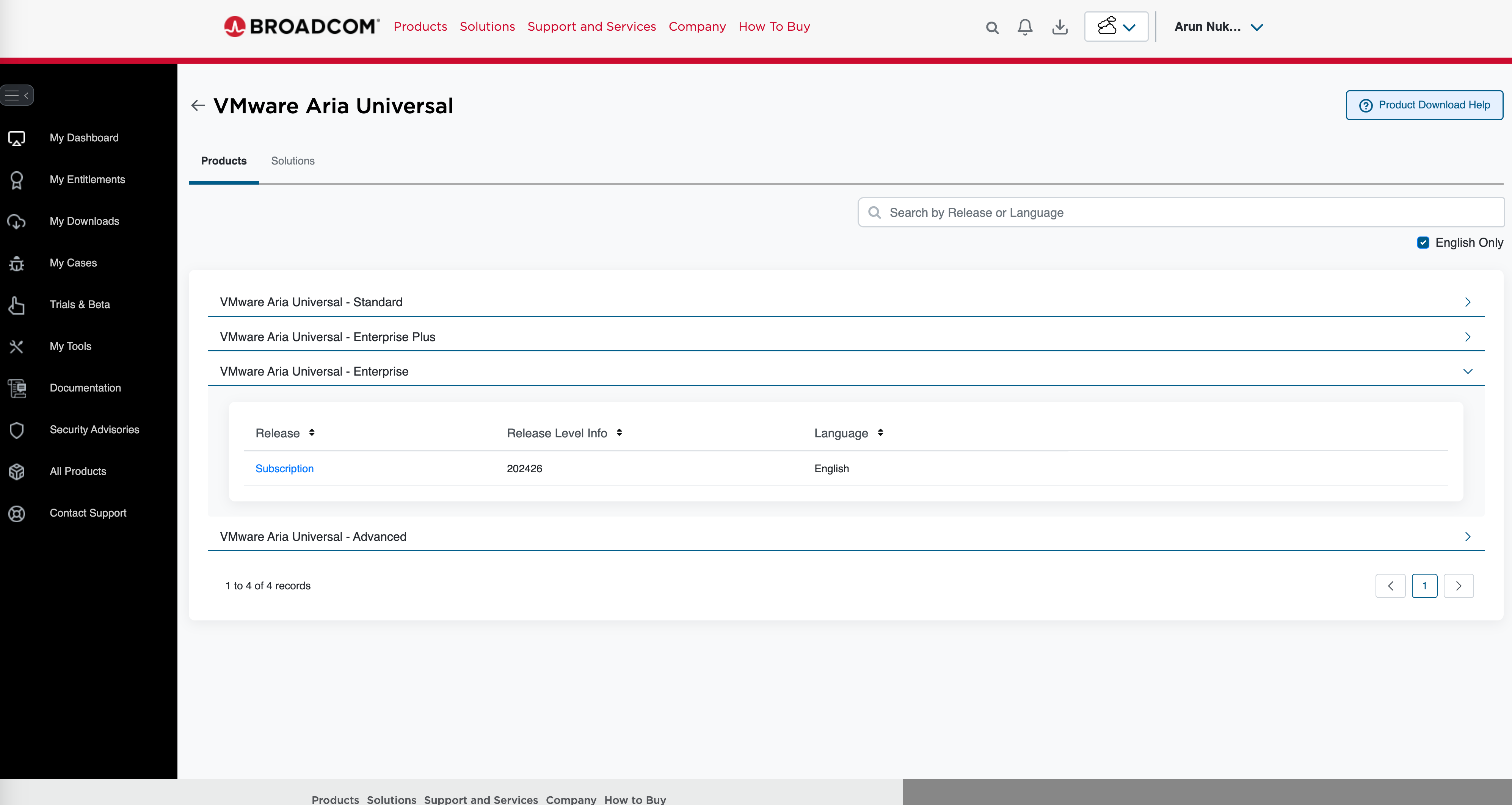
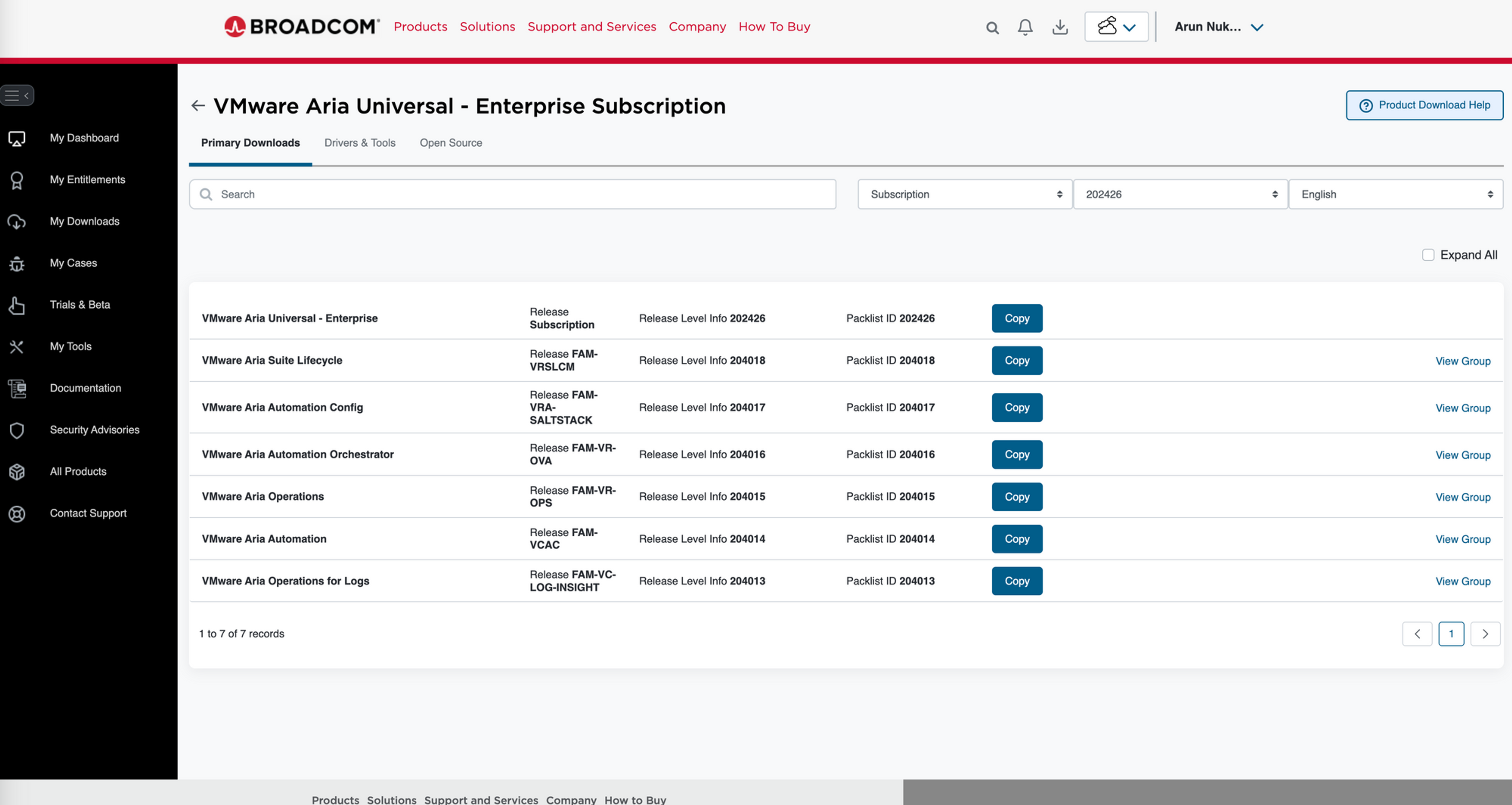
- Then click on the Subscription
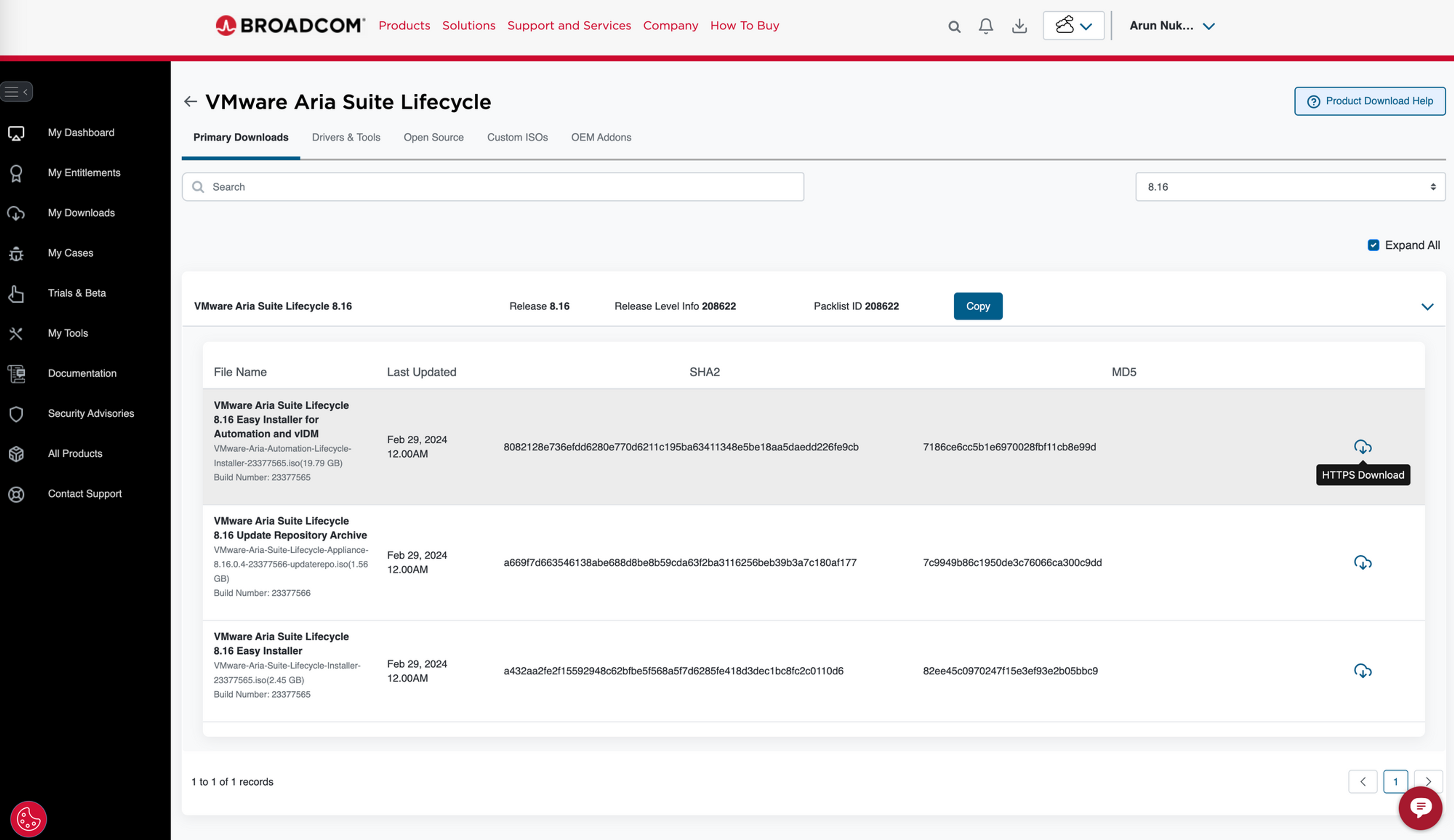
- Click on View Group next to VMware Aria Suite Lifecycle
- Click on the cloud icon to download the binary
Product Support Packs and Patches Downloads
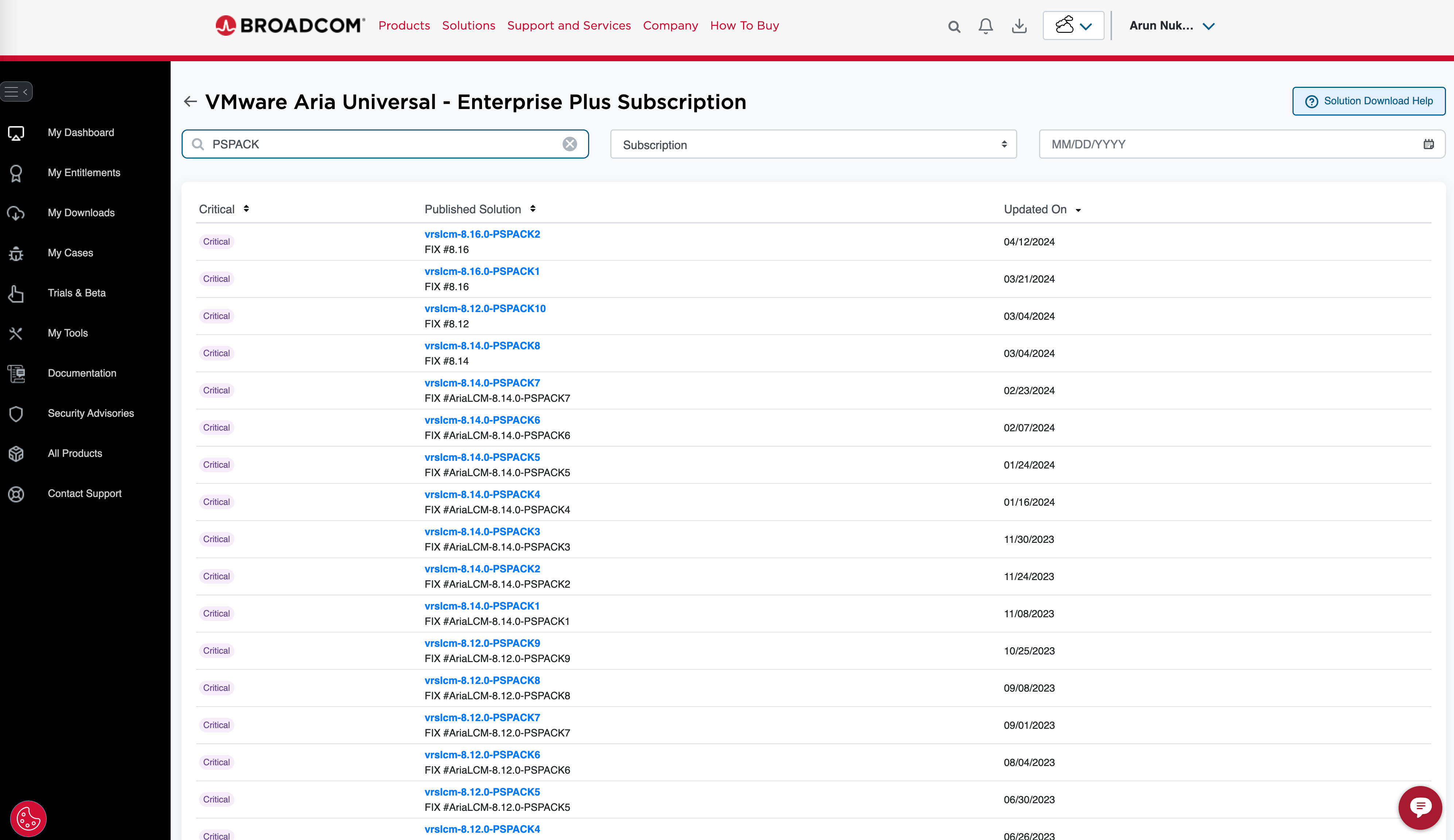
- For downloading Product Support Packs and Patches released for all VMware Aria Products which are wrapped with Suite Lifecycle wrapper, select VMware Aria Universal
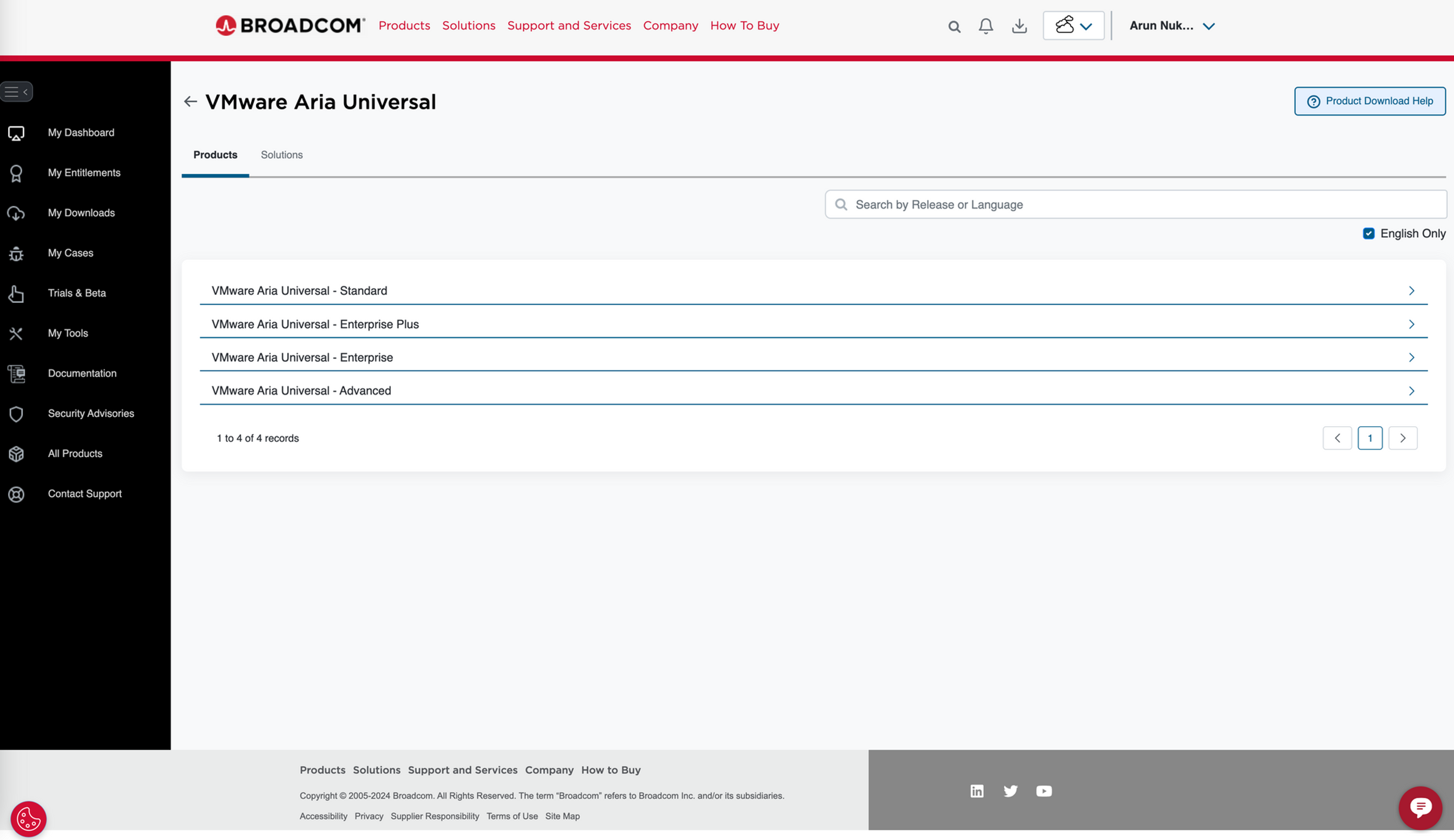
- Click on Solutions , next to the products
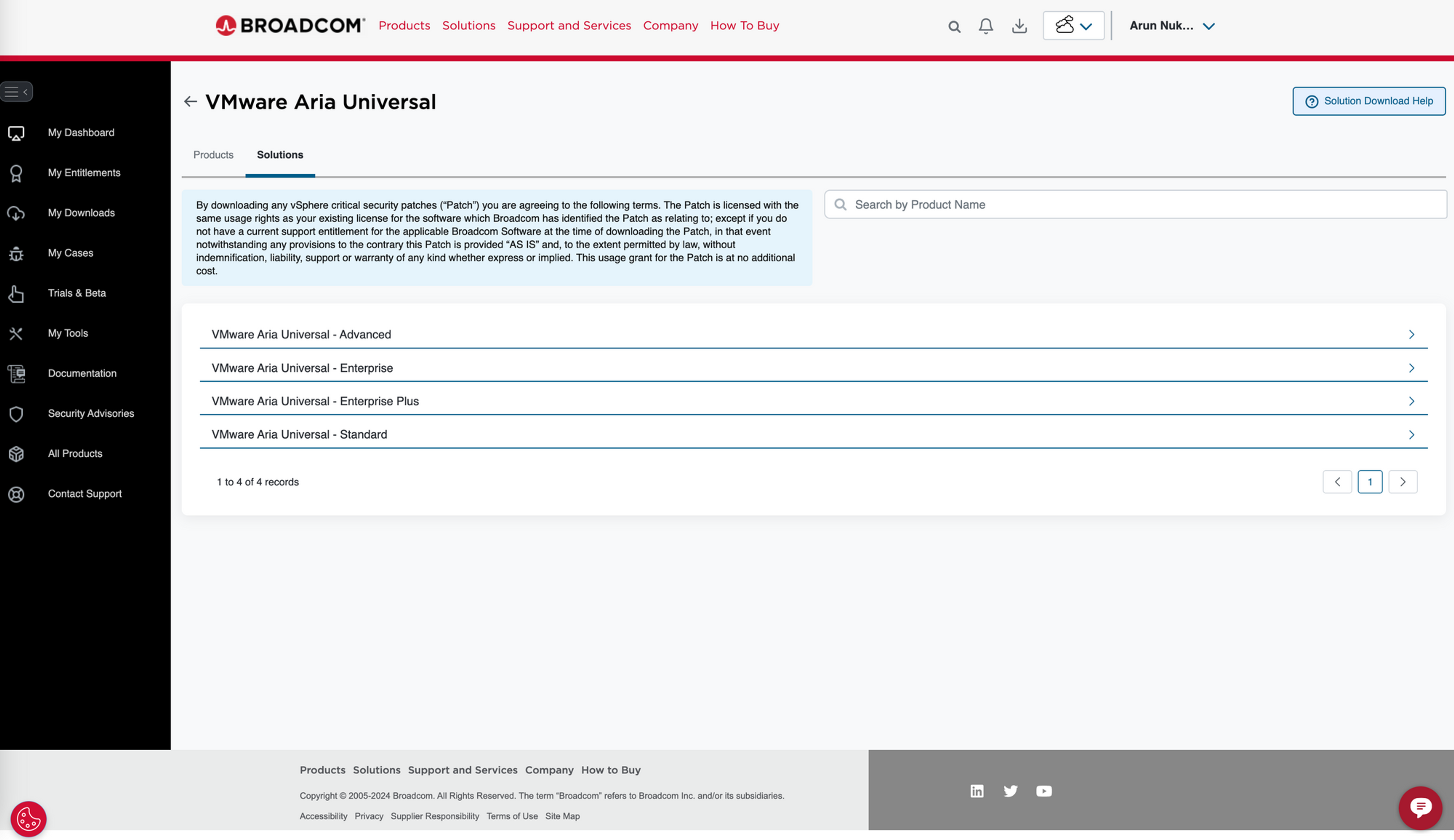
- Then expand enterprise plus and then click on SUBSCRIPTION
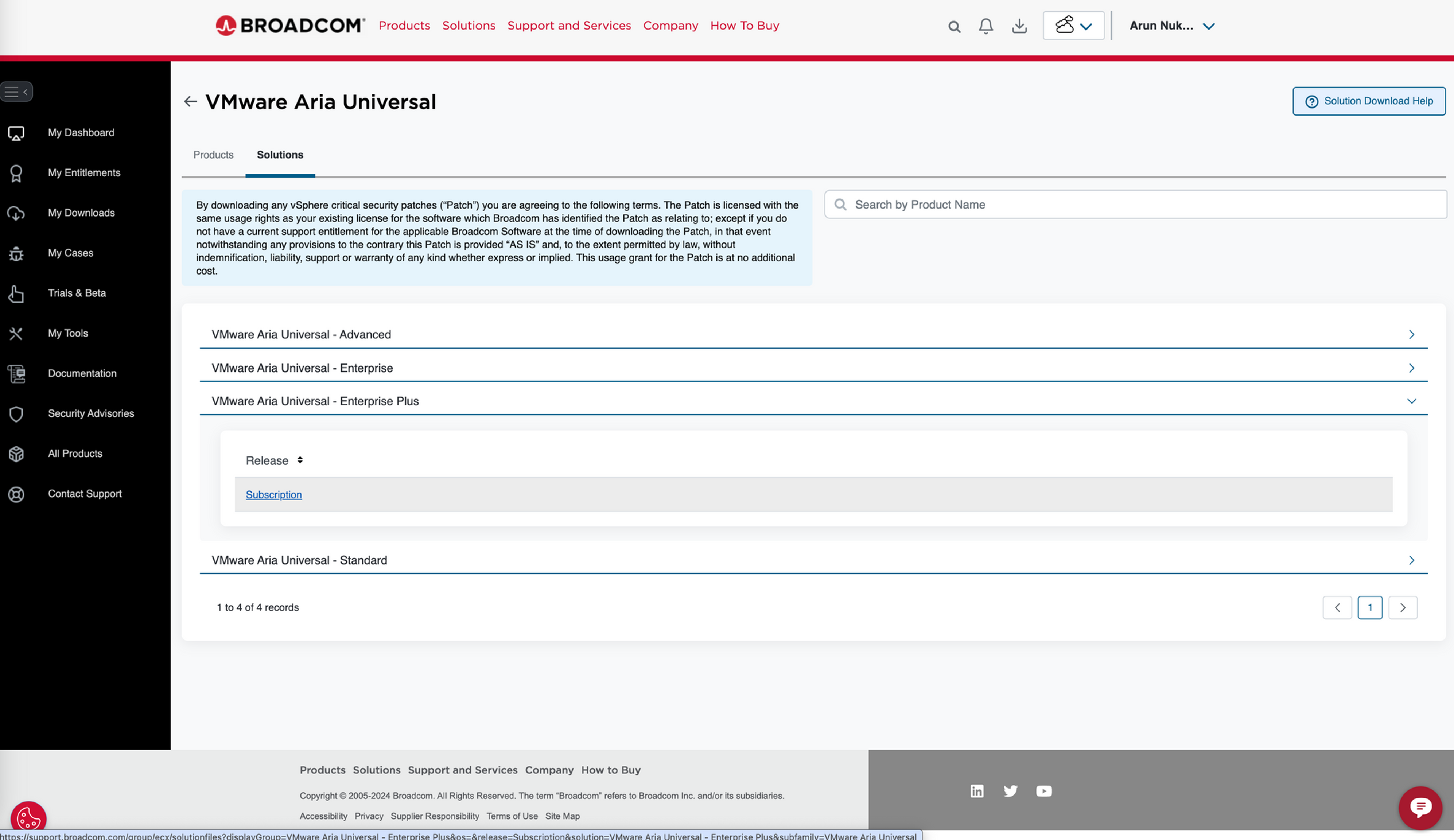
- You would see all patches and product support packs
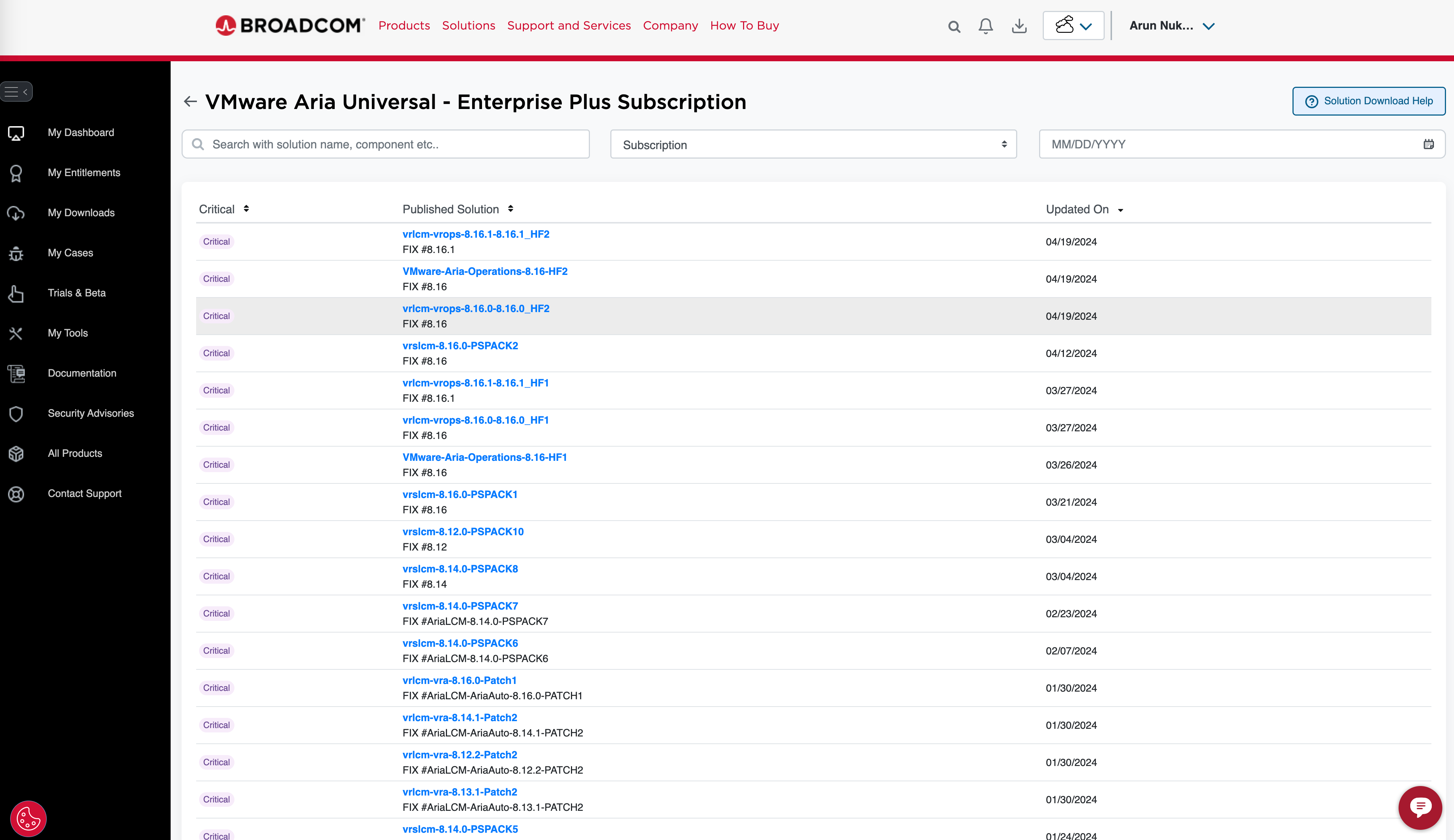
- Search for appropriate product support pack or patch and then download it
Never miss a post
New guides on VMware Cloud Foundation, Aria Suite, and infrastructure automation. Follow the blog in your feed reader and new posts show up as soon as they are published.
Using a different reader? Copy the feed URL and add it there.