Installing vRealize Automation 7.5

There isn't a great deal of difference in deploying a simple instance of vRA 7.5. It's same as in it's previous versions.
Sharing screenshots from my implementation in lab , as it might benefit others.
Run Prerequisite Checks once it shows failure , click on Fix so that it runs script on IAAS node mapped to this appliance and get's it ready for the install
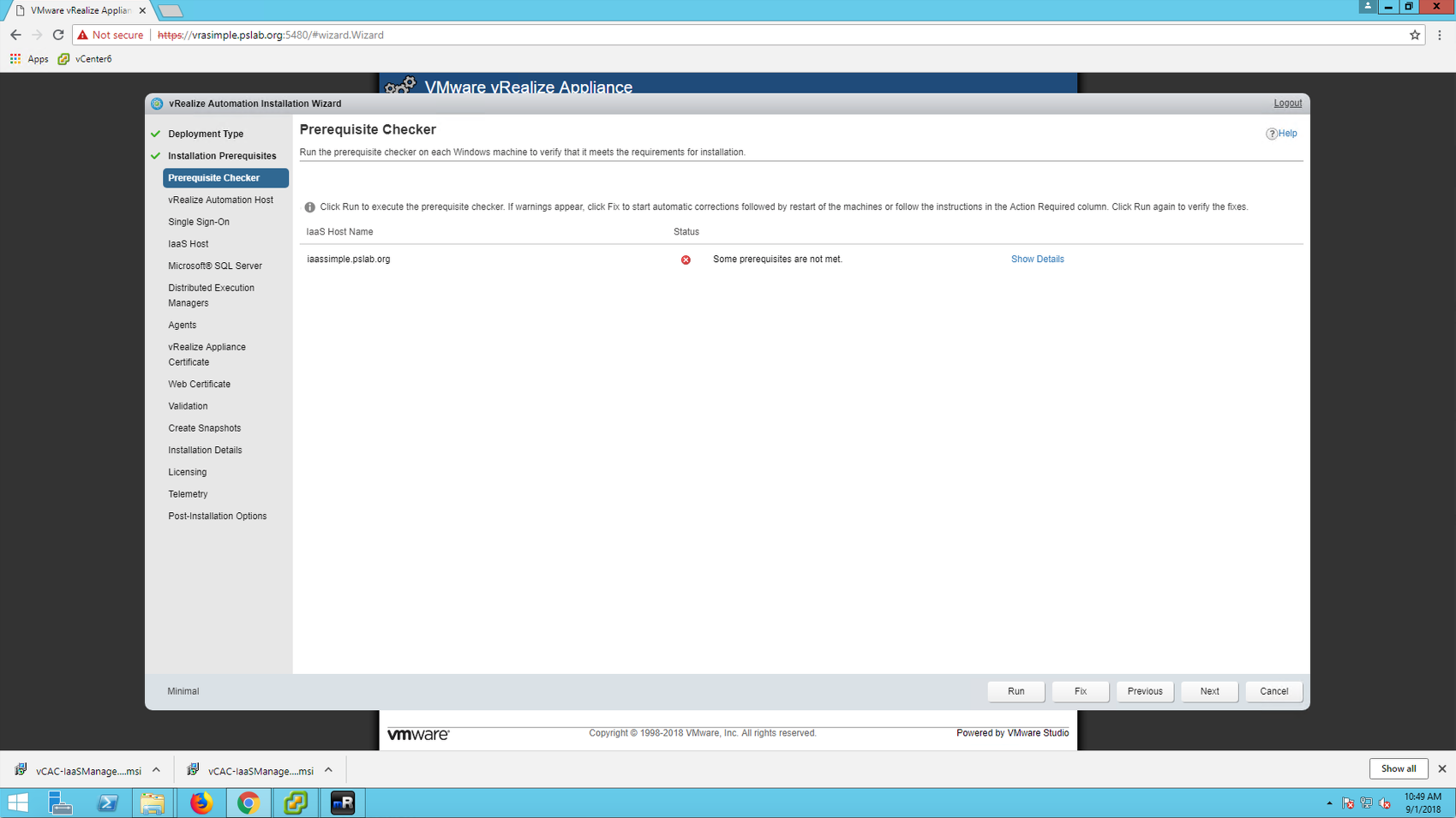
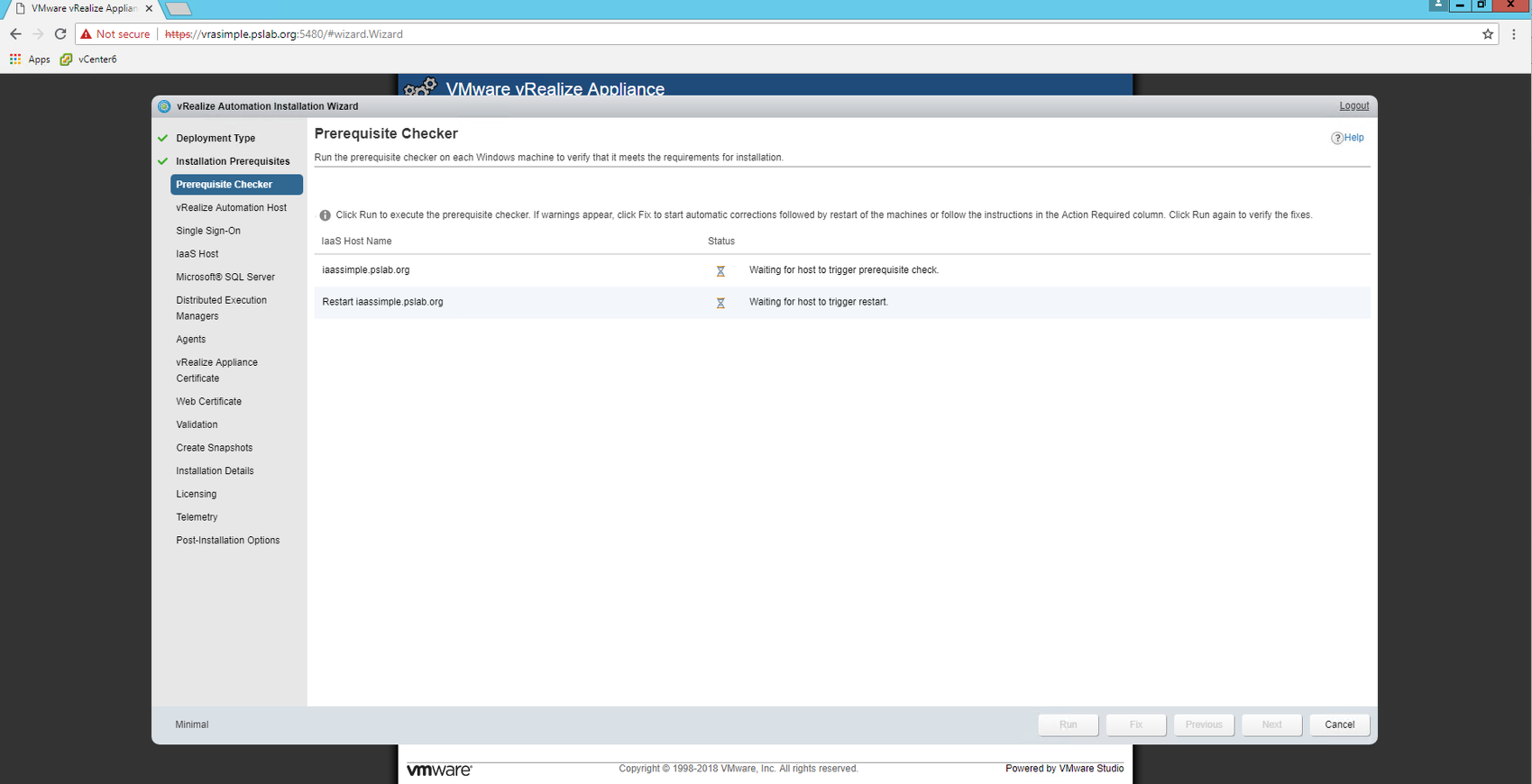
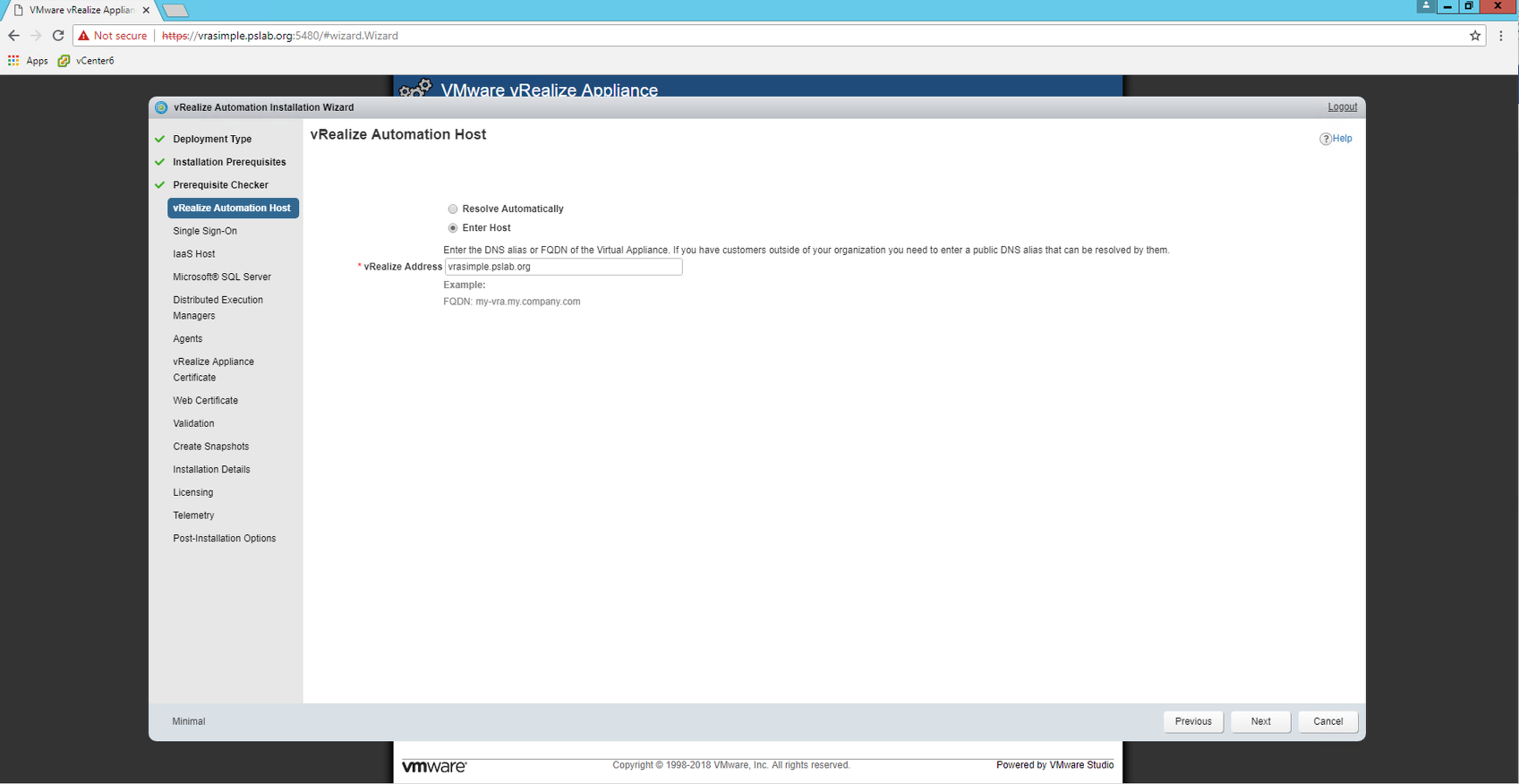
Now once these pre-reqs are done , move on to enter vRA appliance hostname here and then click on Next
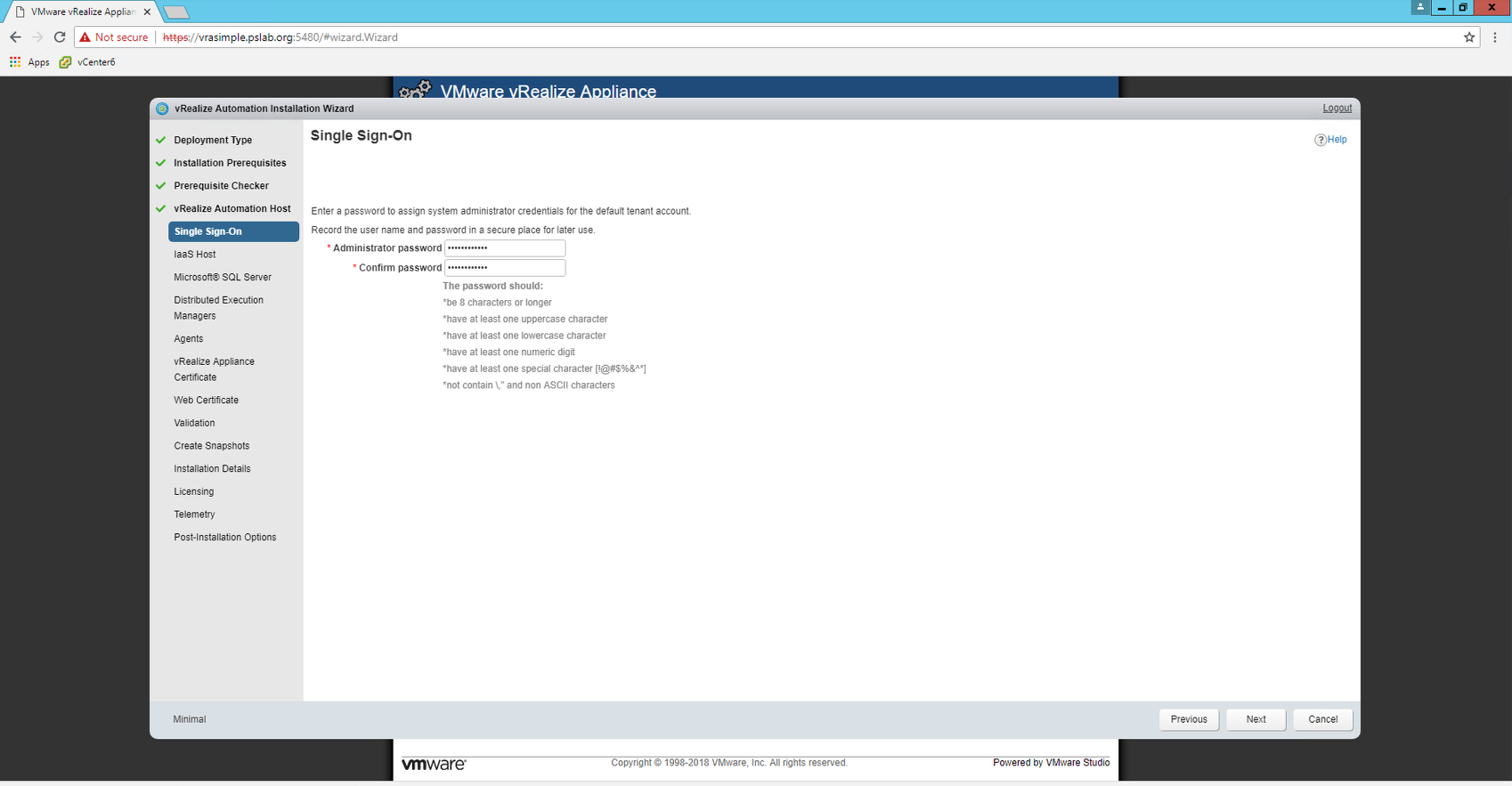
Configure SSO ( administrator@vsphere.local )
Configure SQL Server
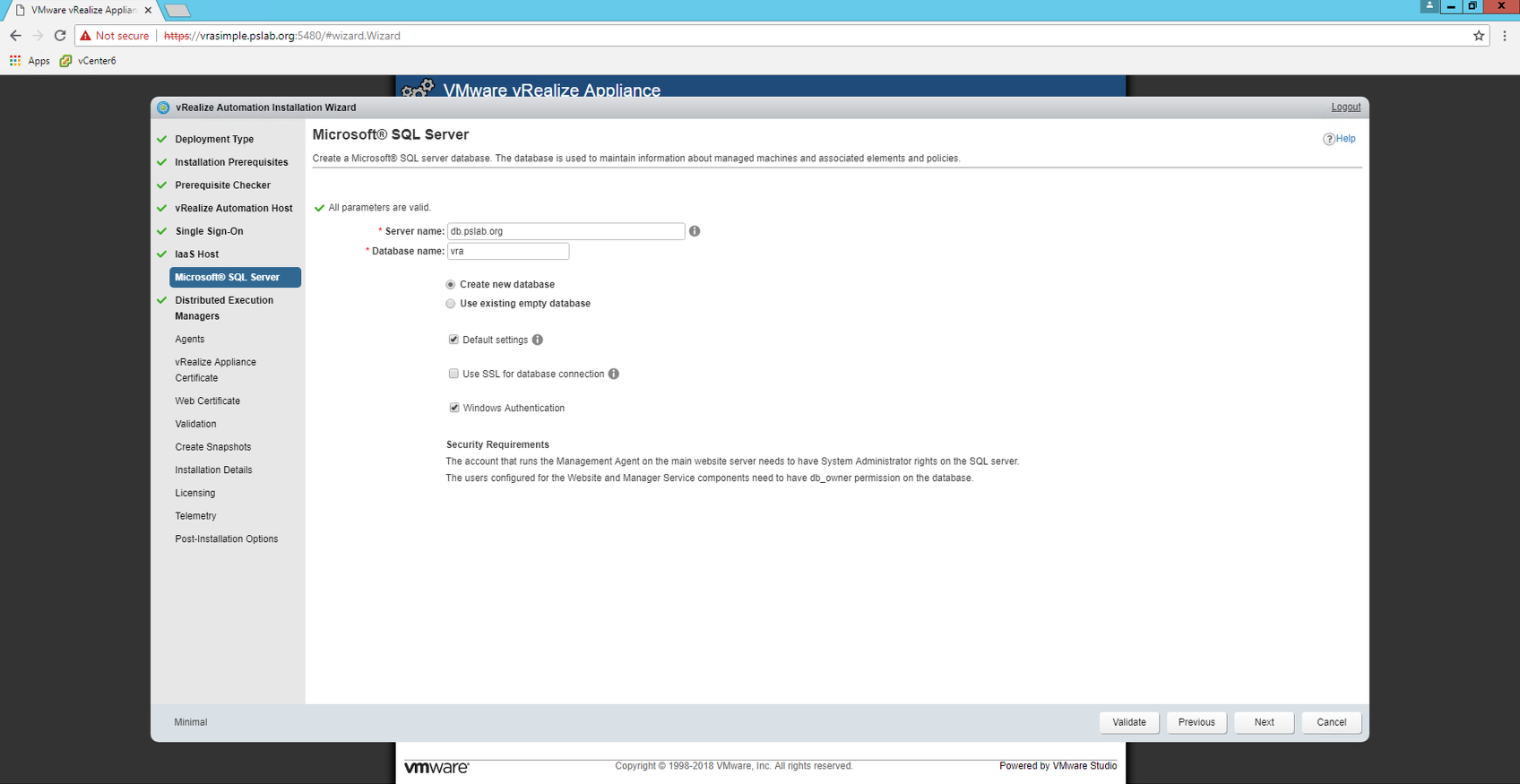
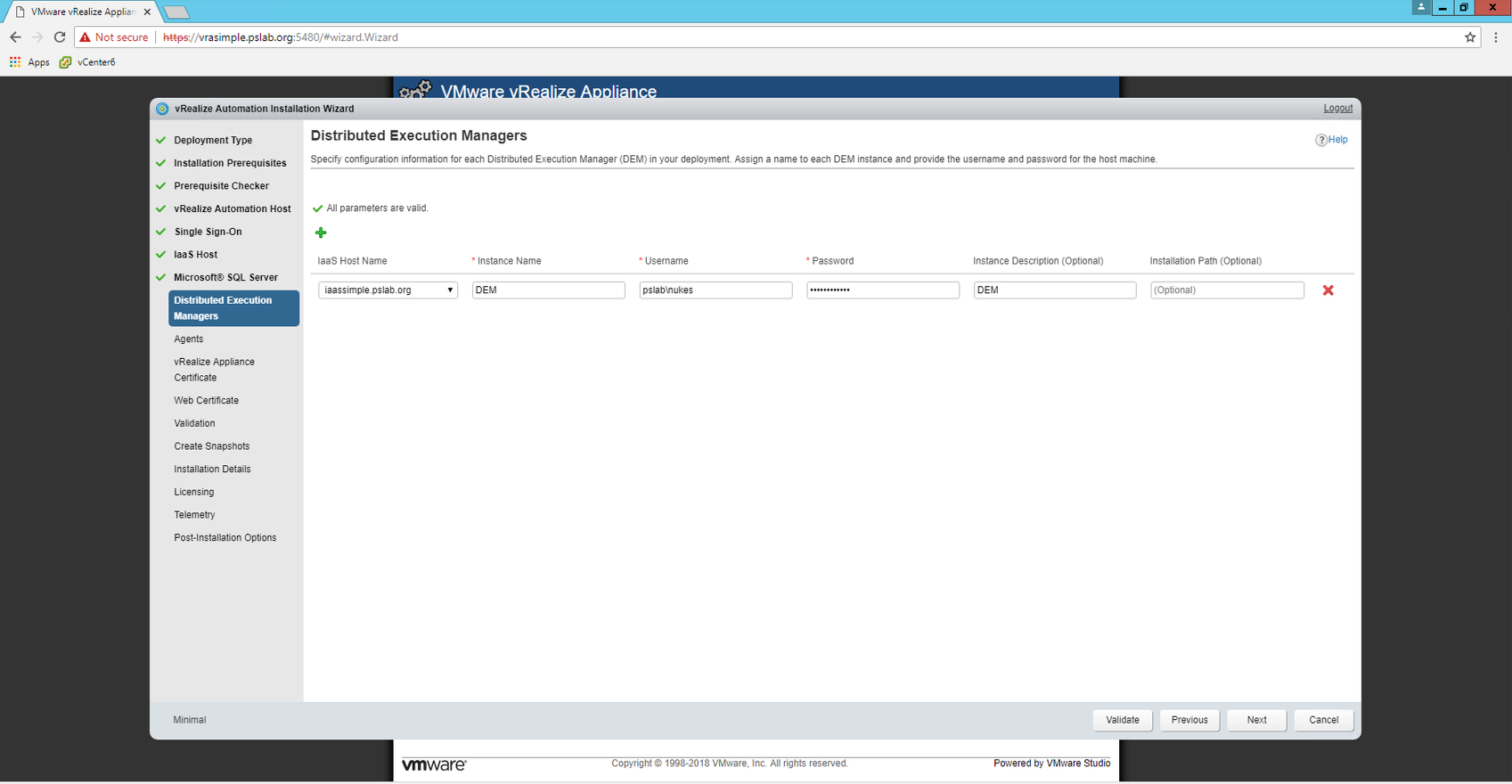
Configure DEM's
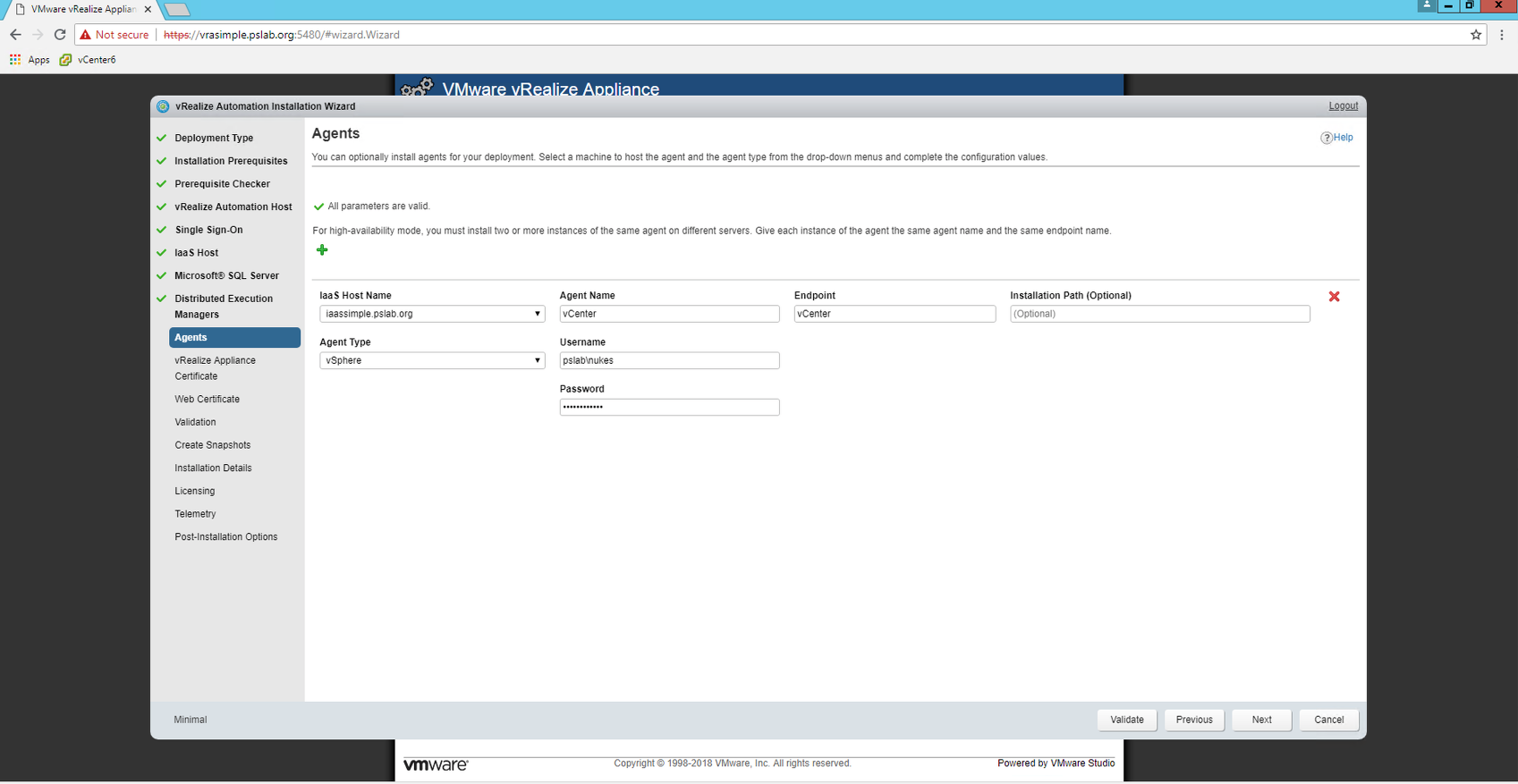
Configure Agents
Generate Certificates
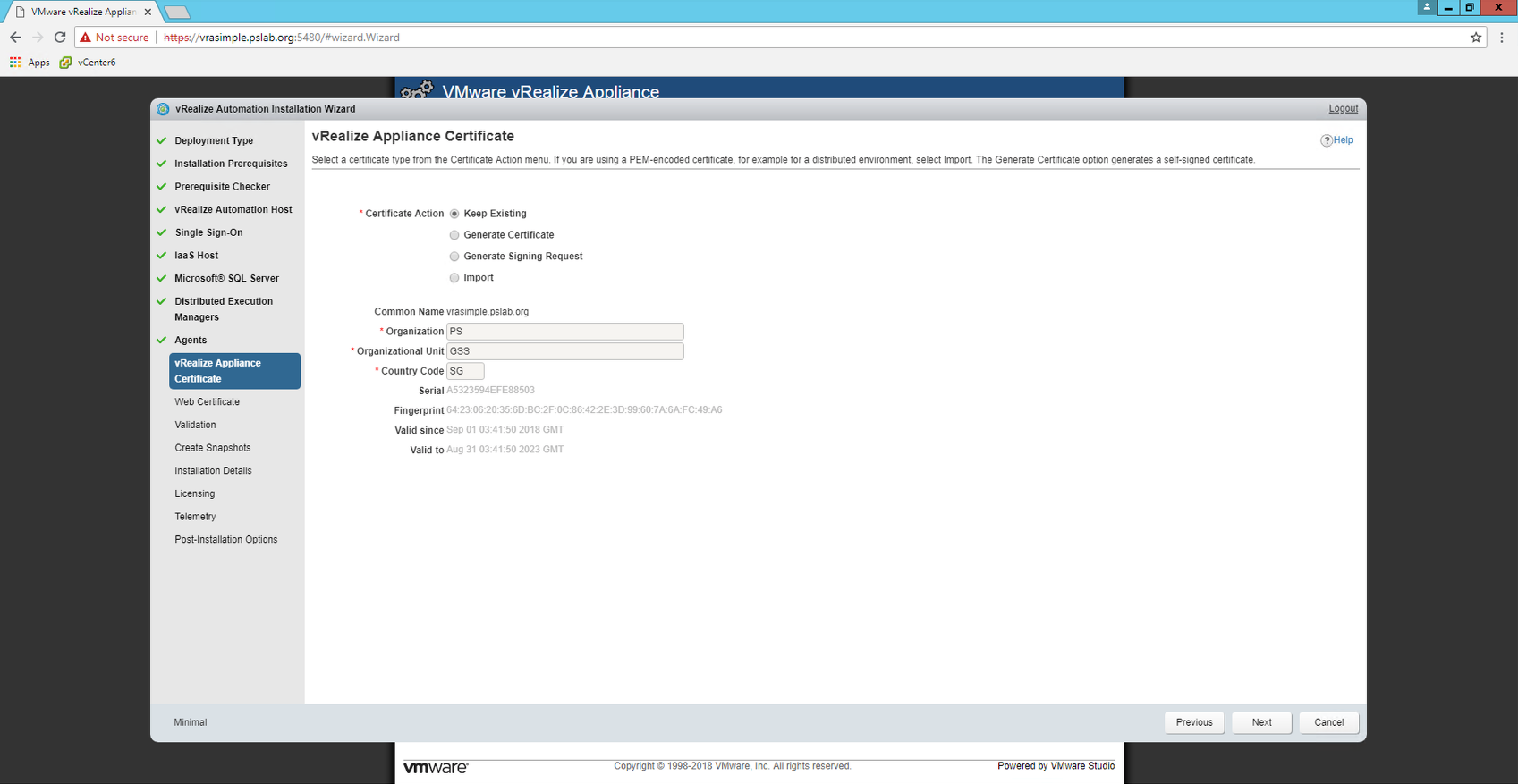
Web and Manager are on same node , so no need of a separate certificate in this case ( simple install )
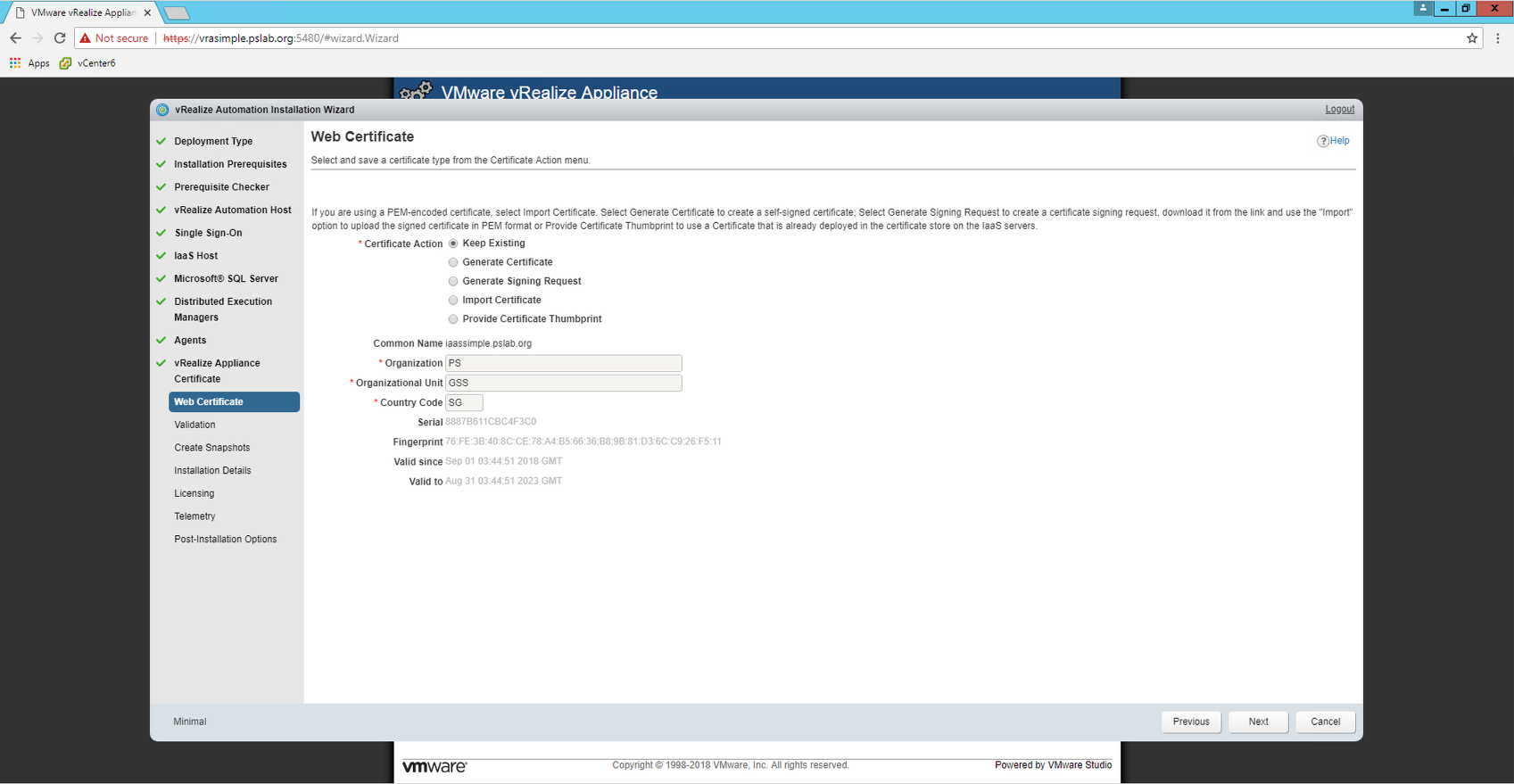
Post Certificates, It would bring up a screen to take snapshots and then the installation starts.
It took around 30 minutes for the installation to complete
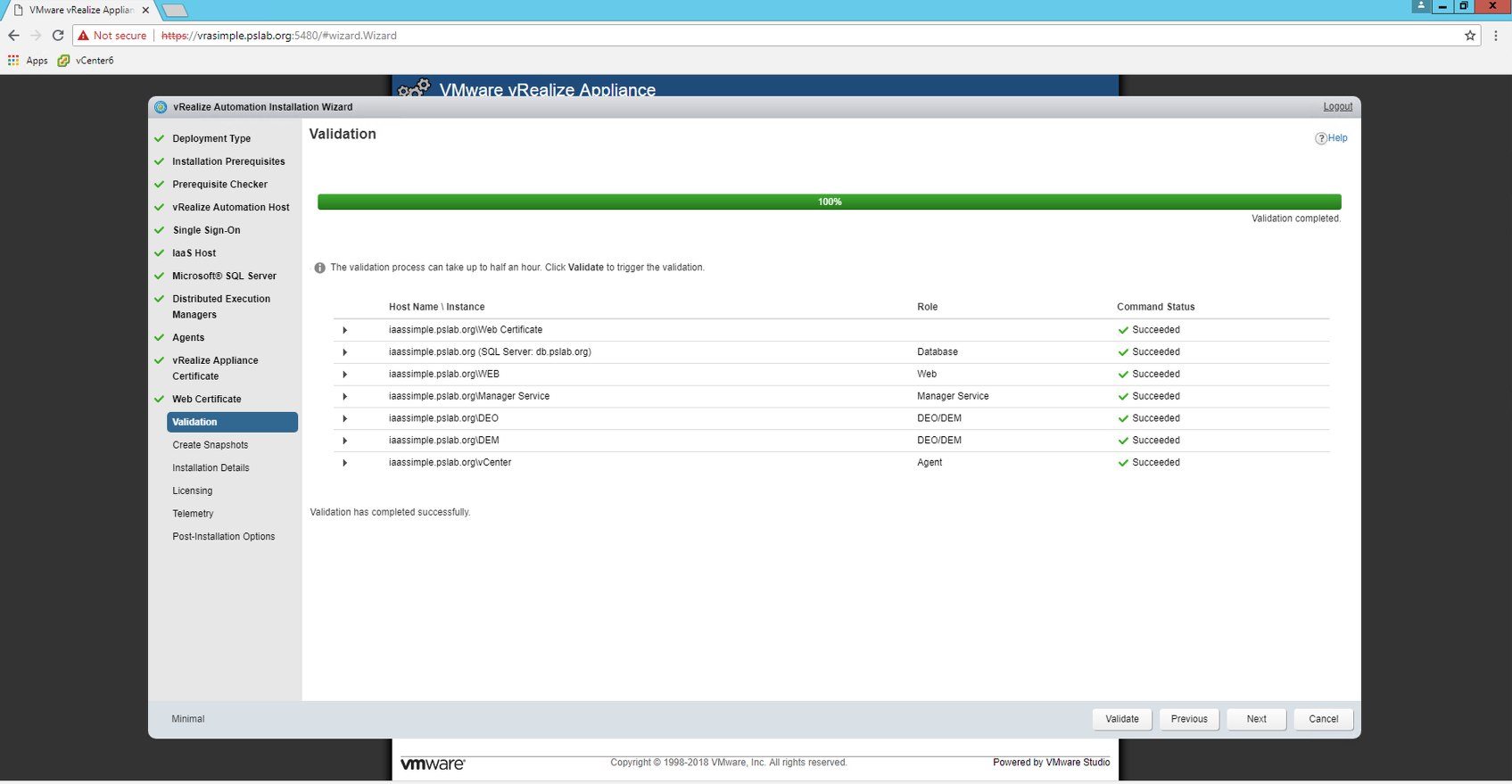
Post Installation , one has to license vRA and it would present post-installation options
That's it , it's so simple to install vRA 7.5 ( that's been the case since 7.x was launched )
Will explore various features in my upcoming posts...
!! Stay Tuned !!
#vRealizeAutomation
Never miss a post
New guides on VMware Cloud Foundation, Aria Suite, and infrastructure automation. Follow the blog in your feed reader and new posts show up as soon as they are published.
Using a different reader? Copy the feed URL and add it there.