Patching Fleet Lifecycle 9.1.0.0 to 9.1.1.0

Fleet lifecycle is the first component you patch when you apply the 9.1.1.0 maintenance release to a 9.1.0.x environment, it goes before any other VCF component. This post walks through that patch on my environment, from the metadata sync through to the version change showing up in the UI.
Before you start: read the release notes. Damn important.
Sync the lifecycle metadata
Browse to VCF Operations → Build → Lifecycle → VCF Management and click Sync in the top right corner.
This starts the metadata sync between Fleet Lifecycle and the Software Depot, which downloads the latest manifest and the productVersionCatalog.
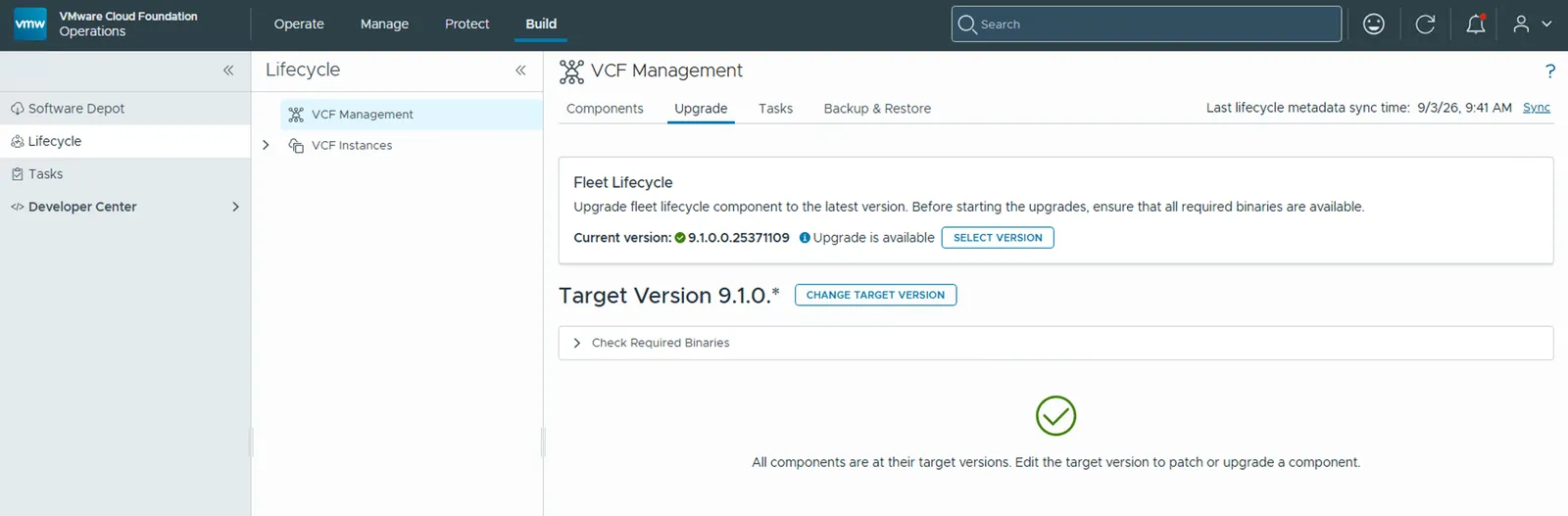
Once that task completes, go to the Upgrade tab and you will see that an upgrade is available for Fleet Lifecycle. In my case the current version is 9.1.0.0.25371109.
Set the target version
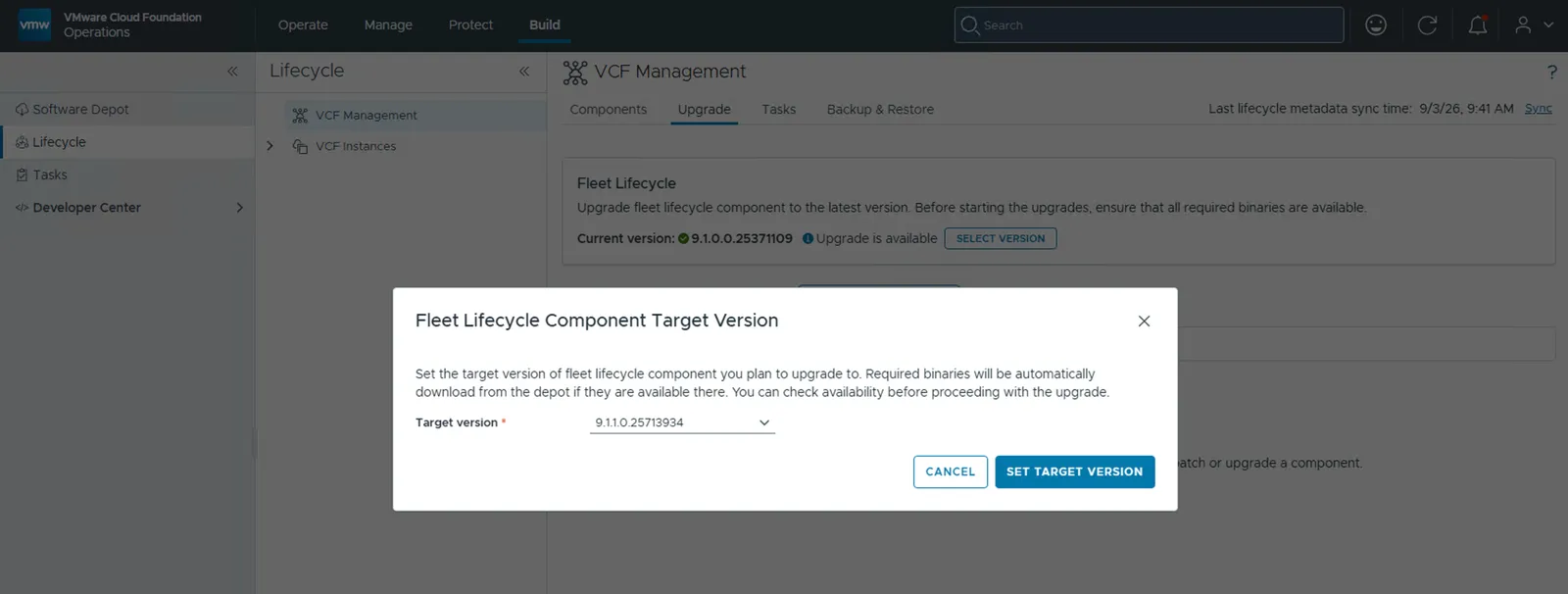
Click Select Version. You can see that 9.1.1.0.25713934 is now available to patch the existing version of Fleet Lifecycle.
Select the target version — 9.1.1.0.25713934, and click Set Target Version.
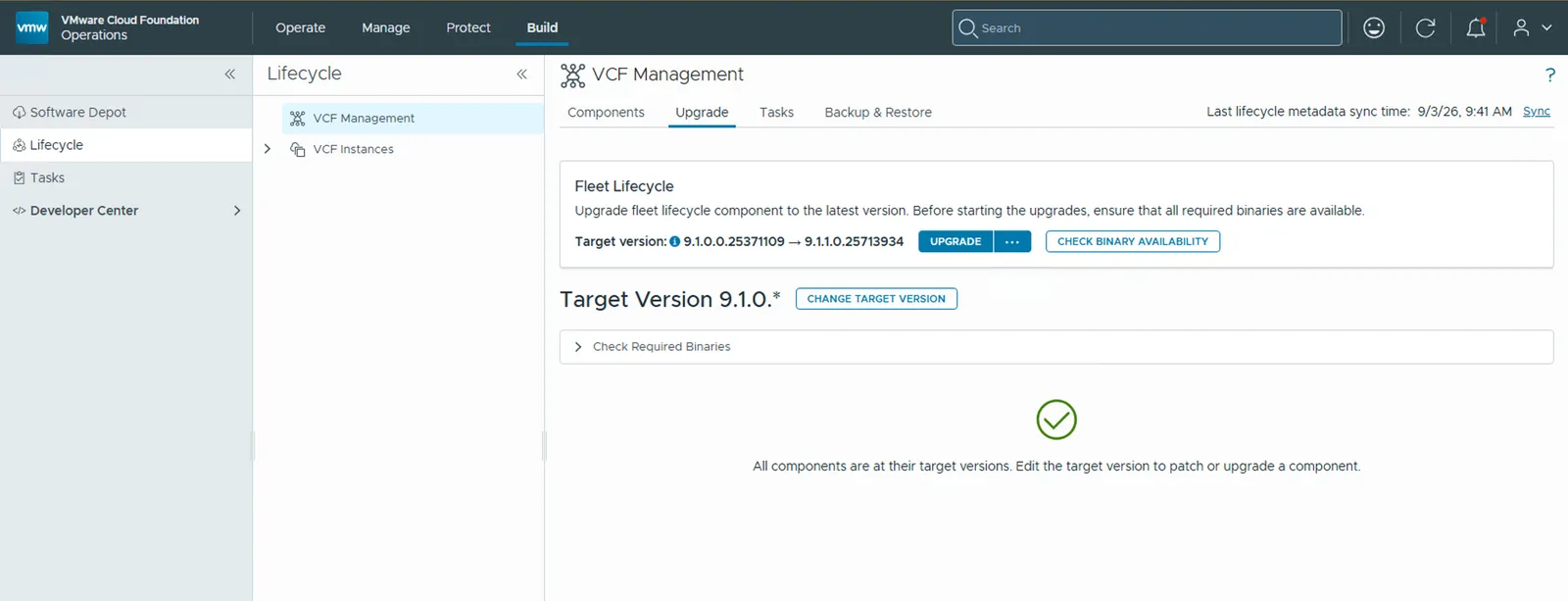
Now that the target version is set, you get the option to Check Binary Availability and then Upgrade.
Check binary availability
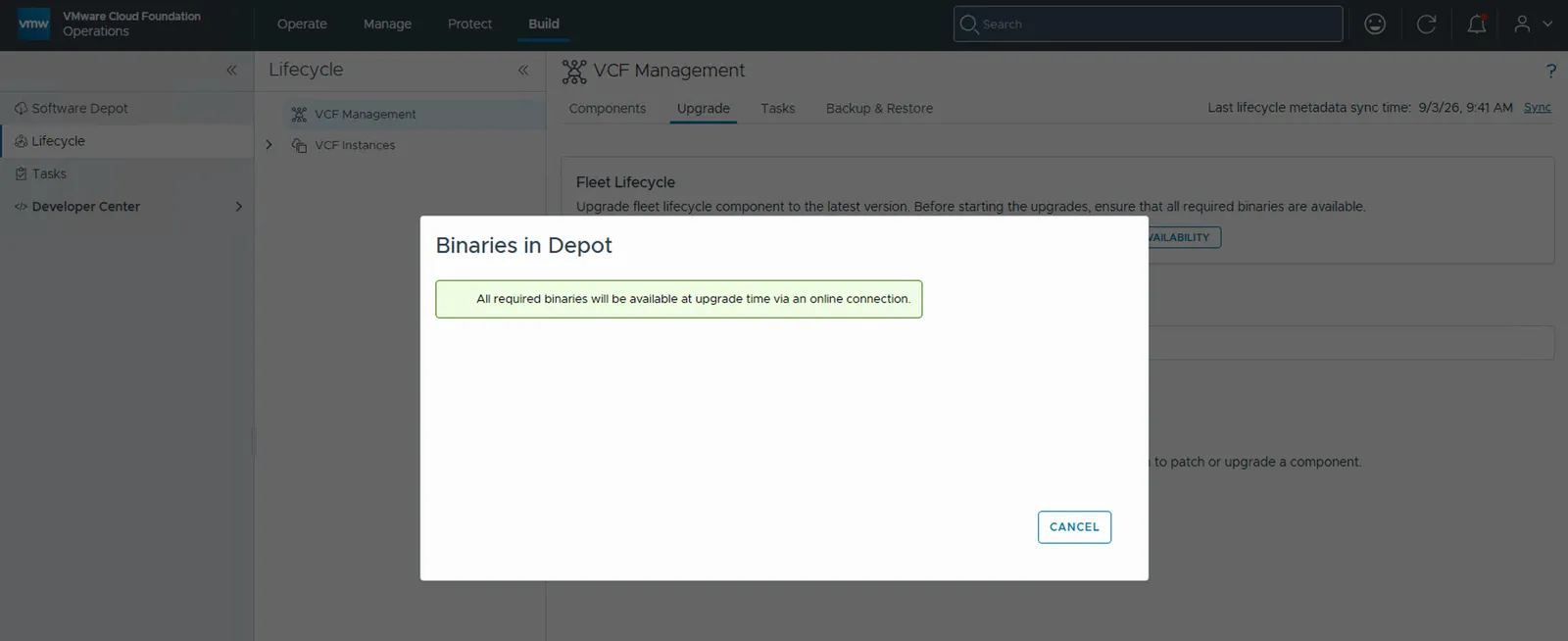
Click Check Binary Availability. Because I have an online depot configured, it clearly states that the binary is available.
Start the patch
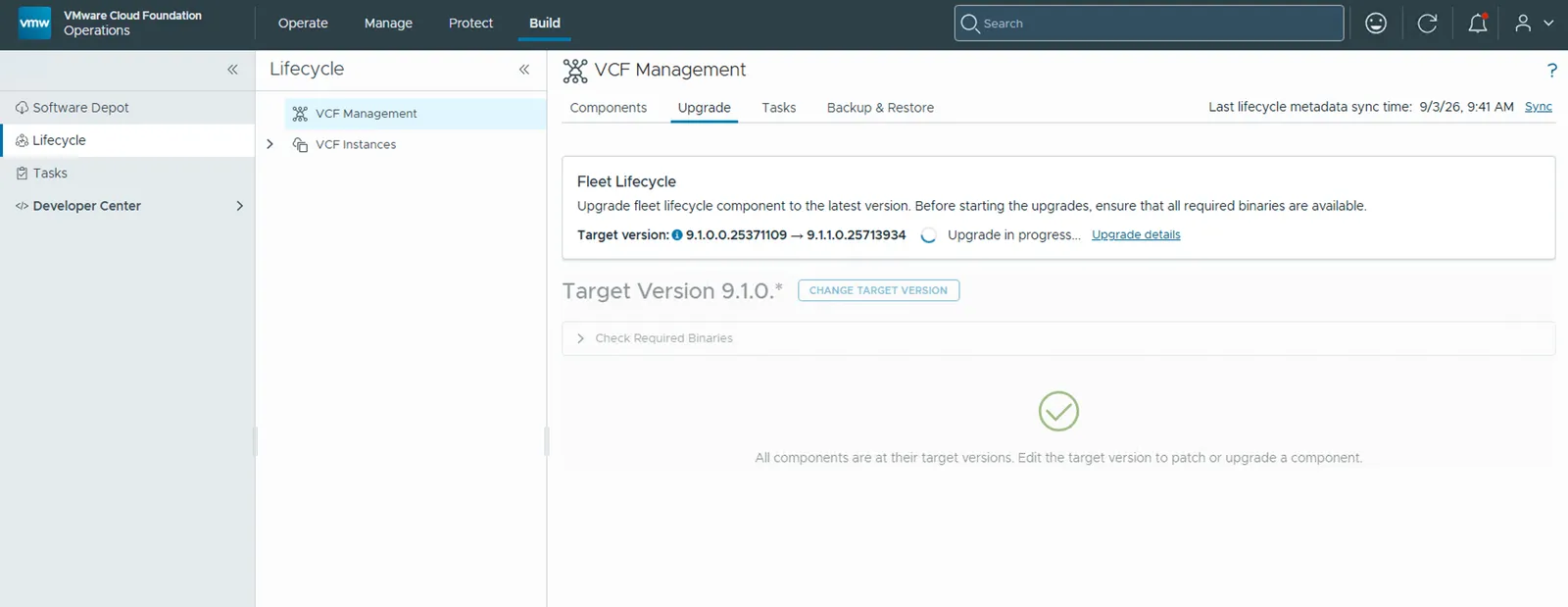
Click Upgrade to start the upgrade process. Click Upgrade Details to see the details of the task.
Watching it from the control plane node
You can log in to the VCF Services Runtime component's control plane node and check the pods in the vcf-fleet-lcm namespace, which is where Fleet Lifecycle runs:
kubectl get pods -n vcf-fleet-lcm
And the vcf-sddc-lcm namespace, which belongs to SDDC Lifecycle:
kubectl get pods -n vcf-sddc-lcm
The screenshot below shows both the pods under vcf-fleet-lcm for Fleet Lifecycle, and the pods under vcf-sddc-lcm for SDDC Lifecycle.
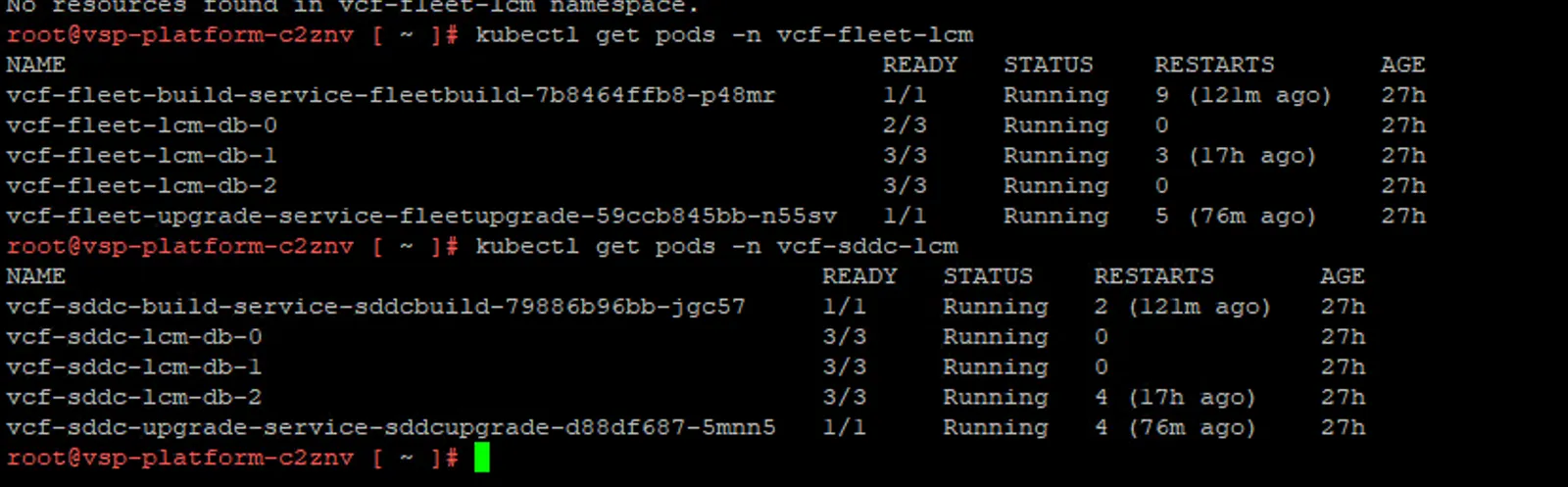
During the upgrade of Fleet Lifecycle, a Postgres backup runs against the Fleet Lifecycle database. You can see it as a completed pg-backup-vcf-fleet-lcm-db-backup-* pod.

The Fleet Build Service and the Fleet Upgrade Service, which together make up Fleet Lifecycle, are then restarted or patched. You can spot this in the pod names and the age column, both come back with new pod hashes and an age of a few minutes.

Patching complete
Once all of this happens, Fleet Lifecycle is patched.
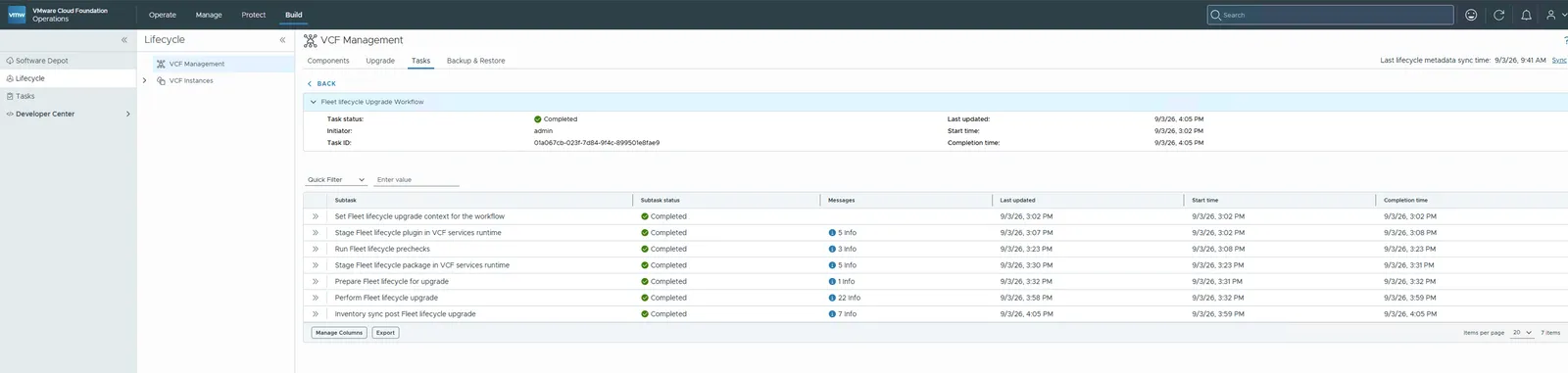
And as you can see, the version information has changed in the Fleet Lifecycle component.
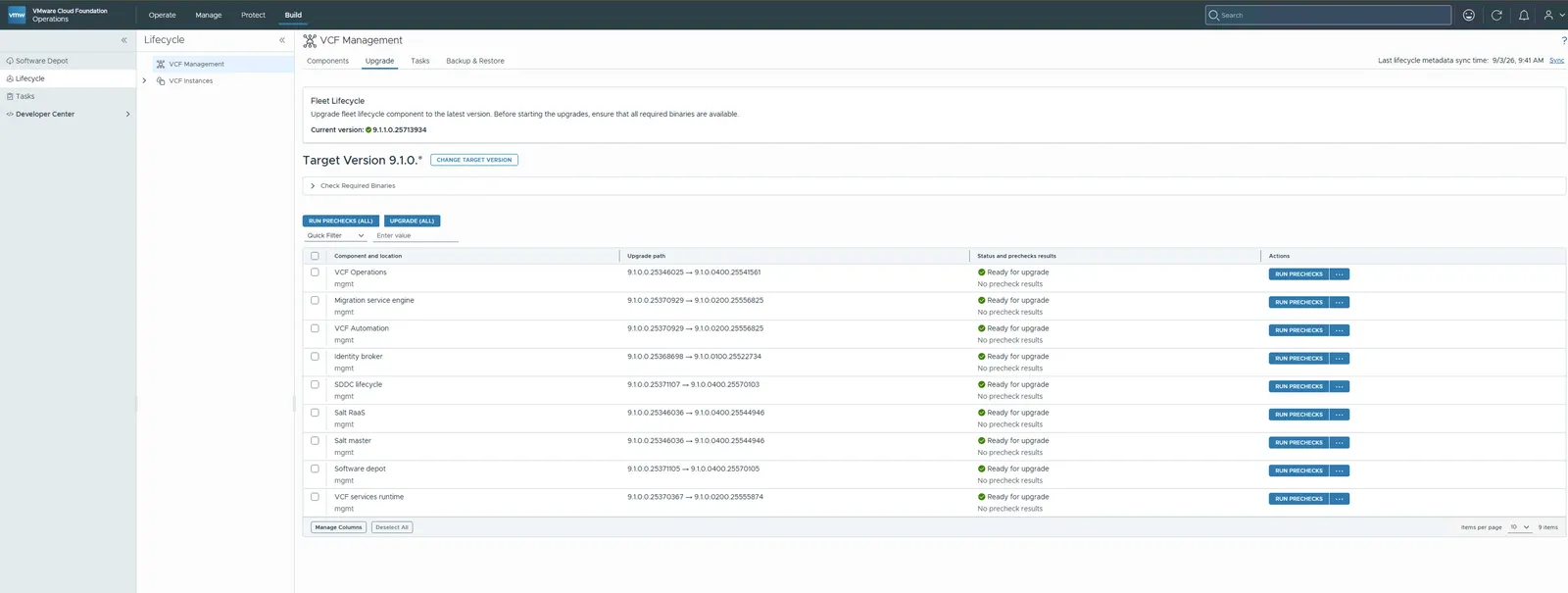
With Fleet Lifecycle on 9.1.1.0, you can move on to the rest of the components. See Patching order for VCF Management Components, 9.1 to 9.1.1 for what to patch next and in what sequence, and VMware Cloud Foundation 9.1.1 is now available for the known issues to look over first.
Never miss a post
New guides on VMware Cloud Foundation, Aria Suite, and infrastructure automation. Follow the blog in your feed reader and new posts show up as soon as they are published.
Using a different reader? Copy the feed URL and add it there.