Upgrading to VMware Aria Suite Lifecycle 8.12

Arun Nukula
1 min read
-
Current version of vRSLCM in my lab is of version 8.10 PSPACK 9.
-
Goal is to upgrade to version 8.12. As we all know from this version onwards vRSLCM will now be refferred as VMware Aria Suite Lifecycle
-
I have mapped updaterepo iso on the vRSLCM appliance using datastore iso option
-
Login into vRSLCM and then click on check for upgrade
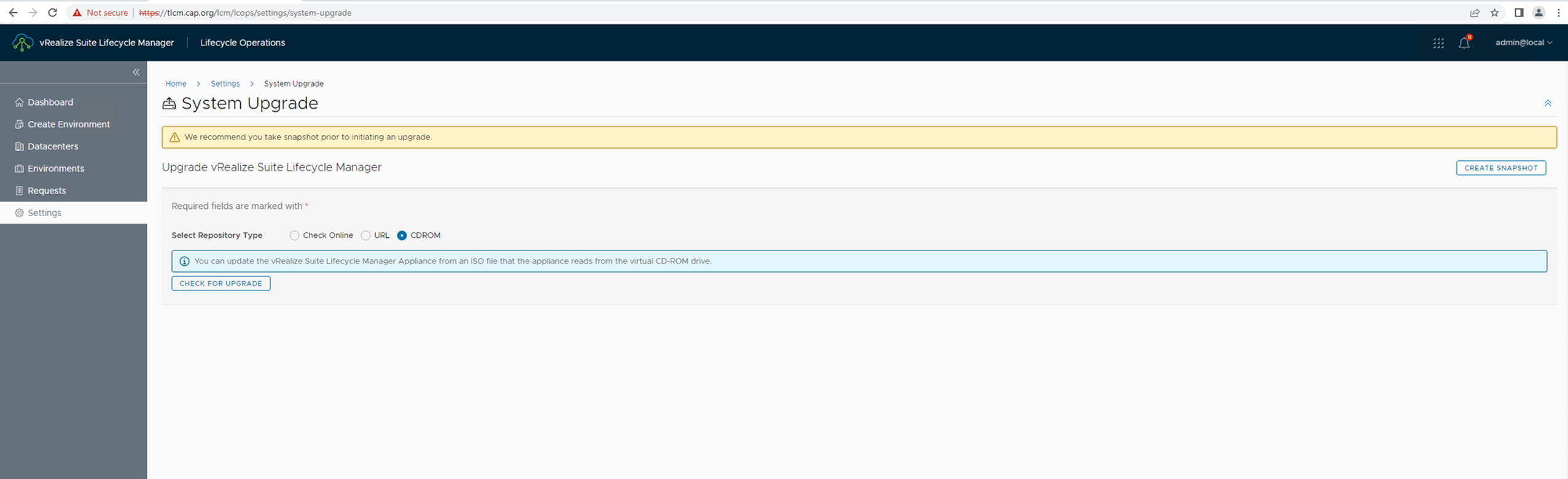
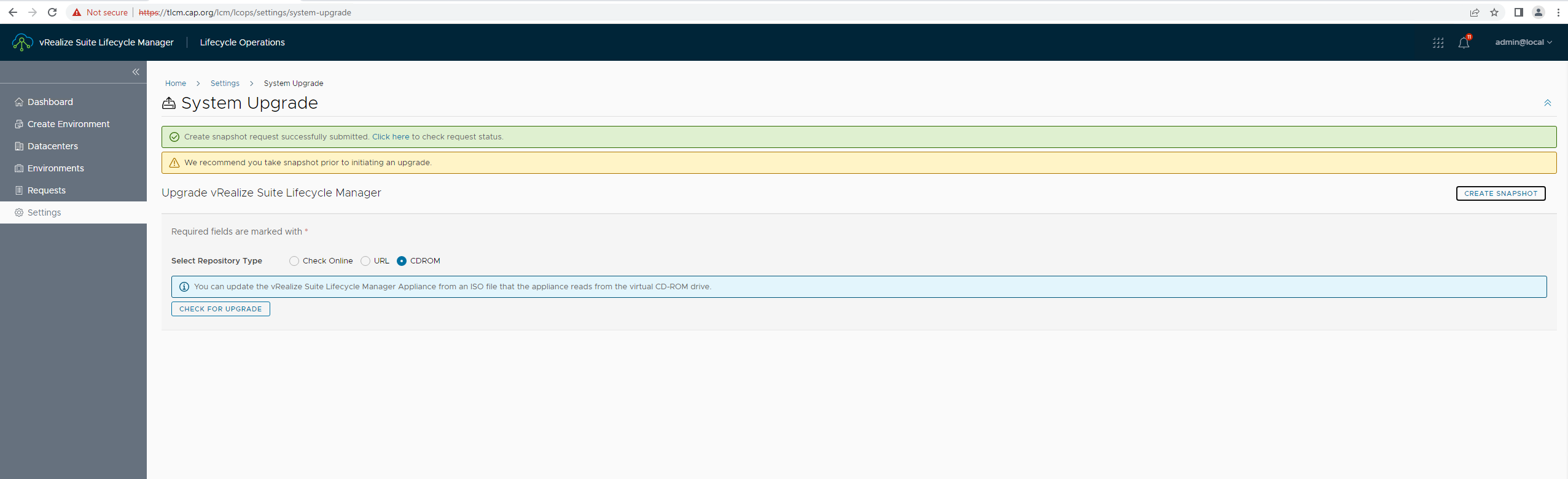
- Remember to take a snapshot without fail before attempting an upgrade
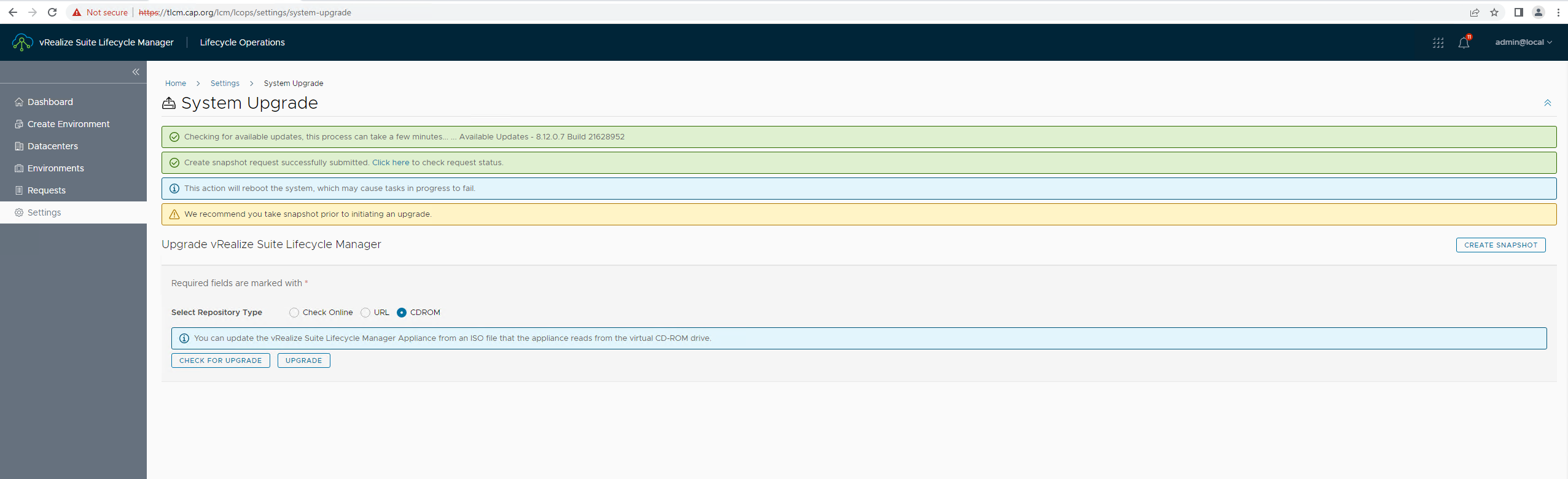
- Here you go there's my update
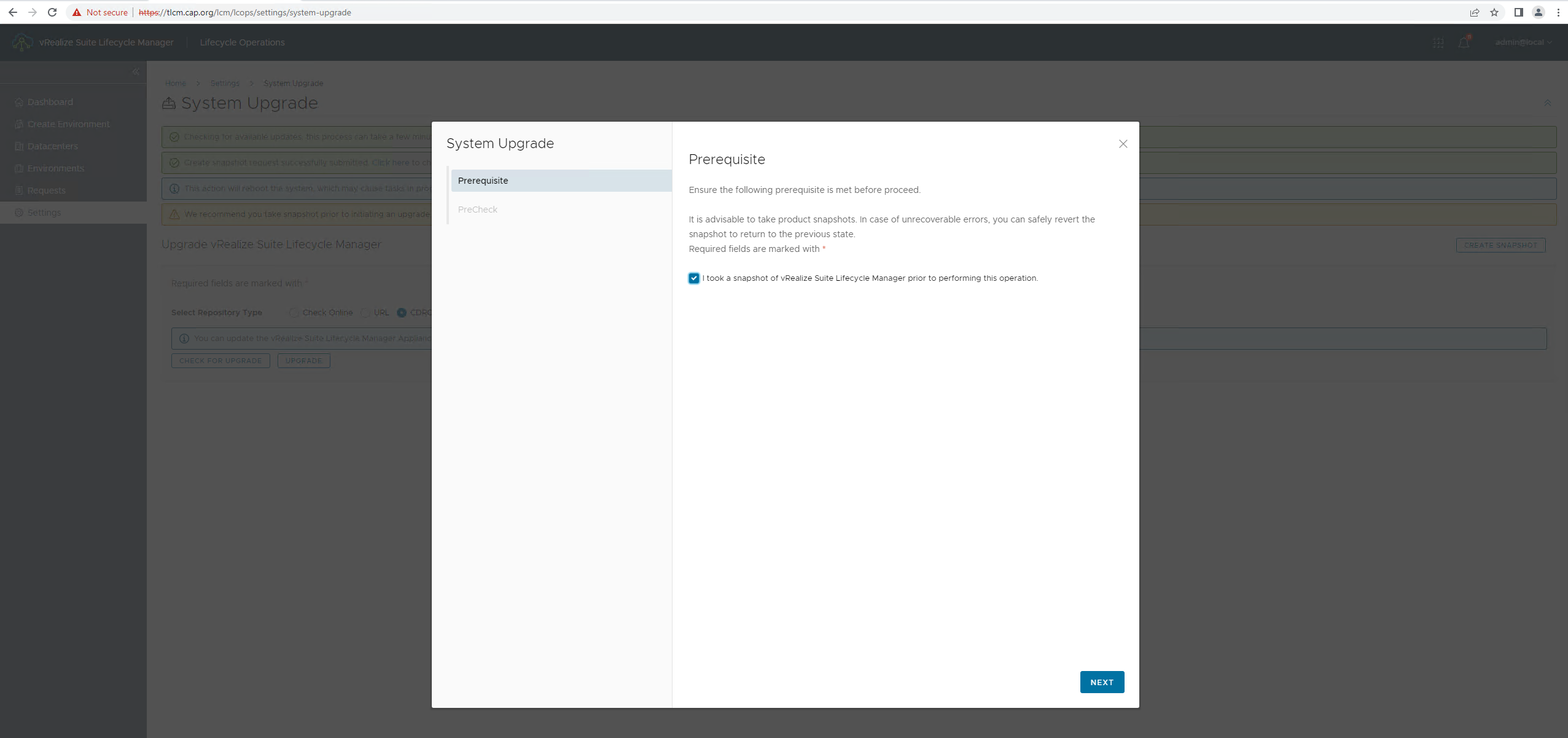
- There's a product pane which tells you to acknowledge that necessary prerequisites have taken place , accept to move forward
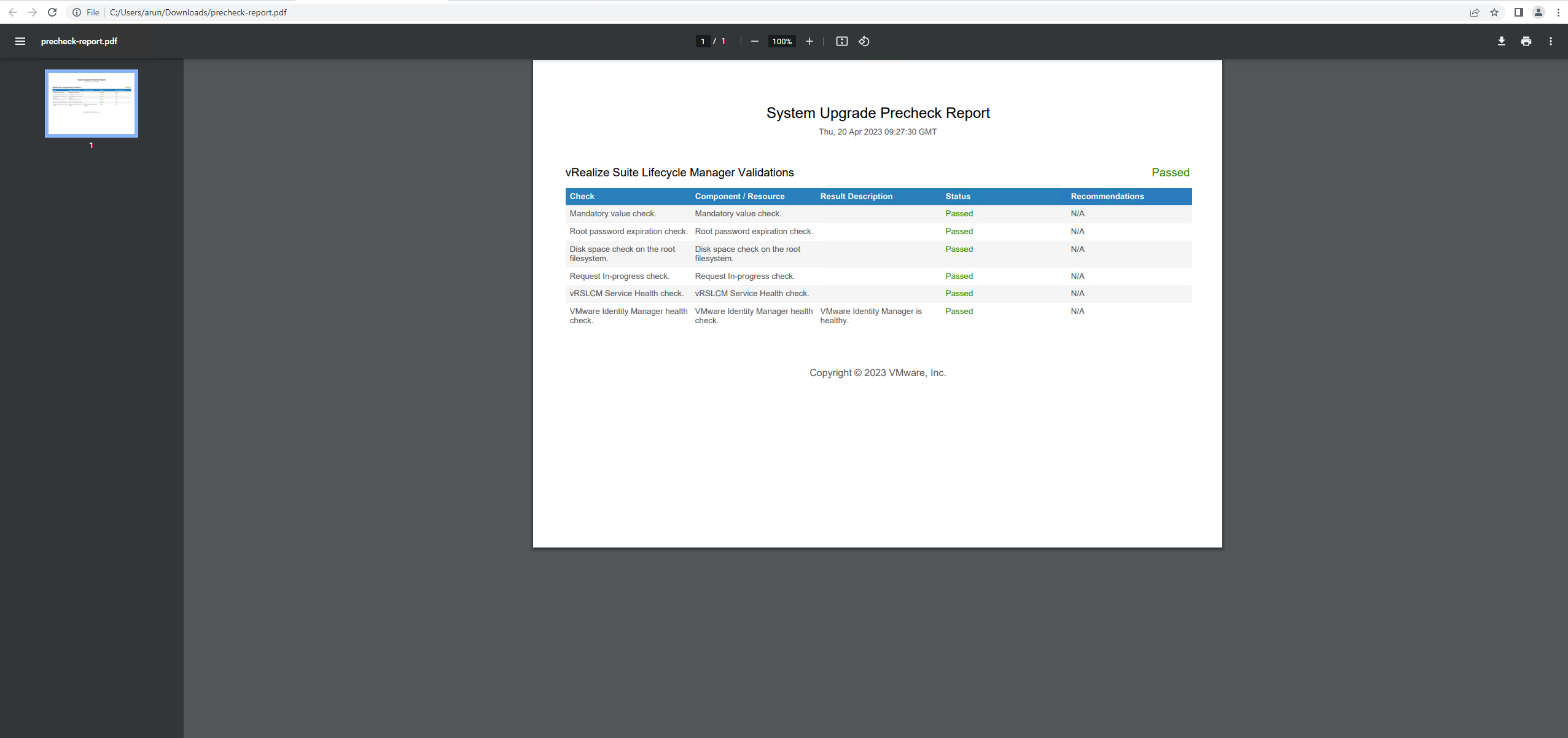
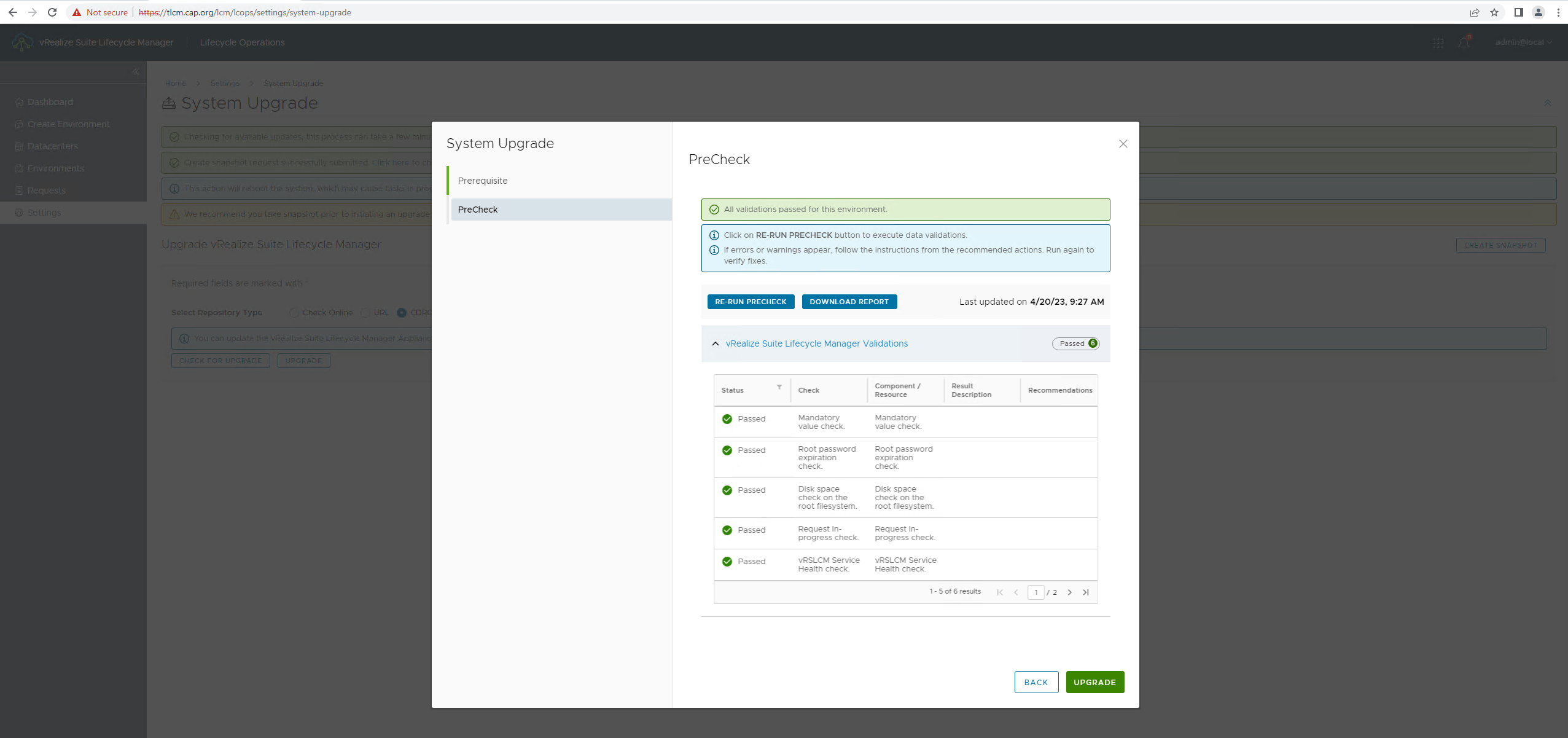
- There are 6 validations performed
- Upgrade started
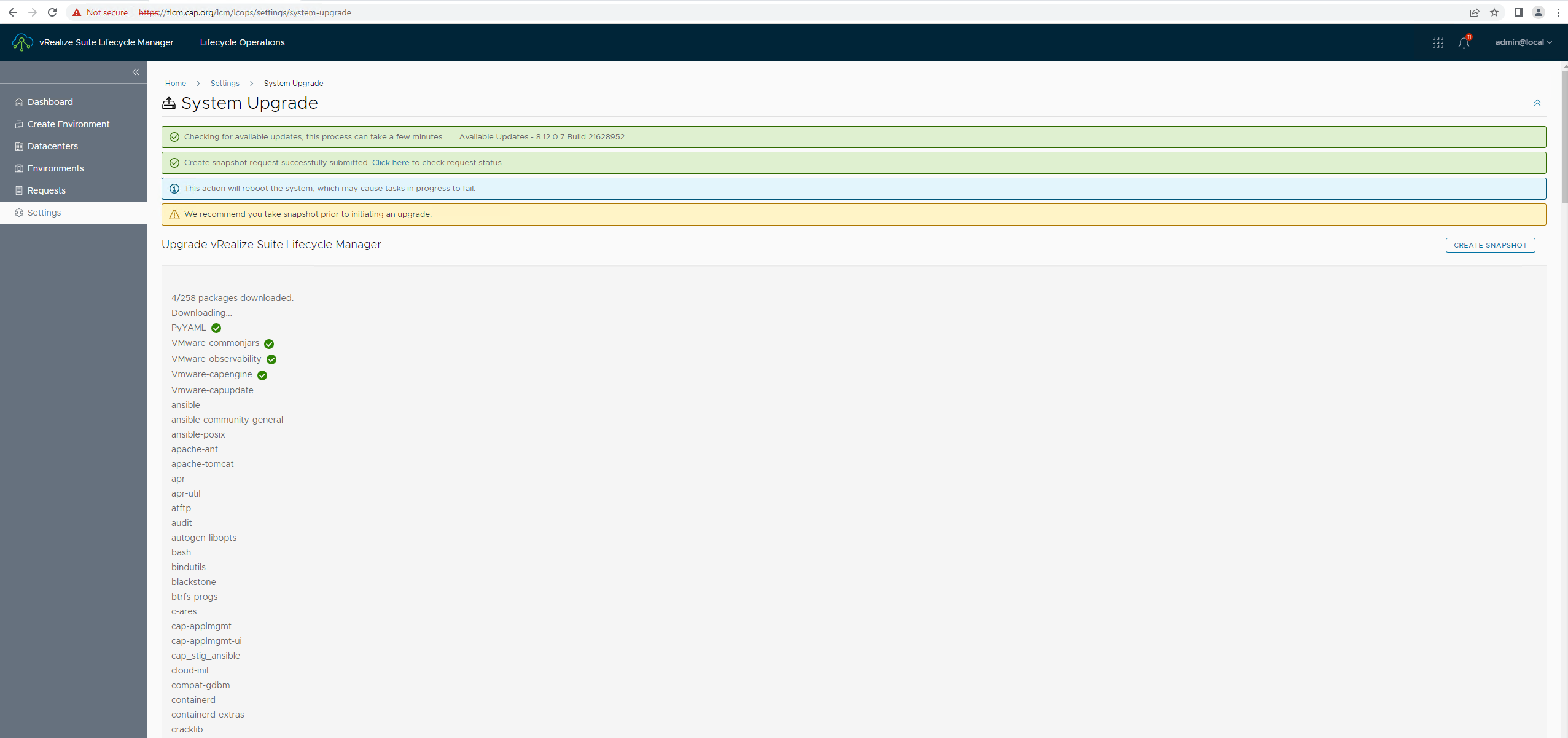
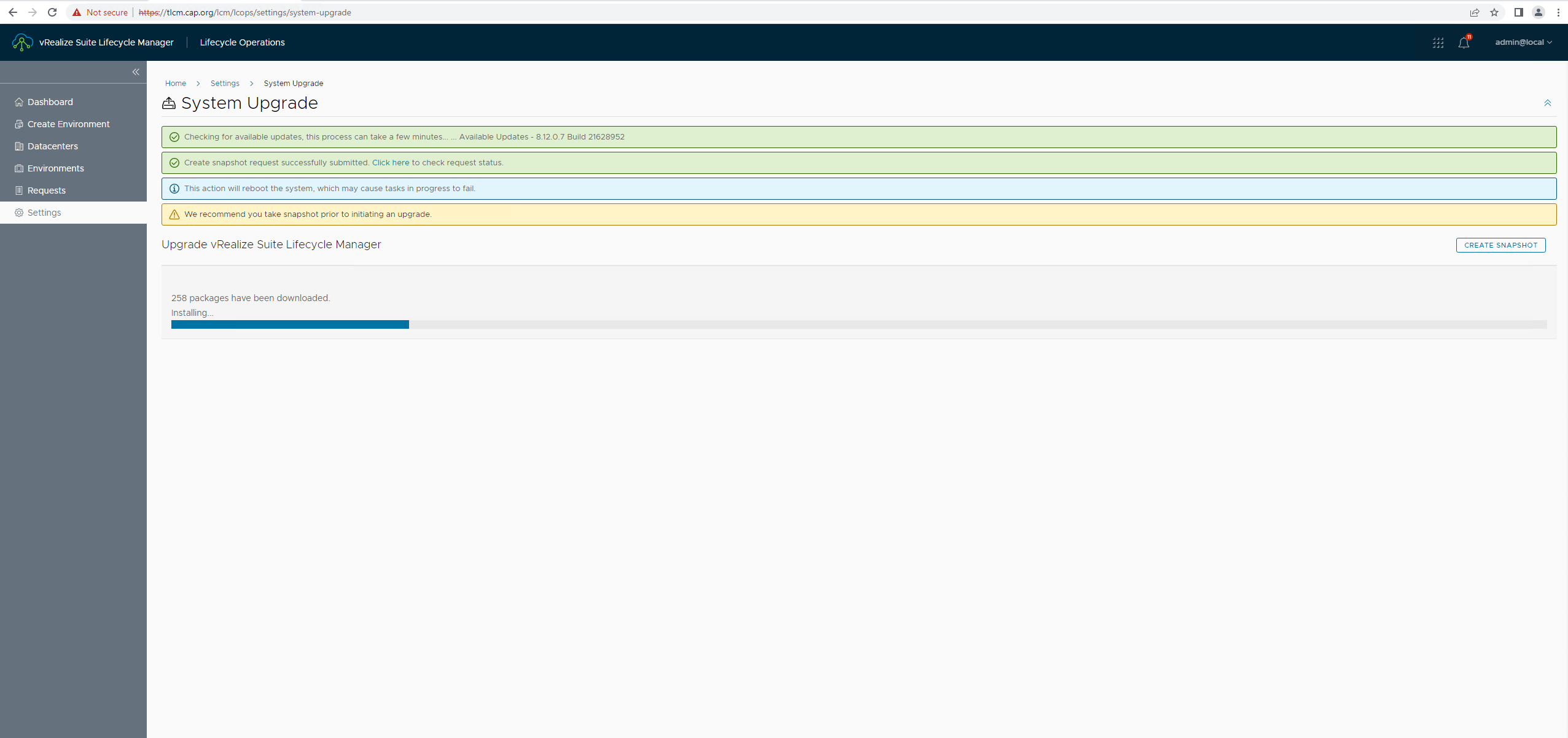
- During this phase check
/var/log/vrlcm/vmware_vrlcm.log
/opt/vmware/var/log/vami/updatecli.log
/opt/vmware/bootstrap/postupdate.log
- After few minutes , here you go , the all nee VMware Aria Suite Lifecycle 8.12
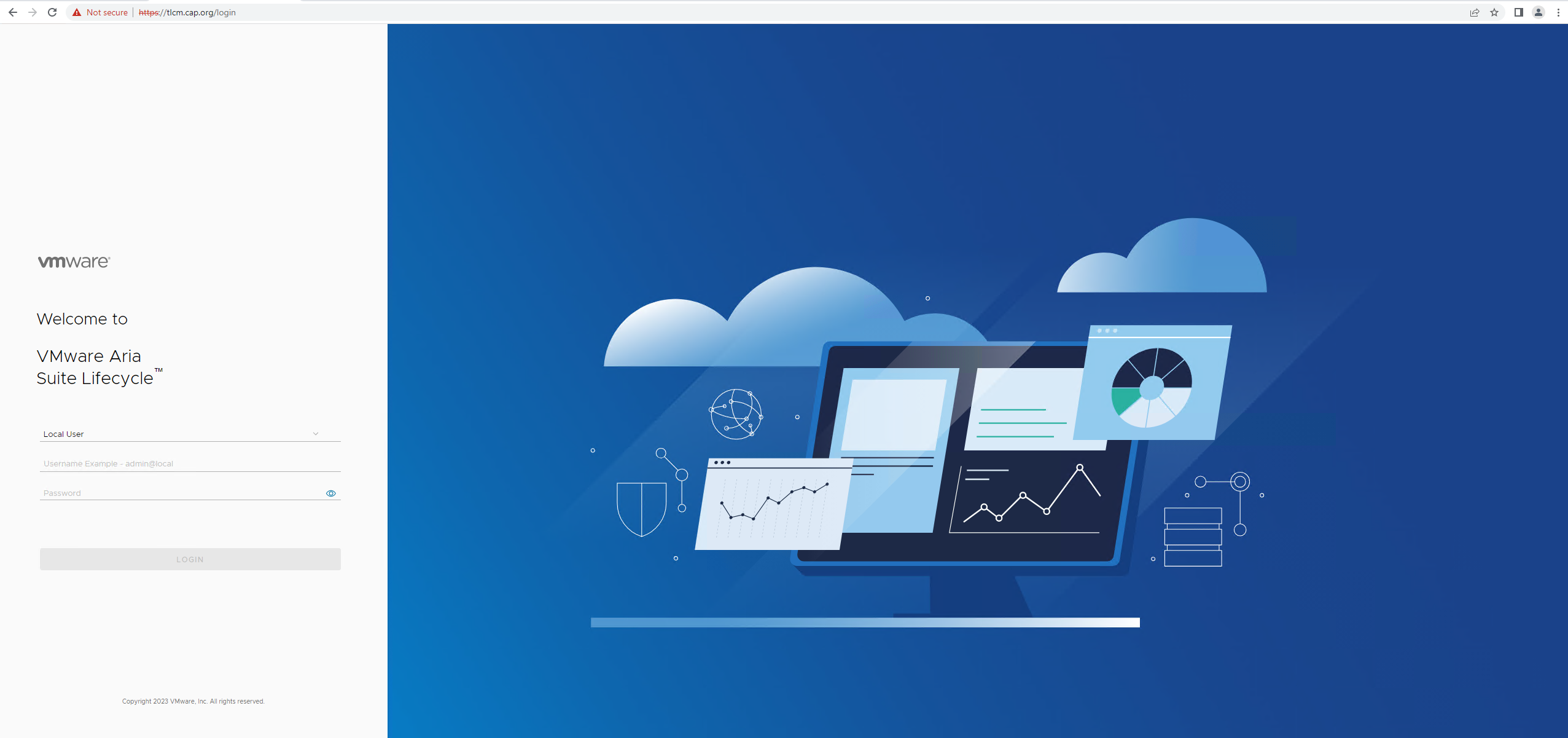
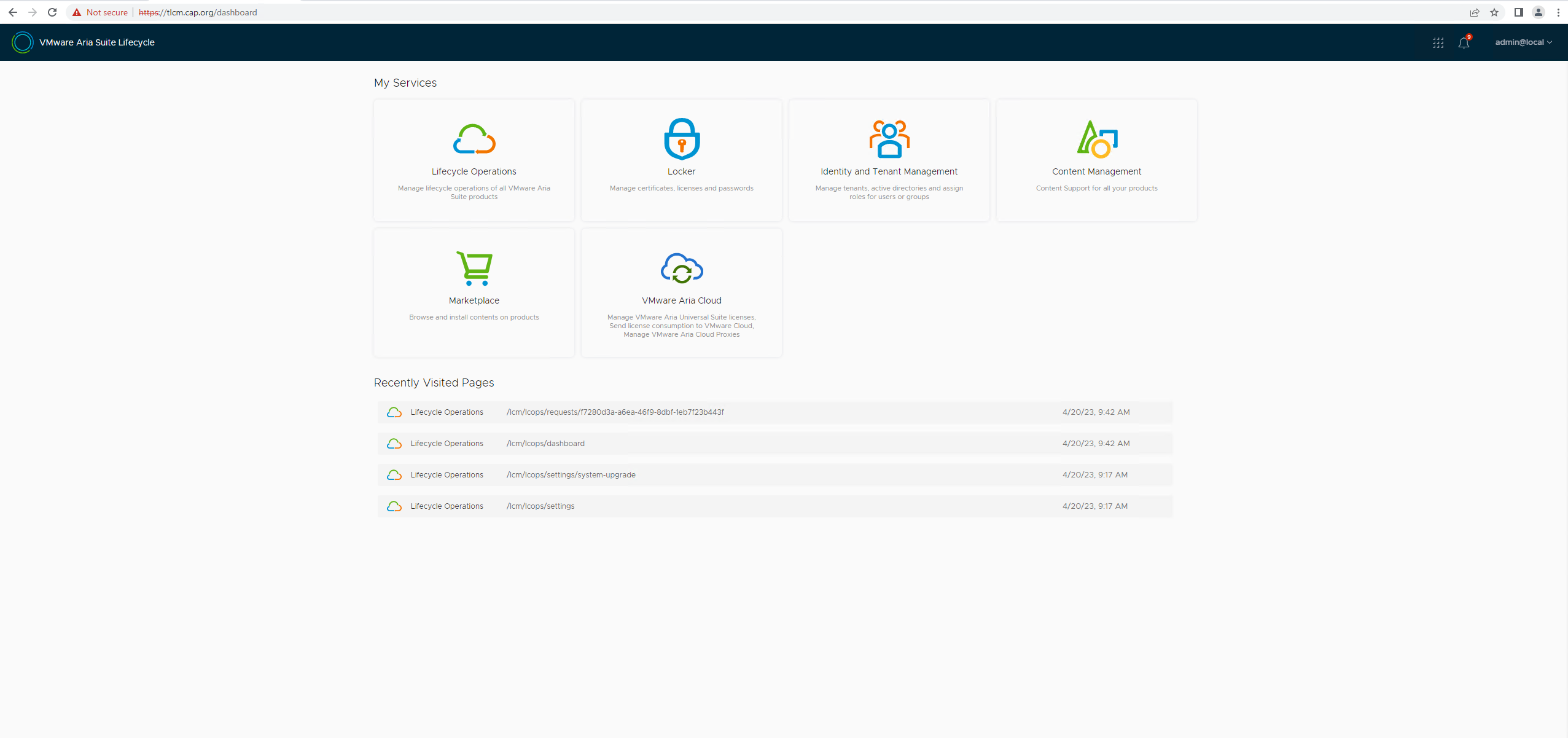
- Here's the home page
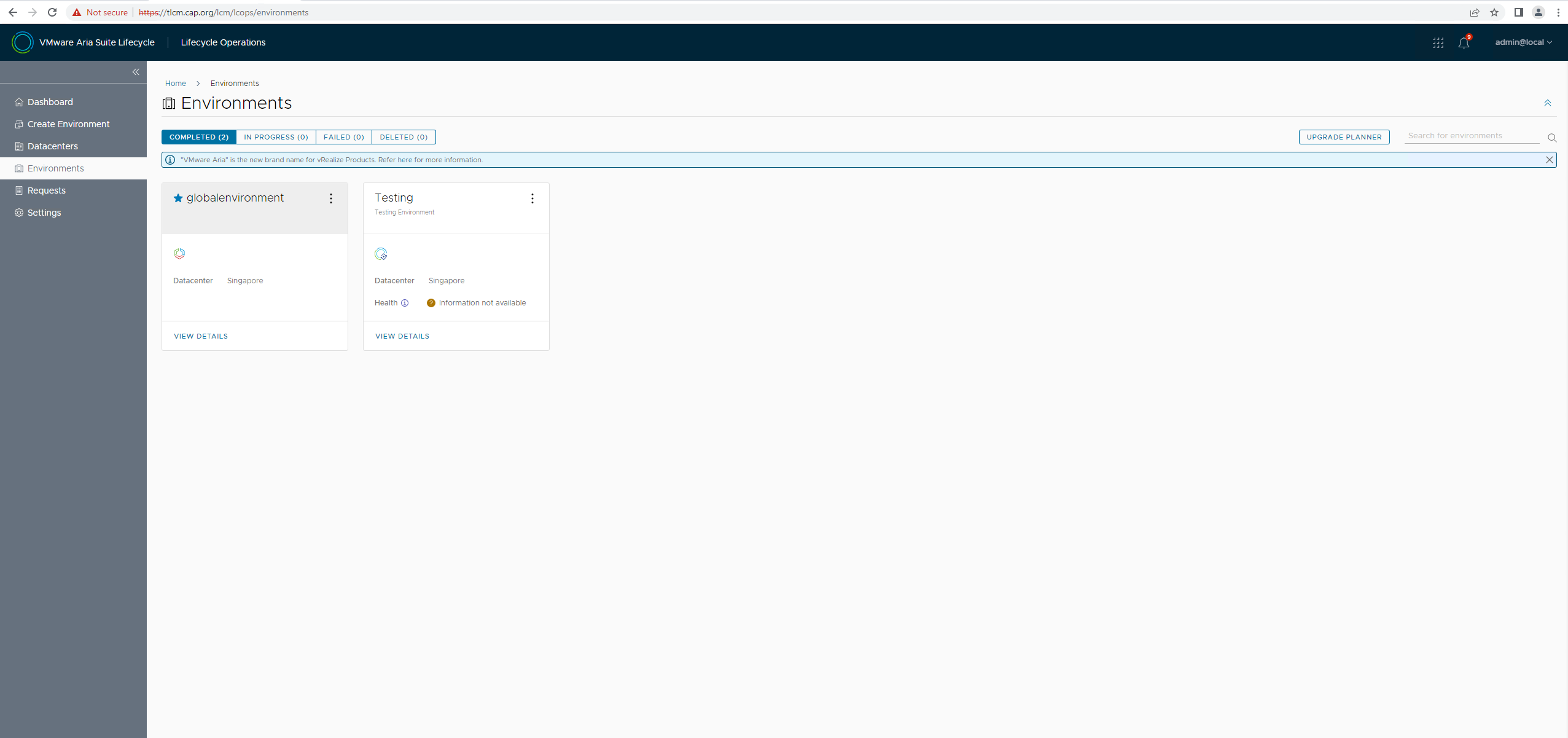
- Environments pane
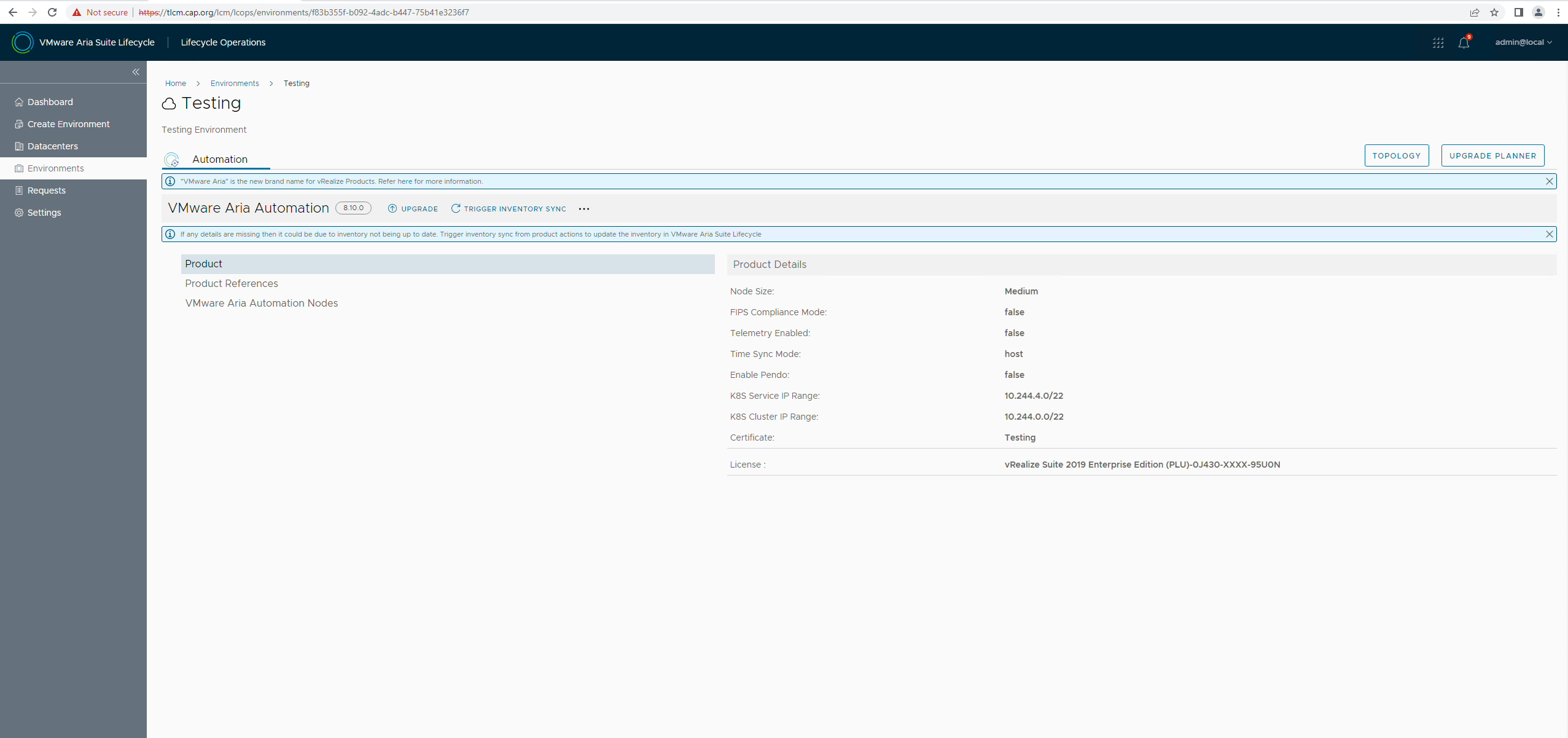
- Remember , I just upgraded by vRSLCM and once done , as expected all my existing products would start displaying the new names. Unless i upgrade the product, on the product end it would still show the old branding.
- That's the system settings

-
This concludes uprgade of vRSLCM to what now we call VMware Aria Suite Lifecycle 8.12
Never miss a post
New guides on VMware Cloud Foundation, Aria Suite, and infrastructure automation. Follow the blog in your feed reader and new posts show up as soon as they are published.
Using a different reader? Copy the feed URL and add it there.