Upgrading VMware Aria Suite Lifecycle to version 8.18.0 using Online Method

Login into VMware Aria Suite Lifecycle
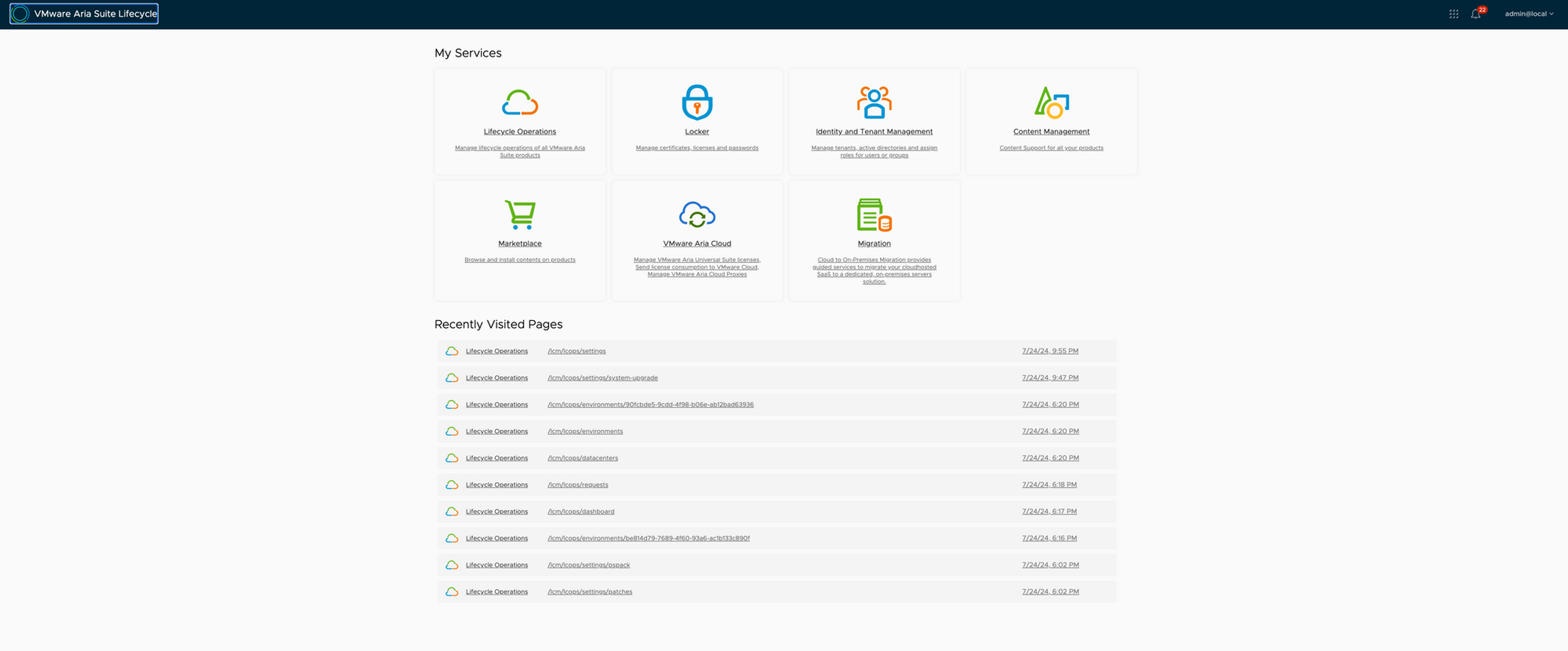
Go to Lifecycle Operations and Settings
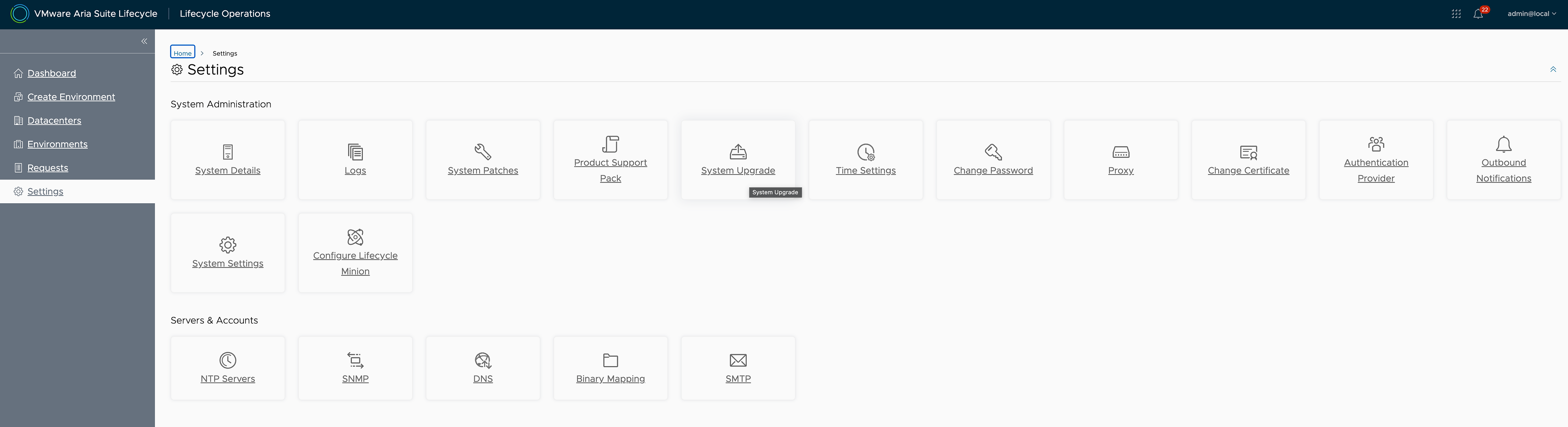
Click on System Upgrade
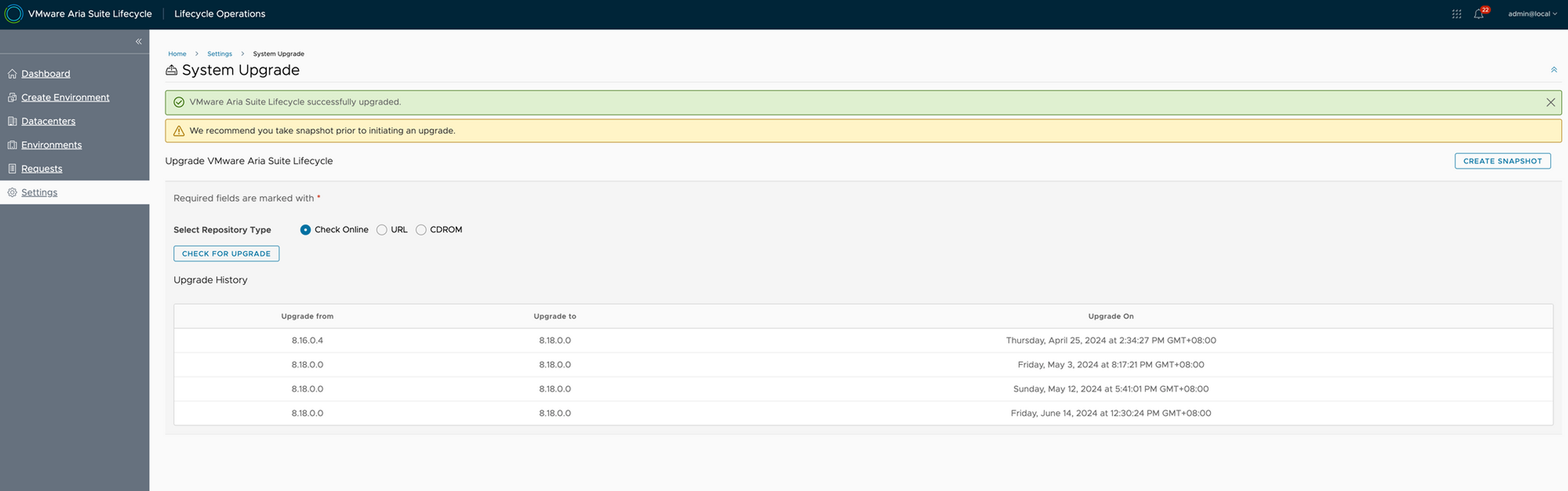
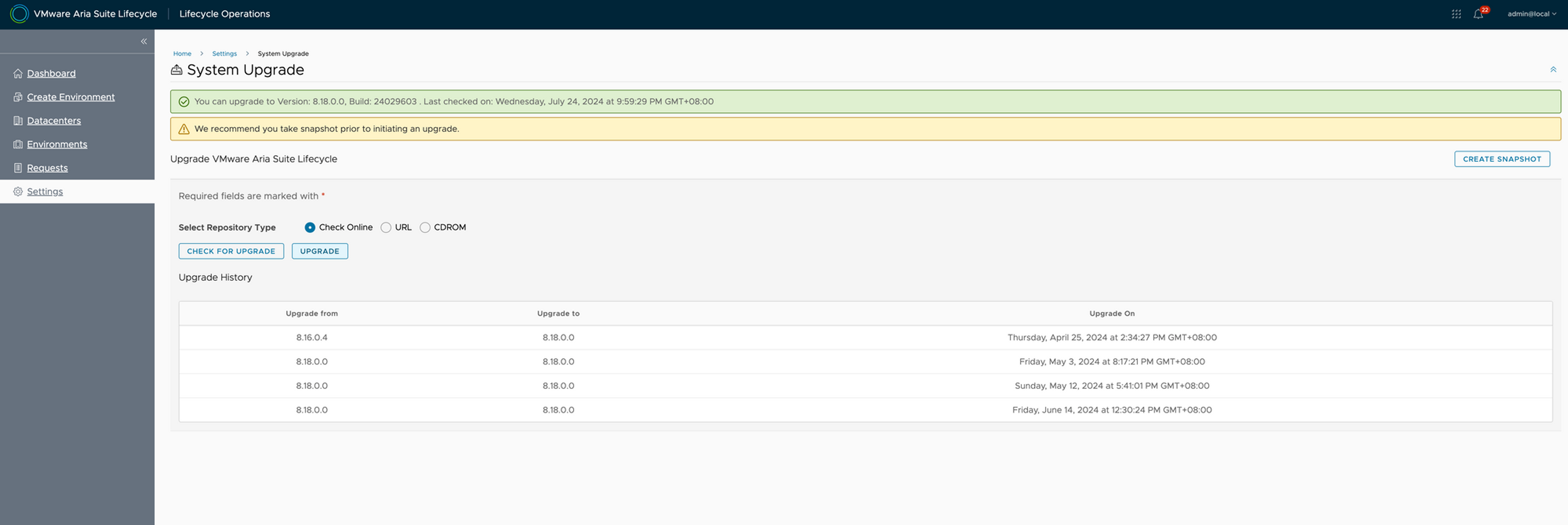
Select "Check Online" and then click on "Check for Upgrade"
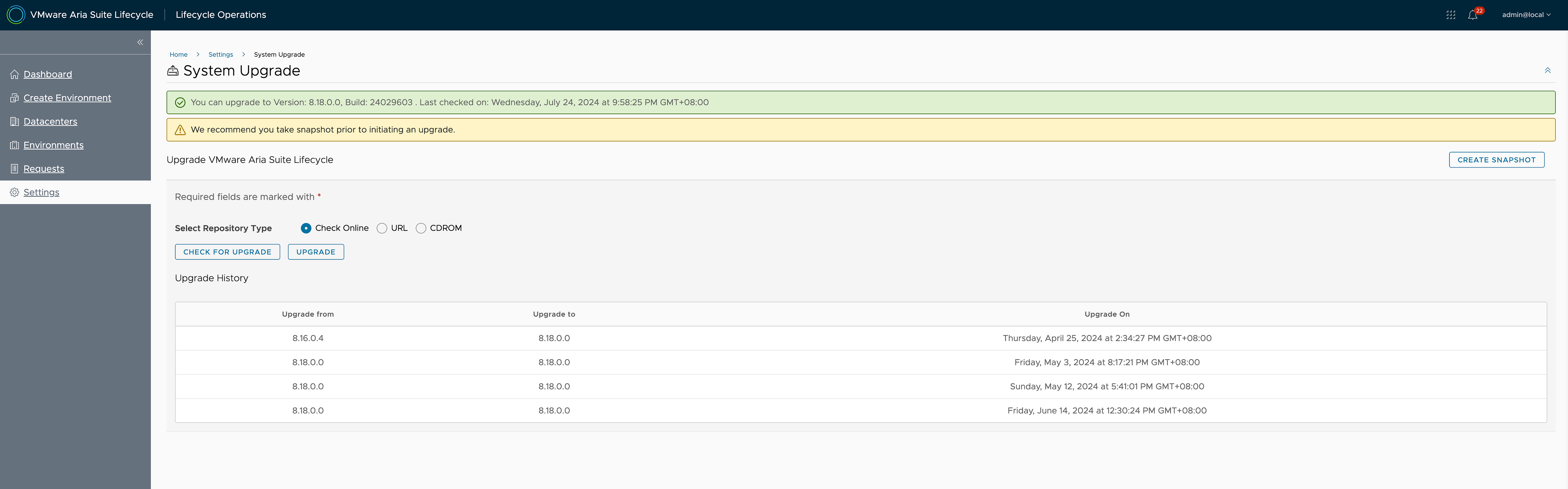
It would return stating the new VMware Aria Suite Lifecycle 8.18.0 is available
Ensure a snapshot is taken before triggering an upgrade
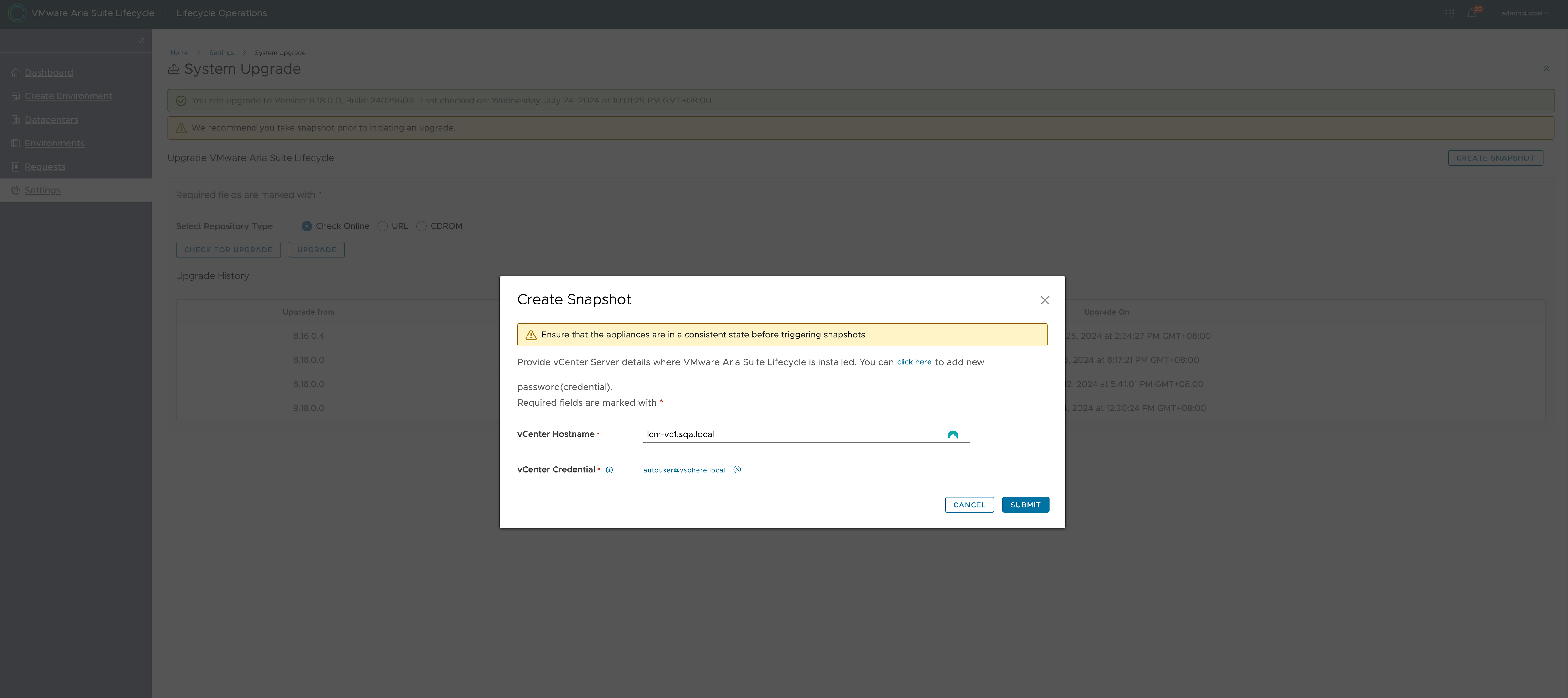

Click on "Upgrade" to begin the upgrade workflow
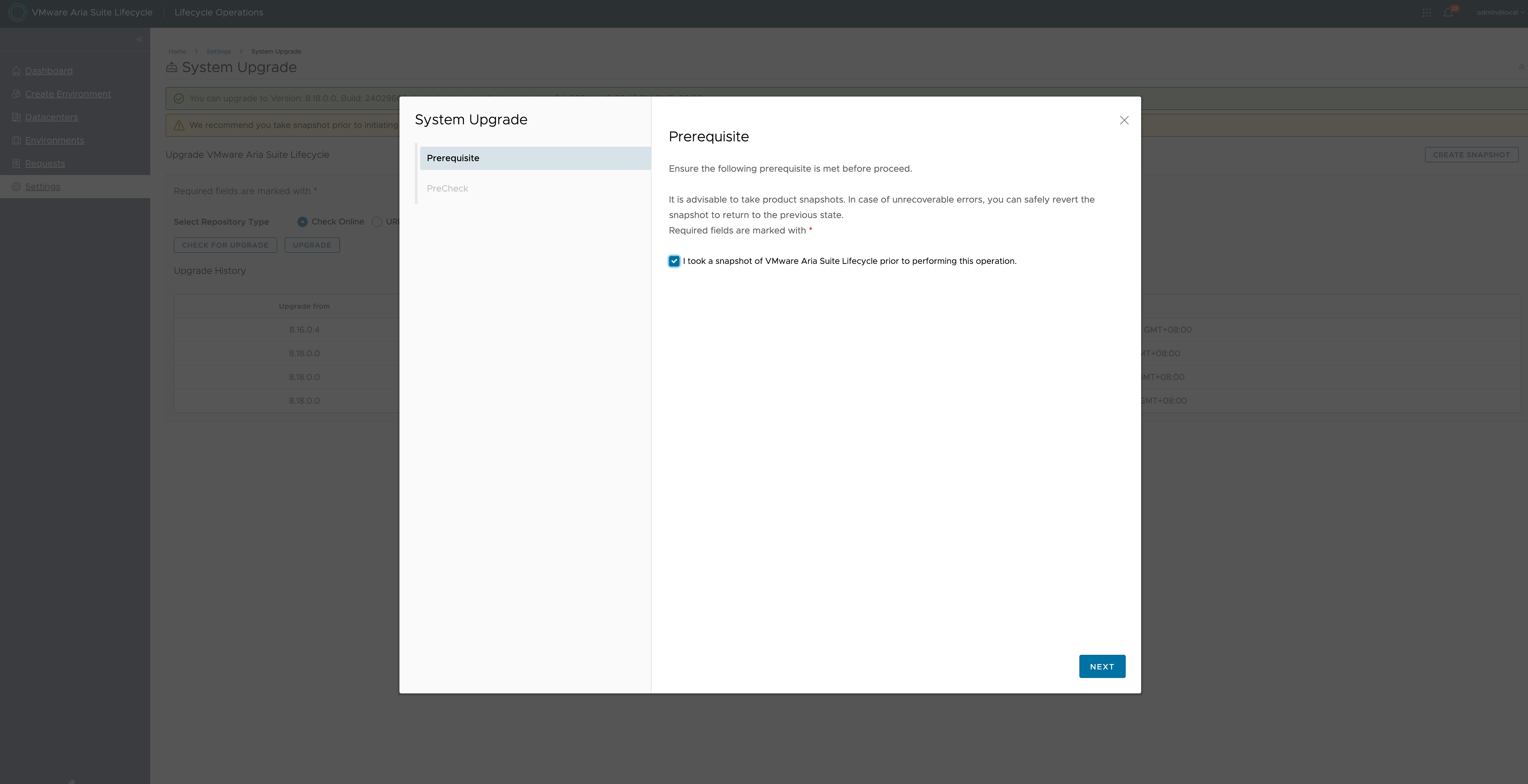
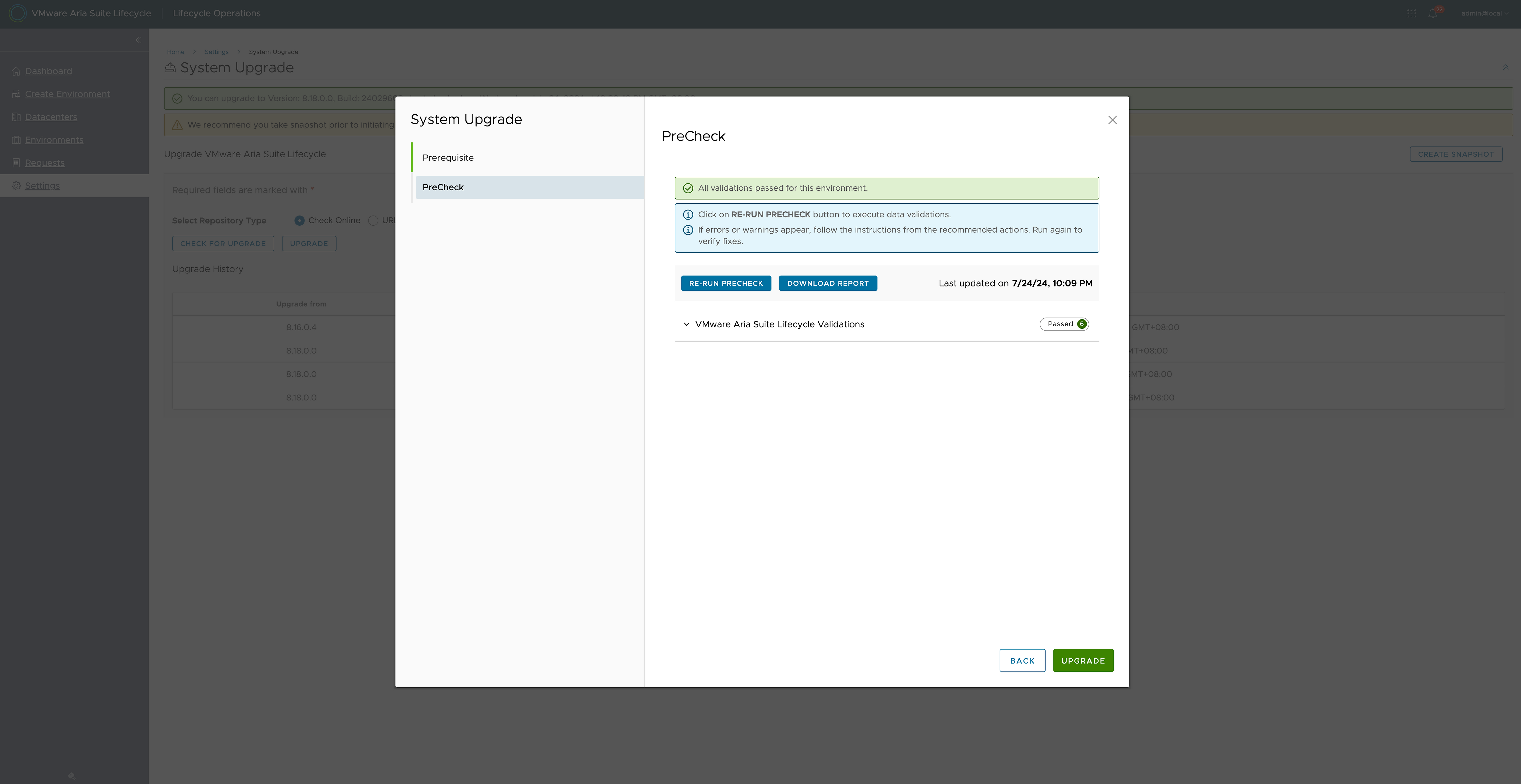
Pre-checks are fine and now the upgrade starts
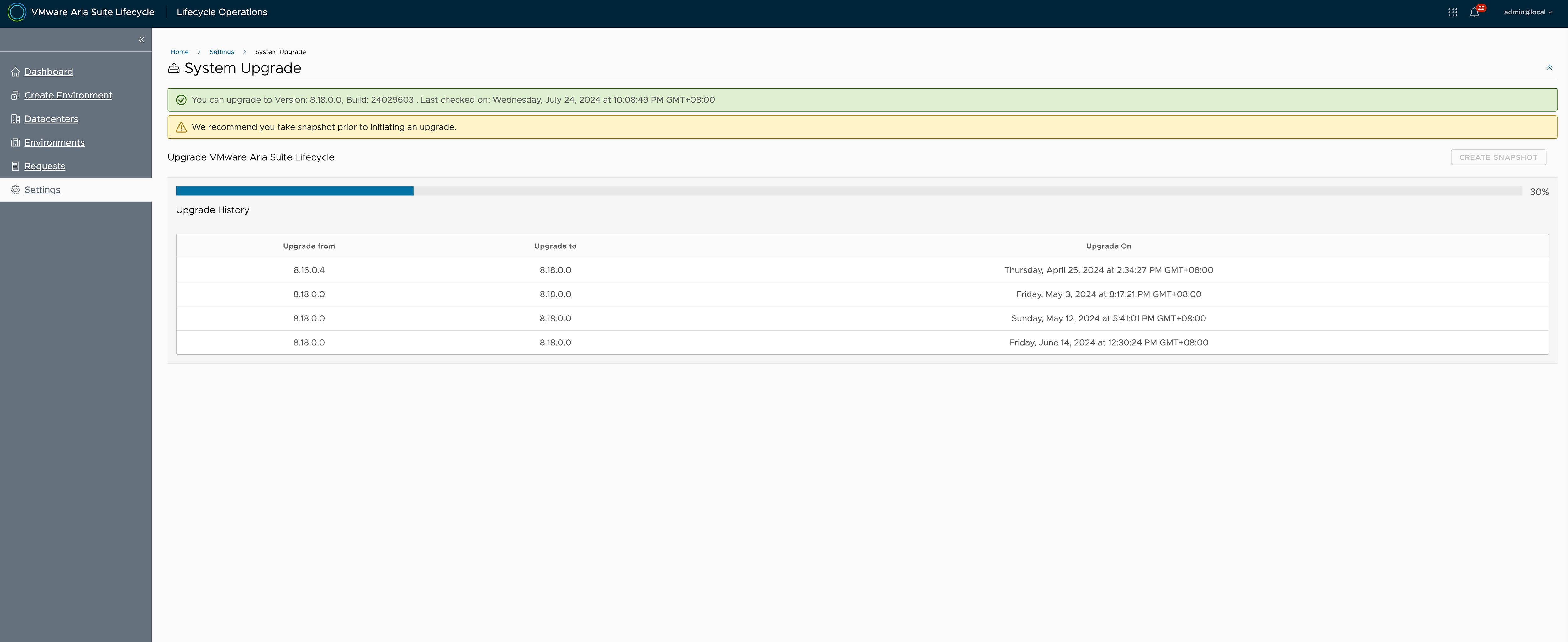
Remember the logs you can monitor
Pre-Upgrade & Upgrade Phase
/var/log/vmware/capengine/cap-non-lvm-update/worflow.log
/var/log/vmware/capenginecap-non-lvm-updateinstaller-<<timestamp>>.log
Post Update Phase
/var/log/bootstrap/postupdate.log
/data/script.log
/var/log/vrlcm/vmware_vrlcm.log
Services would restart which means it's in postupgrade phase

Upgrade is now complete
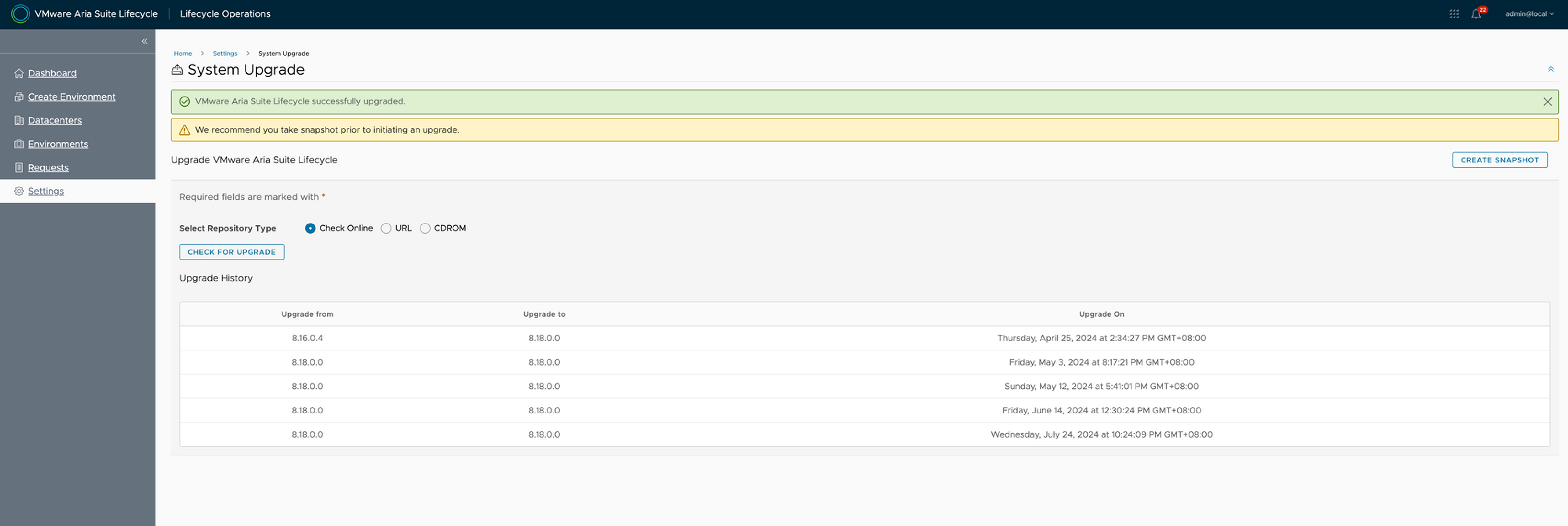

Happy Upgrades
Never miss a post
New guides on VMware Cloud Foundation, Aria Suite, and infrastructure automation. Follow the blog in your feed reader and new posts show up as soon as they are published.
Using a different reader? Copy the feed URL and add it there.