vRealize Operations Upgrade from 8.6.4 to 8.10

Arun Nukula
1 min read
Here's the pdf file of the blog with screenshots if you would like to download and read
vROps Upgrade 8.6.4 to 8.10..pdf
Download PDF • 1.82MB
- Take a snapshot of vROps product using vRSLCM

- Then click on upgrade , that would prompt you to trigger an inventory sync to start with and then one can proceed
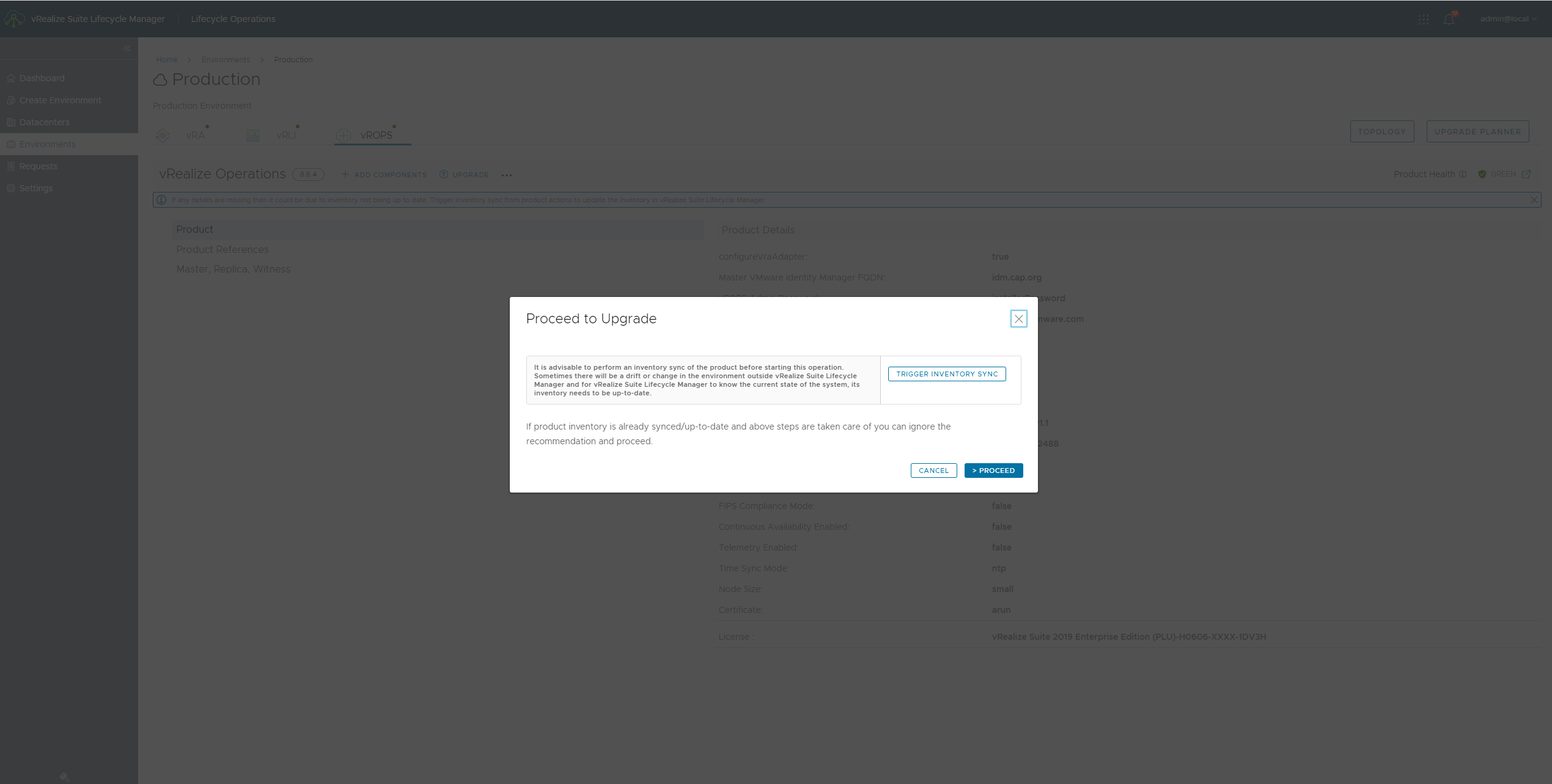
- Once inventory sync is complete proceed with next step

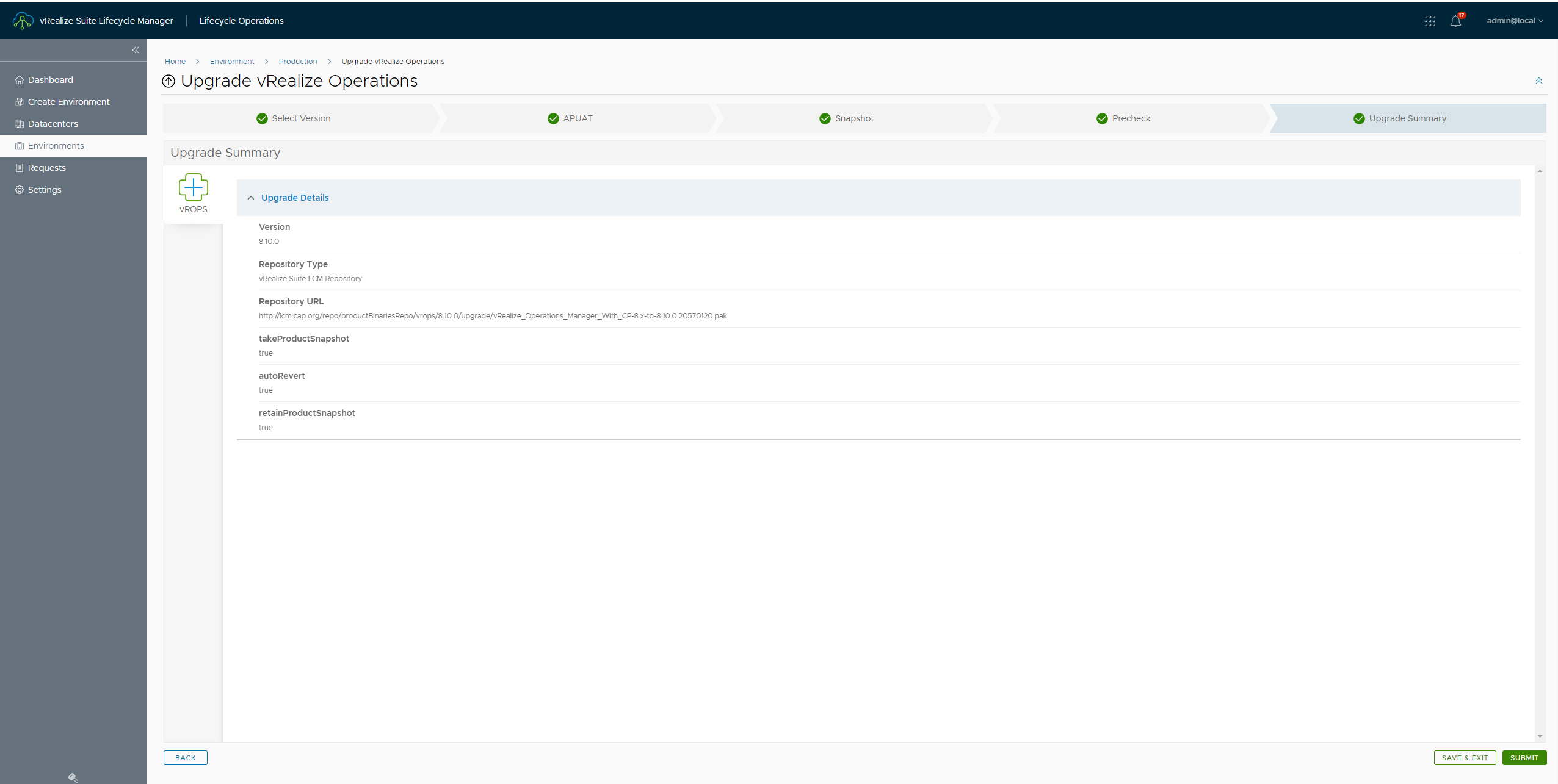
- I'd be using vRSLCM's repository where my binary has been downloaded using MyVMware account a few minutes back. Once all the information is verified , click on next
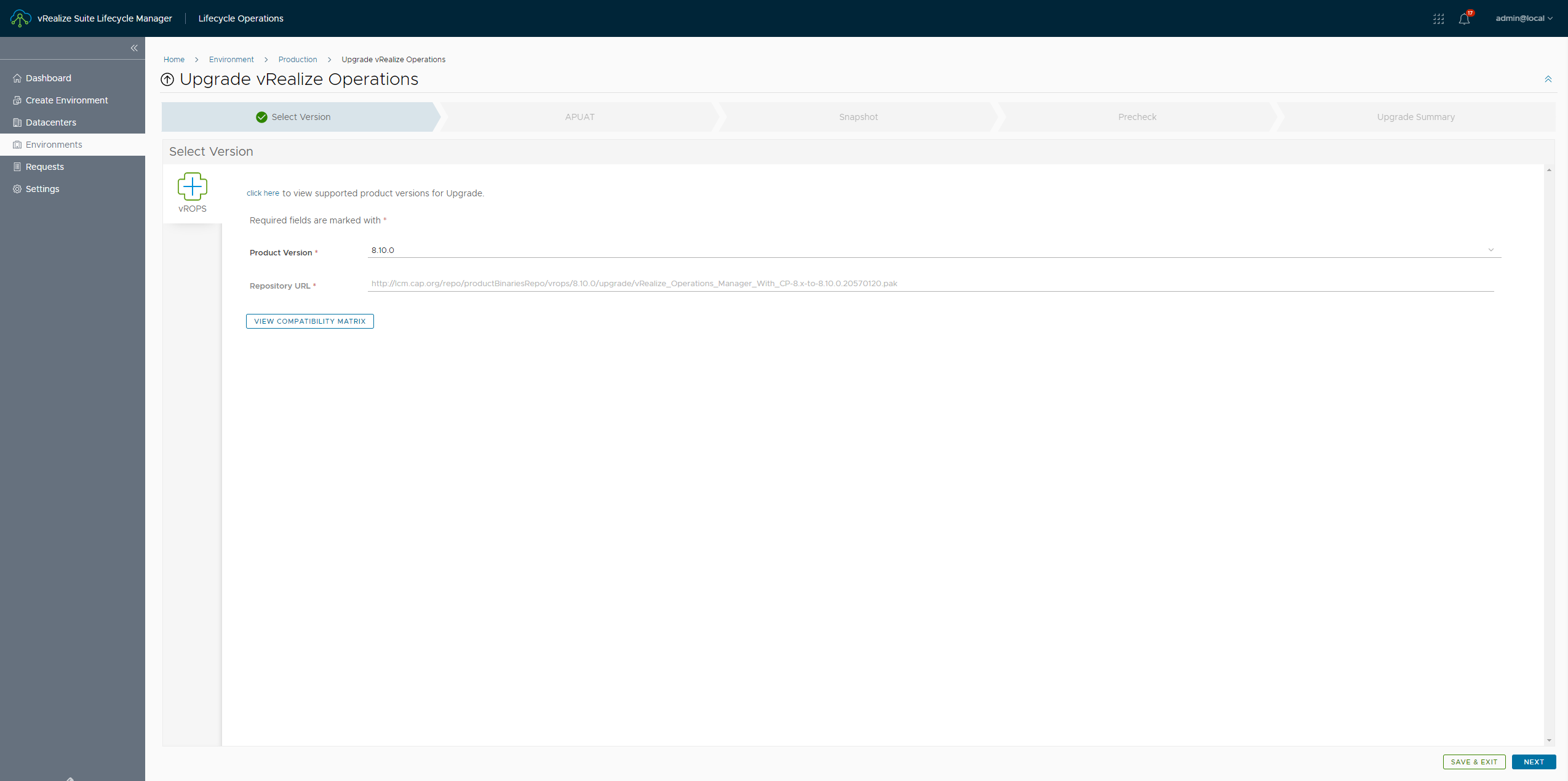
- When we click on next , the APUAT page opens up where we can run assessment
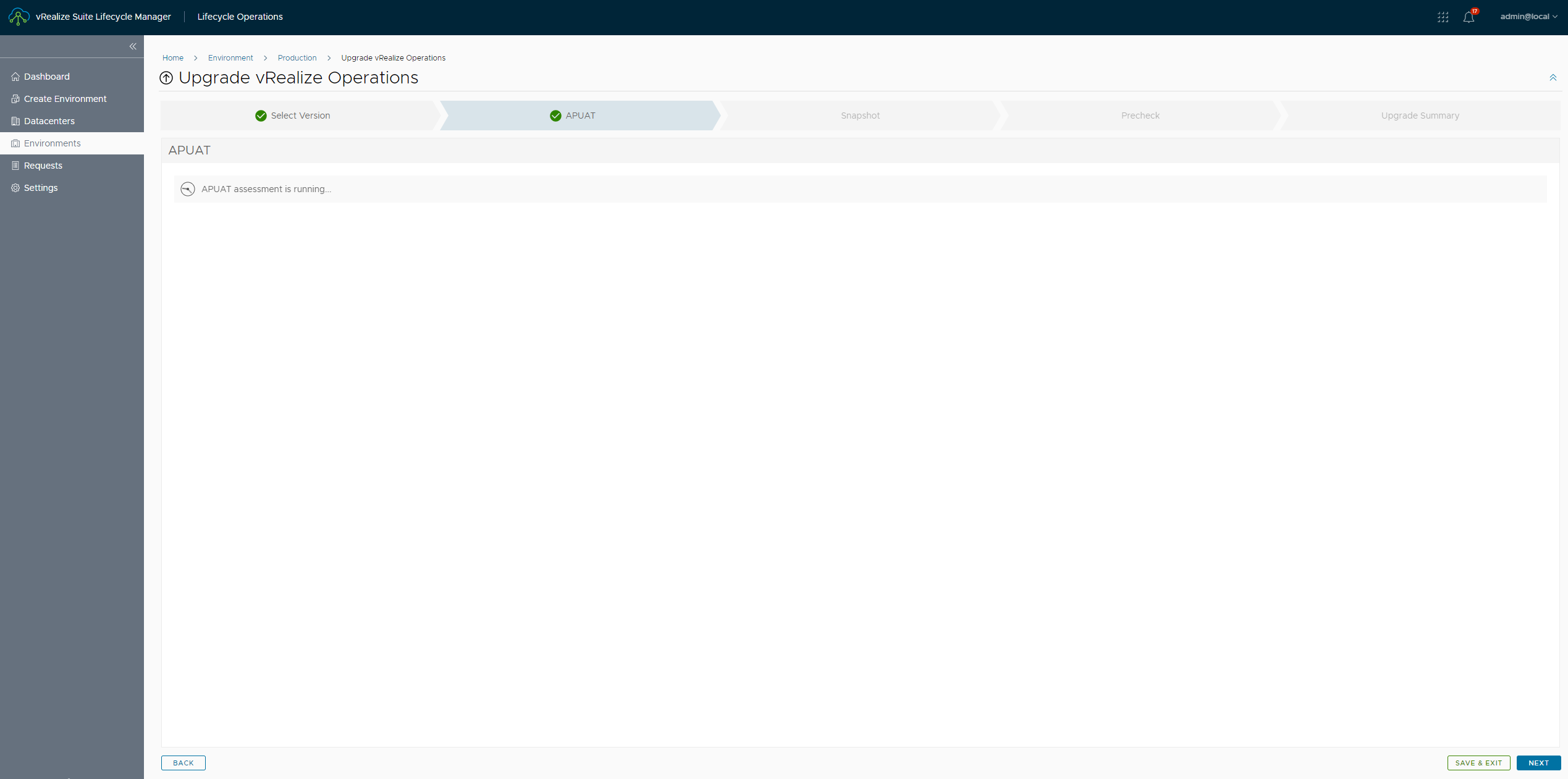
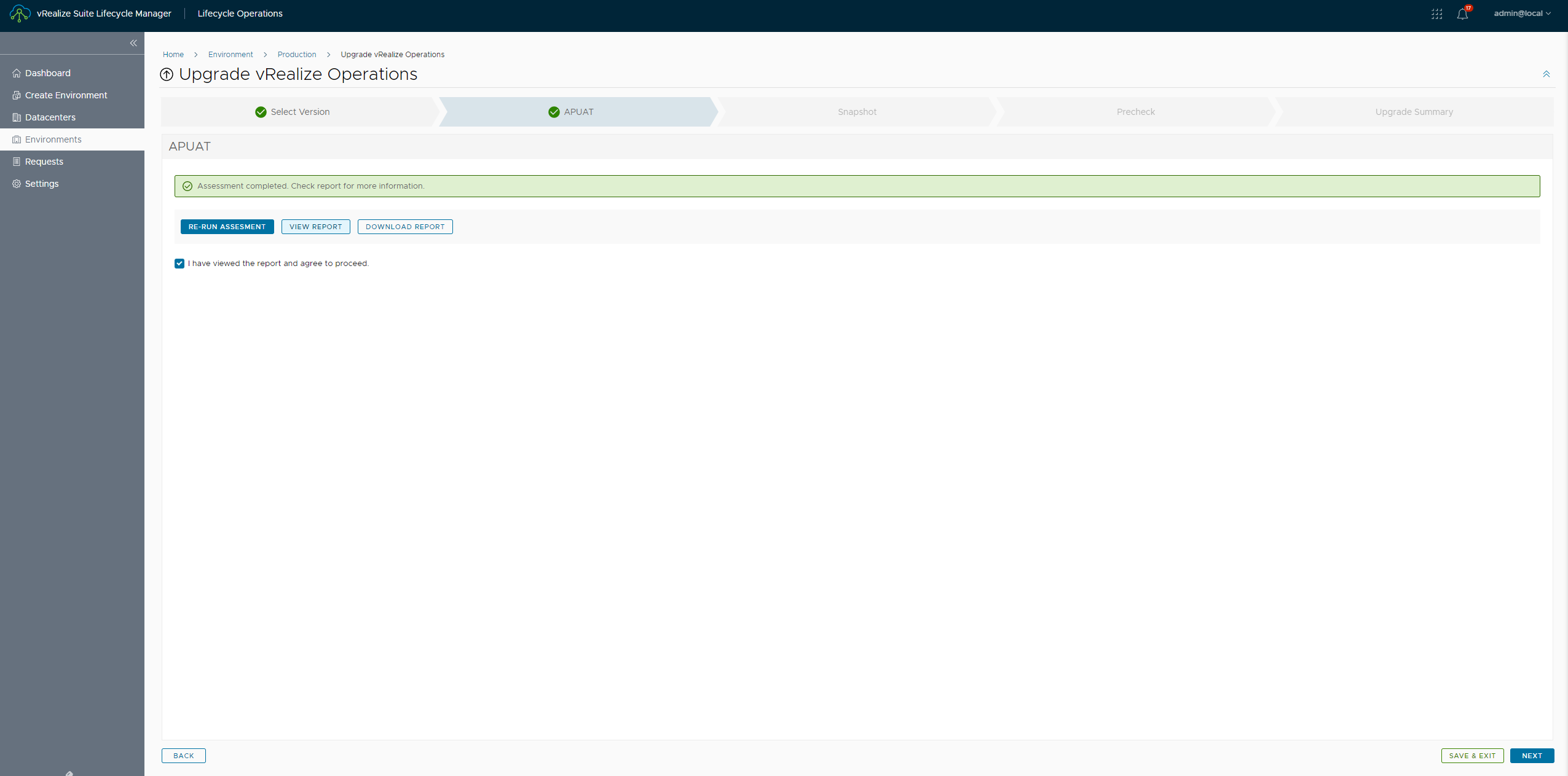
- You may click on view report to explore it
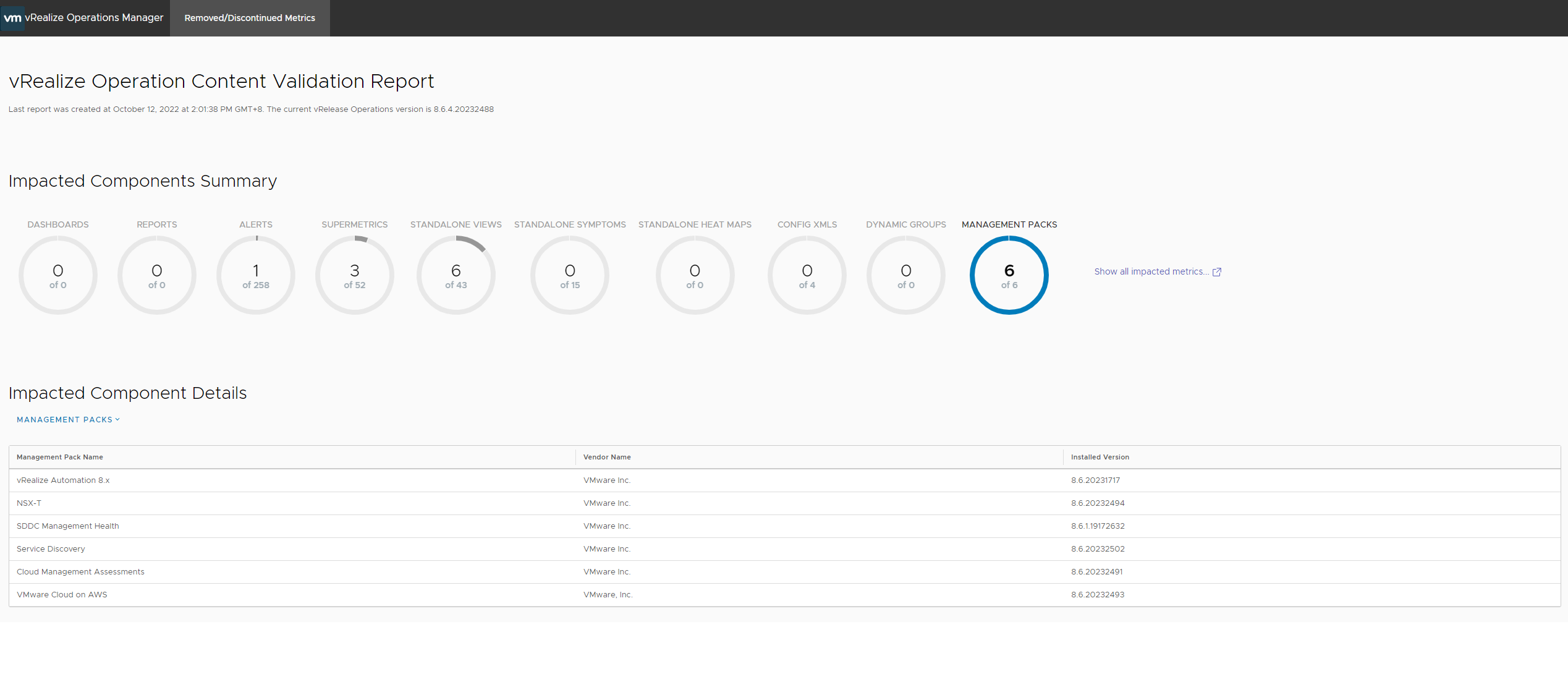
- Once satisfied with the report and consent to the changes are made, we will move on to the product snapshot pane
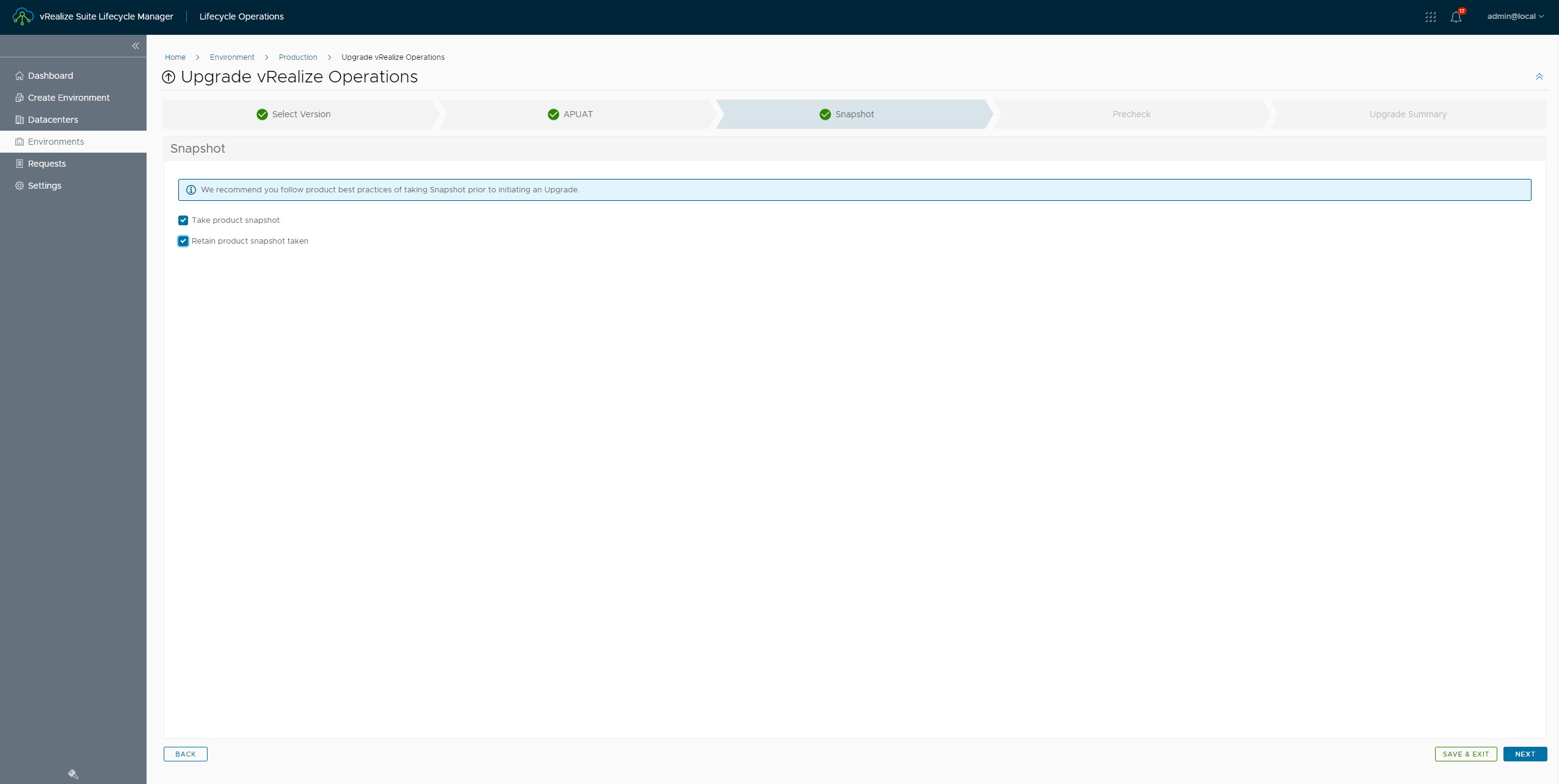
- I'd like to take product snapshot and also retain the snapshot taken. Hence both the boxes are checked
- Now , click next for validations or prechecks before upgrade
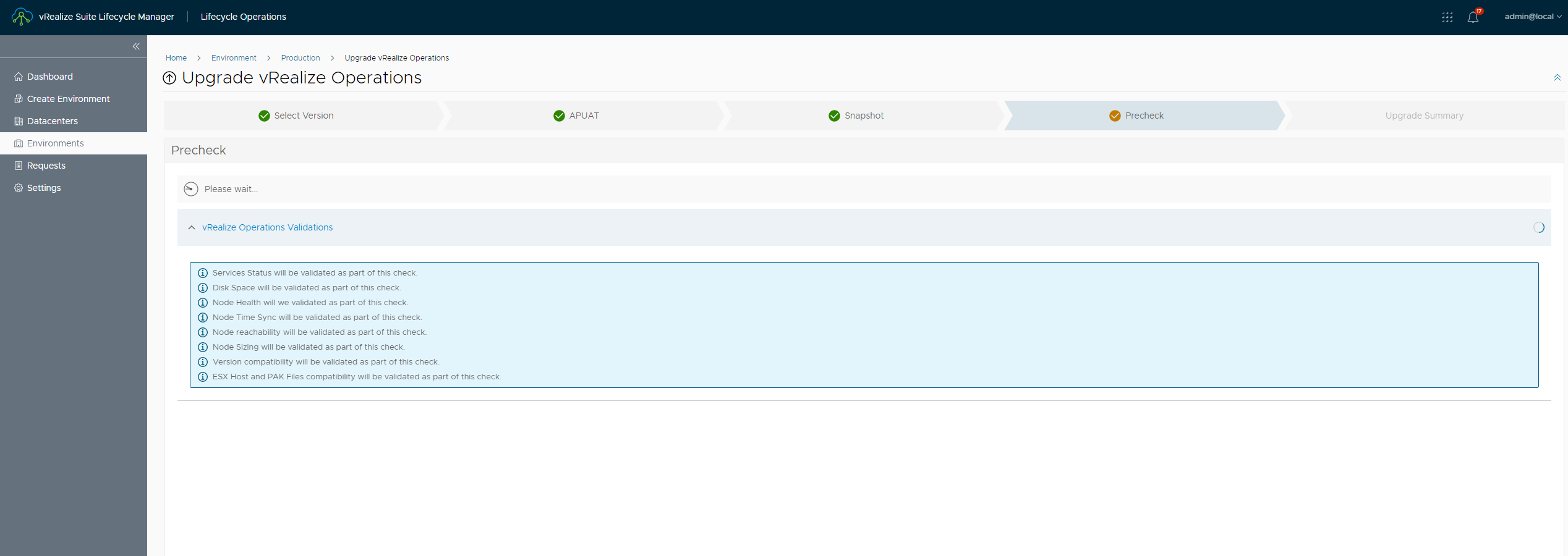
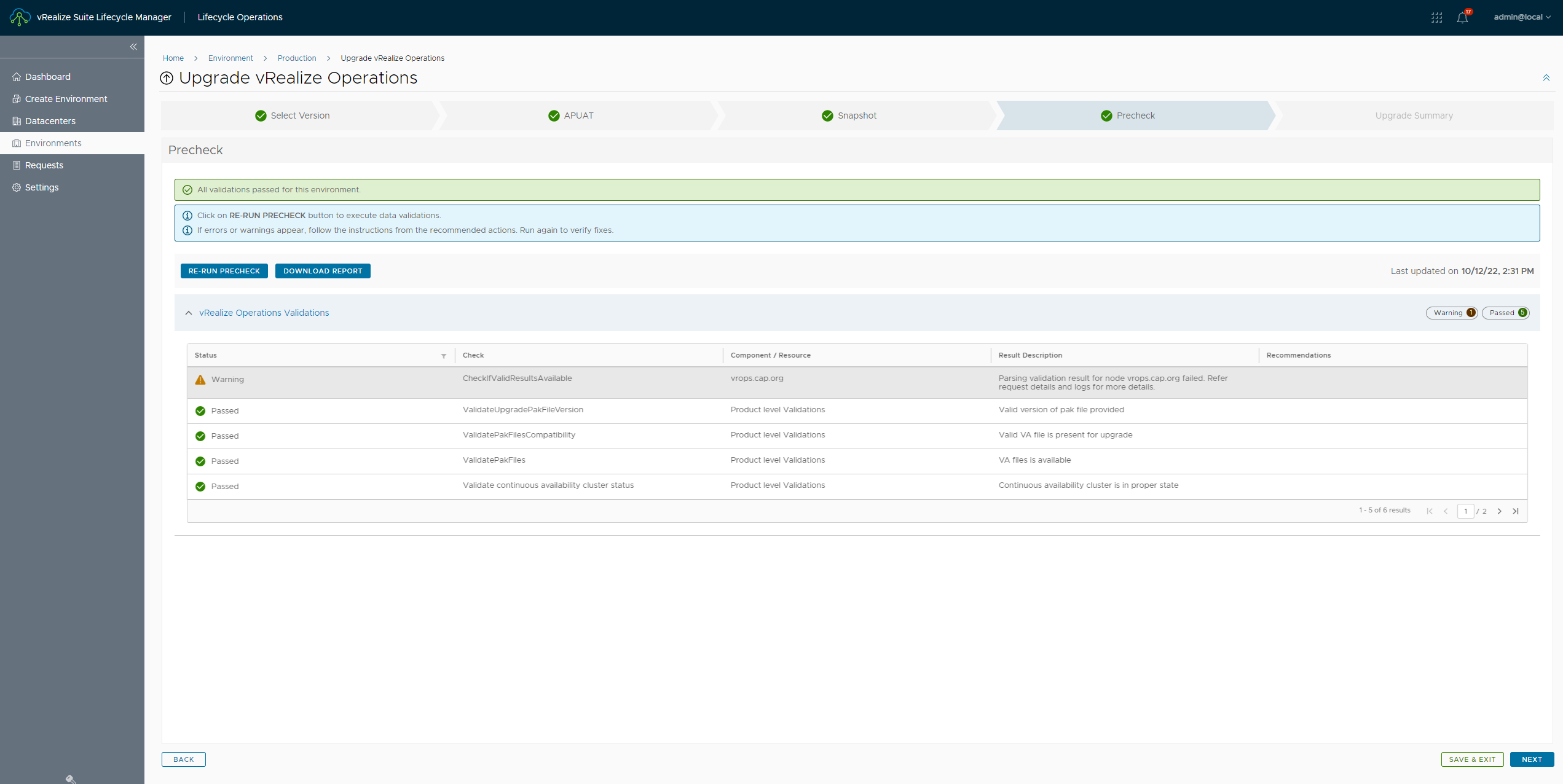
- Since the validations are successful , go ahead and initiate the upgrade
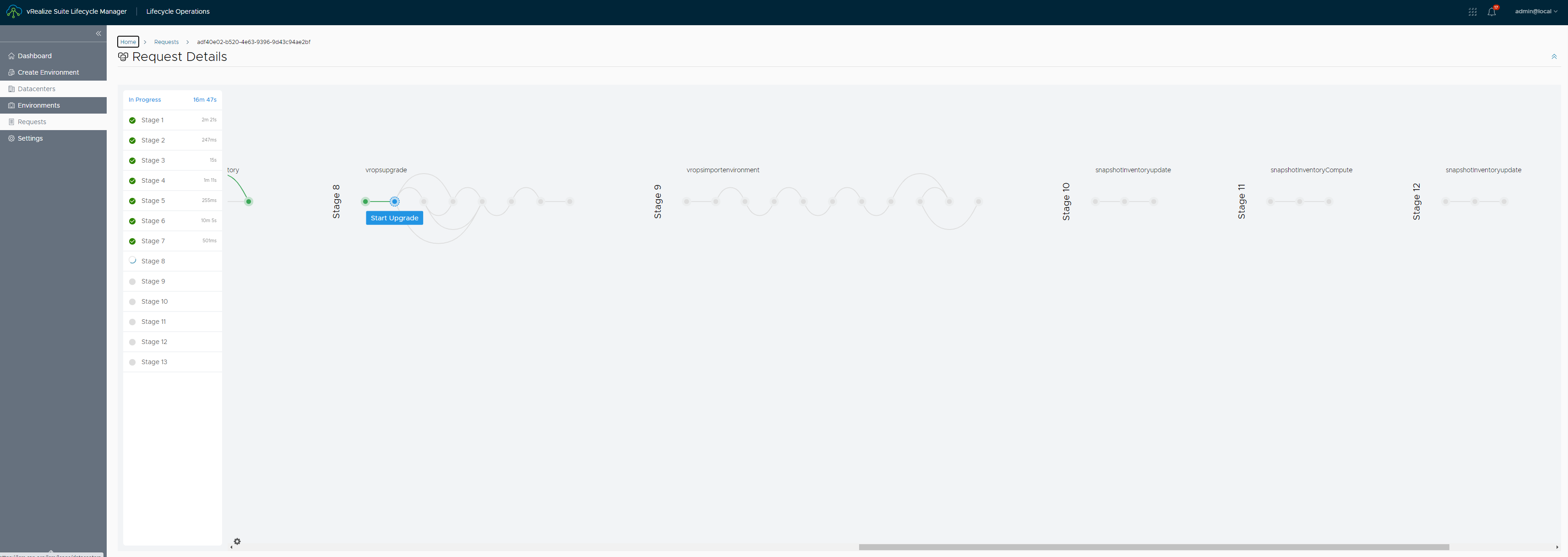
- The total upgrade time for a single node would be around 1 hour and 21 minutes
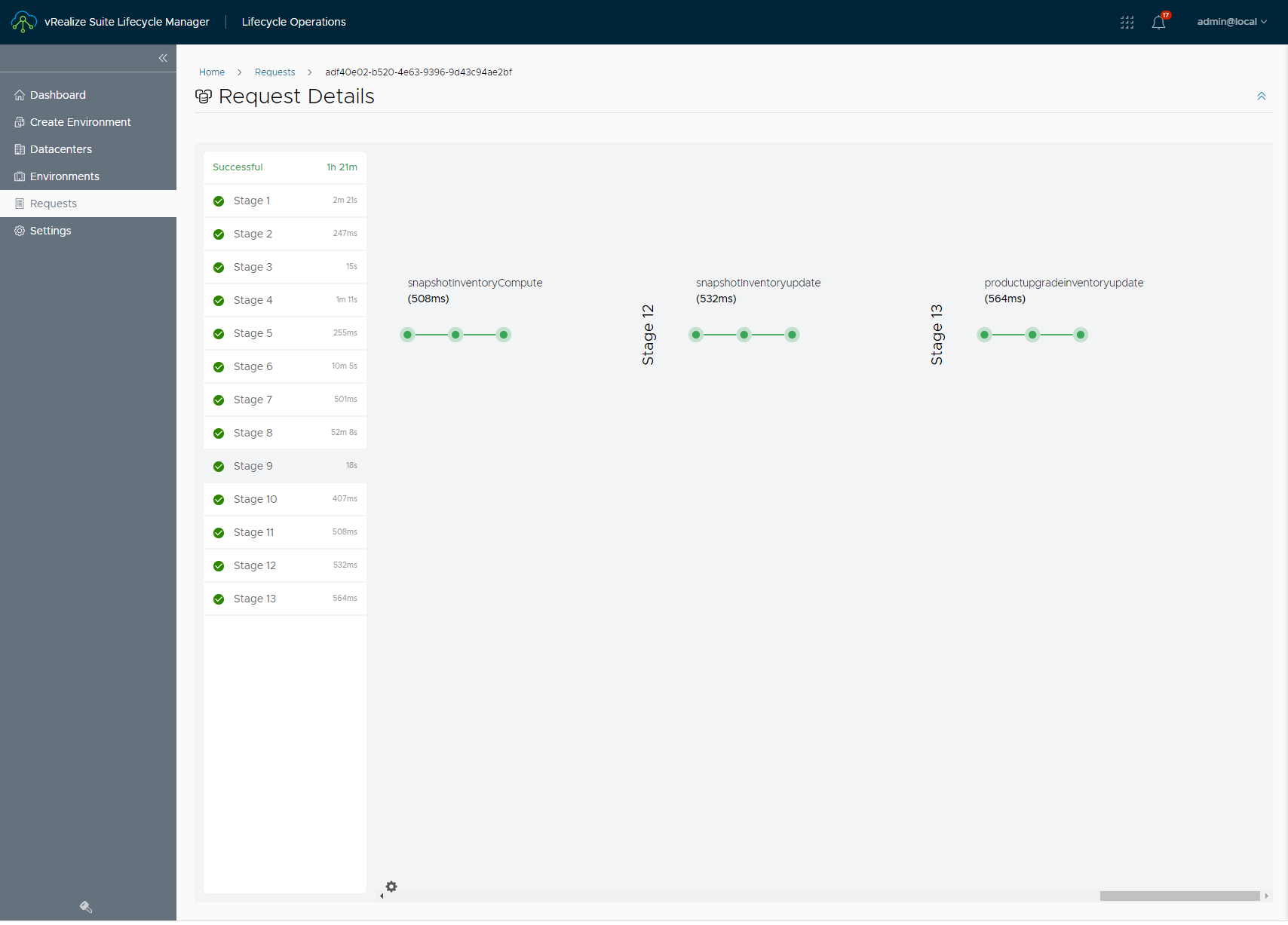
That's it for the upgrade.
Never miss a post
New guides on VMware Cloud Foundation, Aria Suite, and infrastructure automation. Follow the blog in your feed reader and new posts show up as soon as they are published.
Using a different reader? Copy the feed URL and add it there.