Patching VCF Operations 9.1.0.0 to 9.1.1.0

Browse to VCF Operations → Build → Lifecycle → VCF Management → Upgrade.
By this time, your Fleet Lifecycle and VCF Services Runtime components would already be on version 9.1.1.0. After those two there is no fixed order, so VCF Operations can go whenever it suits you, with one condition: while the VCF Operations patch is running, do not kick off patching for any other component. See Patching order for VCF Management Components, 9.1 to 9.1.1.
Run the prechecks
Select the VCF Operations component and run prechecks.
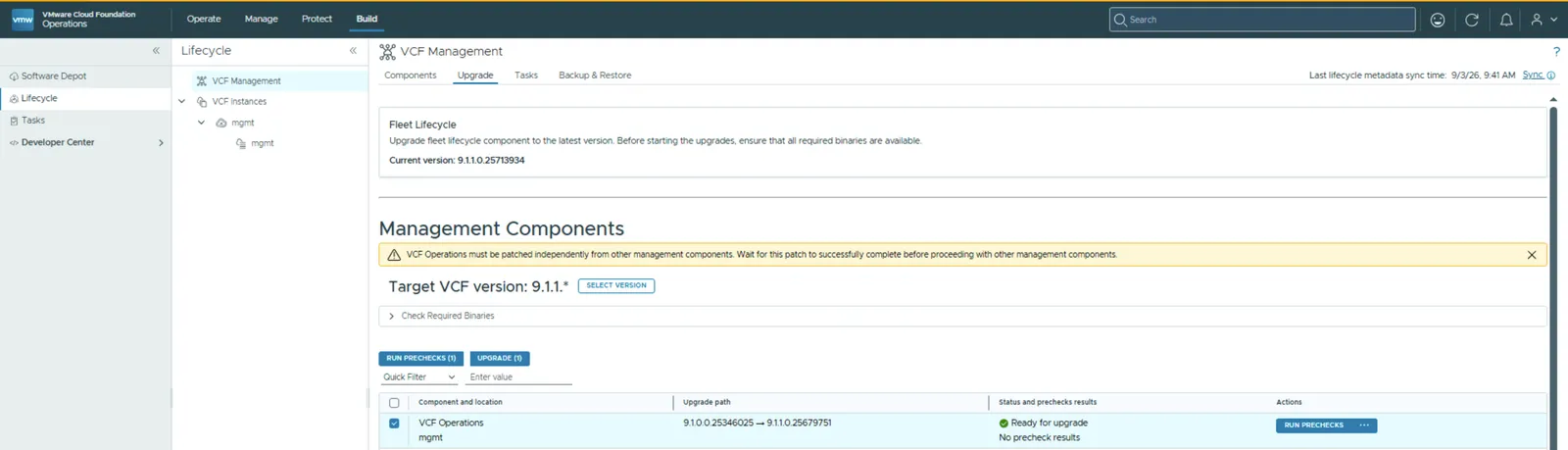
This would take a while to complete.
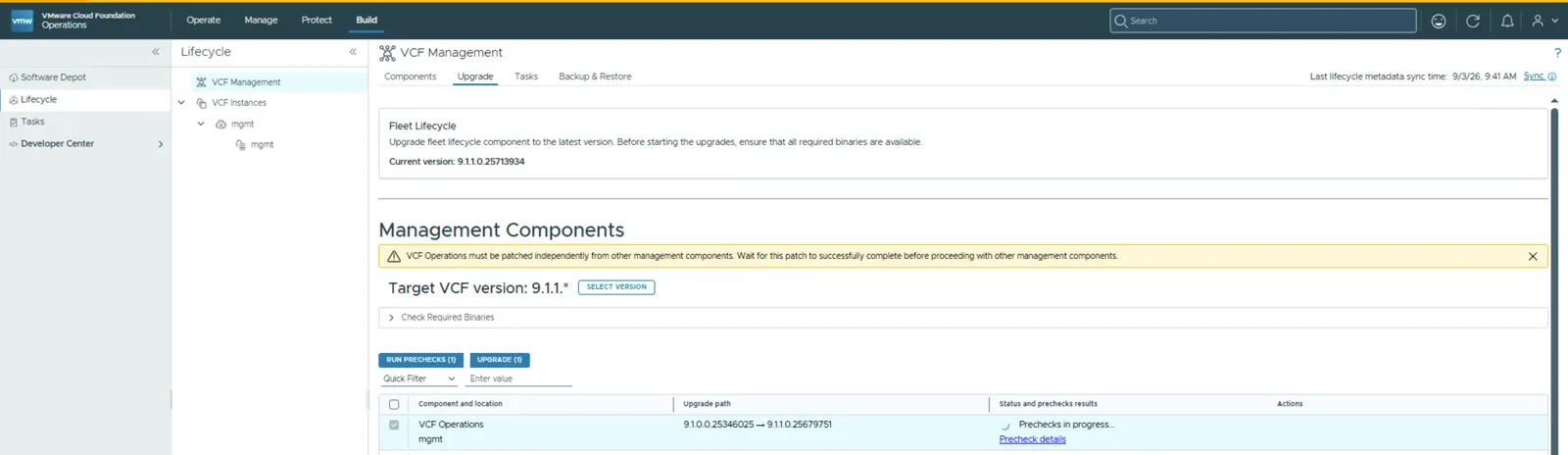
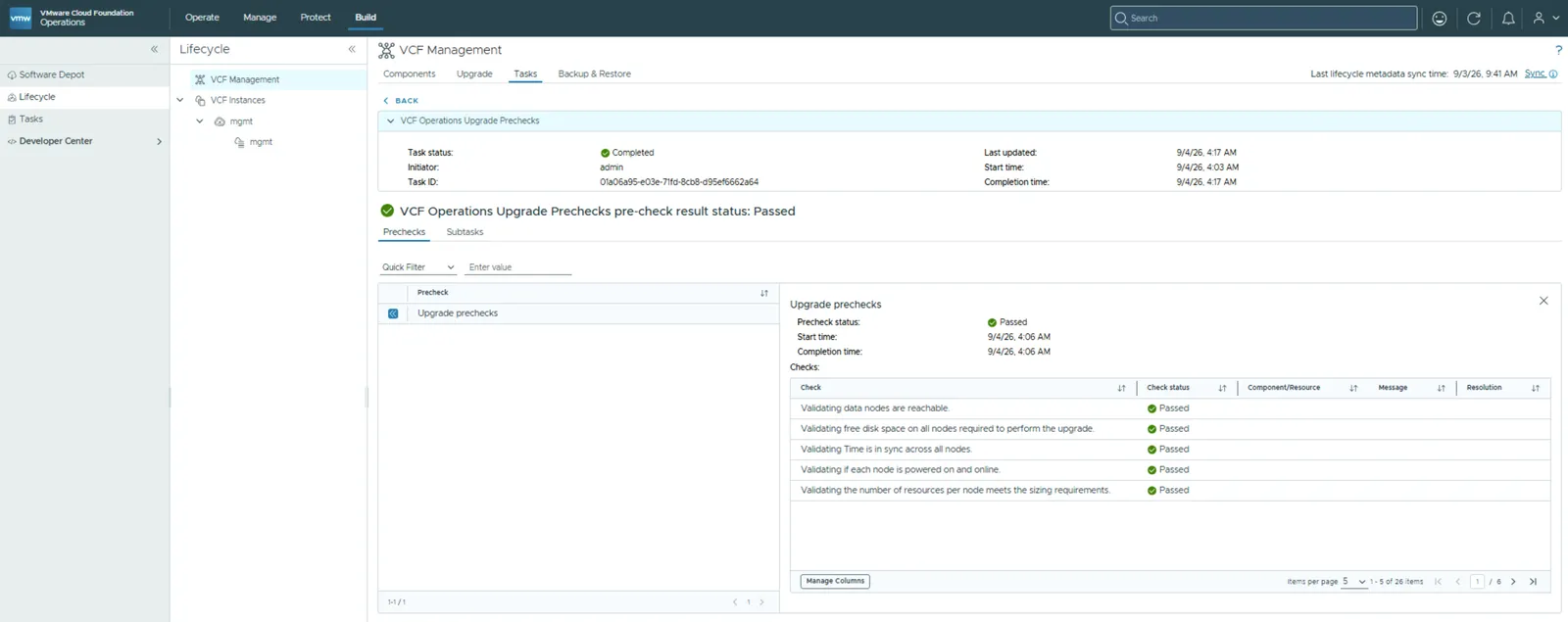
Ensure all of them pass and only then move on to patching. In my run the workflow returned a pre-check result status of Passed across 26 checks, covering things like data nodes being reachable, free disk space on all nodes, time being in sync across nodes, every node being powered on and online, and the number of resources per node meeting the sizing requirements.
Expect downtime for VCF Operations
Before you start, plan for downtime. Patching VCF Operations takes the product offline, so the VCF Operations UI will not be available until the services are back online. Anyone relying on it for dashboards, alerts, or troubleshooting will be locked out for the duration, so pick your window accordingly.
While the UI is down, you can still monitor the patch from the VCF Operations Admin UI, which stays available at https://<vcf-operations-fqdn>/admin throughout. That is where you watch progress and confirm the services coming back up.
Start the patch
Click Upgrade to start the procedure to patch VCF Operations.
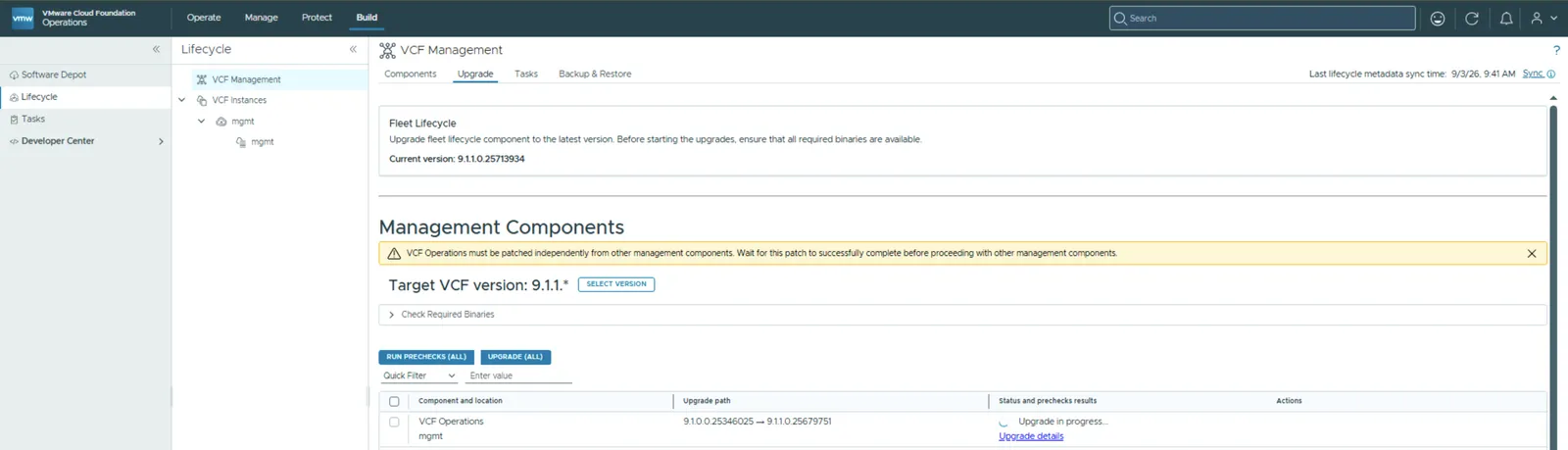
Patching complete
Patching is now complete.
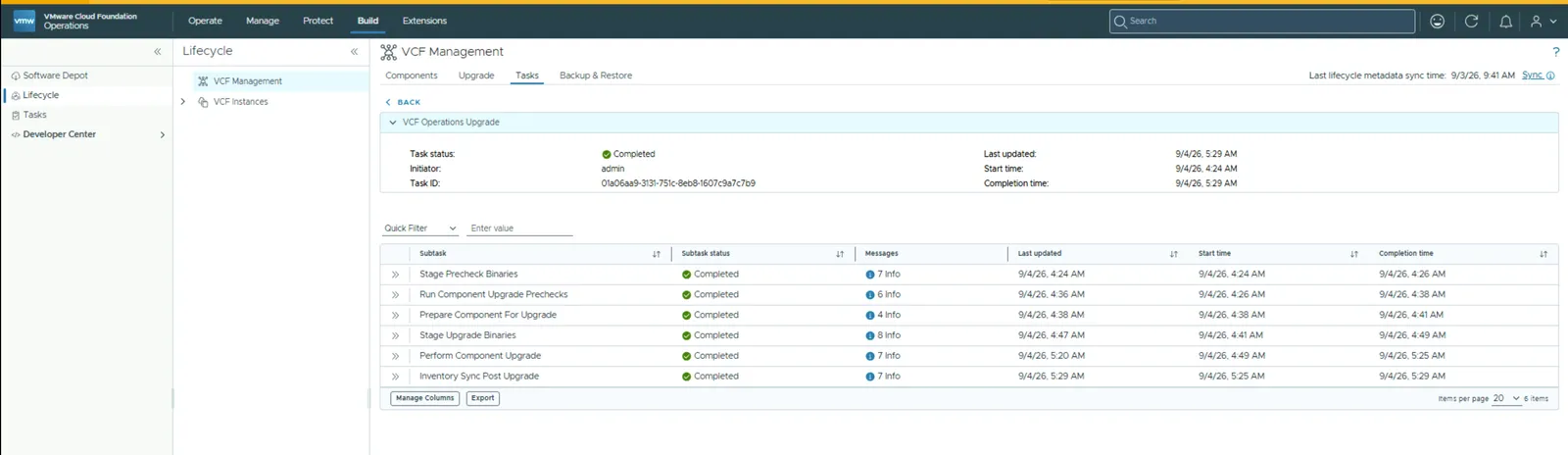
VCF Operations is now running on version 9.1.1.0, with the component summary reporting a status of Running.

For the full sequence across every management component, see Patching order for VCF Management Components, 9.1 to 9.1.1. For the wider picture on this release, including the known issues in VCF Operations, see VMware Cloud Foundation 9.1.1 is now available.
Never miss a post
New guides on VMware Cloud Foundation, Aria Suite, and infrastructure automation. Follow the blog in your feed reader and new posts show up as soon as they are published.
Using a different reader? Copy the feed URL and add it there.